




Edgepad
Like
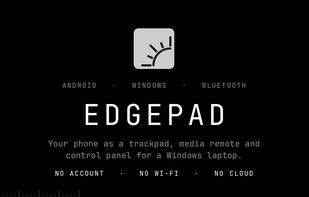
Use an Android phone as a Bluetooth trackpad, media remote and control panel for a Windows laptop. Corner dials, multi-finger gestures, on-screen keyboard and gamepad. No account, no Wi-Fi, no cloud.

Cost / License
- Free
- Open Source (MIT)
Platforms
- Windows
- Android

Features
Edgepad News & Activities
Highlights All activities
Recent activities
- akshit-bansal11 added Edgepad
- Fla updated Edgepad
 akshit-bansal11 added Edgepad as alternative to Unified Remote and KDE Connect

Edgepad information
Developed by
 Akshit Bansal
 Licensing
Open Source (MIT) and Free product.Alternatives
2 alternatives listedBadge
Get an embeddable badge for EdgepadSupported Languages
AlternativeTo Categories
Gaming Software, Remote Work & Education, Office & Productivity, Security & PrivacyGitHub repository
- 7 Stars
- 1 Forks
- 4 Open Issues
- Updated

No comments or reviews, maybe you want to be first?