


Cost / License
- Paid
- Proprietary
Platforms
- Mac
- iPhone
- iPad
 Portugal
 EU
EU



+9
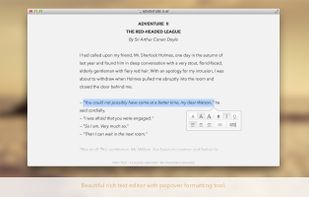


Sites and apps similar to Zen Editor include Zettlr, which is free and open source. Other options are Typora, ghostwriter, Clearly Markdown and MarkText. You're spoiled for choice with Text Editors like Zen Editor: we list more than 50 alternatives for Mac, Windows, Linux, iPhone and iPad.
PortugalEU
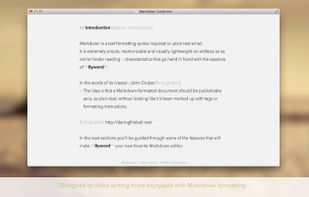
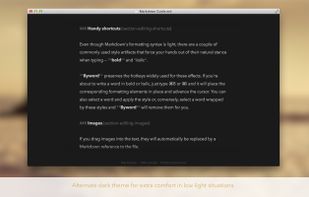
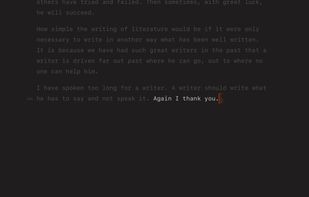
Super-clean writing space with a lot of configurability that stays out of sight when you don’t need it.




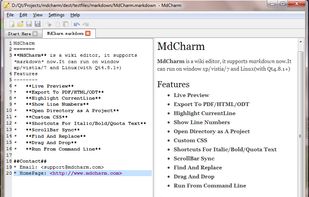
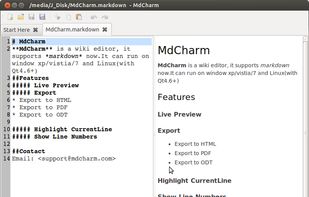
MdCharm is a wiki editor written in Qt which supports markdown. It has features like live preview, pdf/html/odt exporting, opening directory as project, custom css, code syntax highlighting and much more.


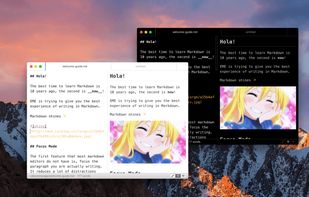
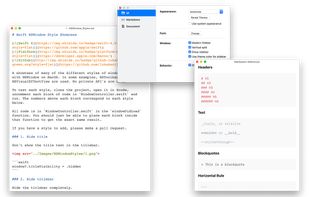
Elegant Markdown Editor (EME) is an intuitive Markdown text editor with distraction-free mode, auto-sync for GitHub Gist, math typesetting support and more.


MarkRight is a simple but very efficient Markdown editor built using Electron and ClojureScript. It uses a dual pane interface that lets you focus on the task of writing, while providing a live preview so you can instantly see the results.
 Japan
Japan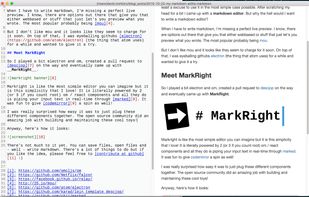


LightPaper lets you write your documents/articles/blogs using powerful features such as markdown, folder navigator, real and live preview, shadow notes, multi-tabs, custom styles, distraction free mode, syntax highlighting, math rendering, full GFM support including GitHub...
 United States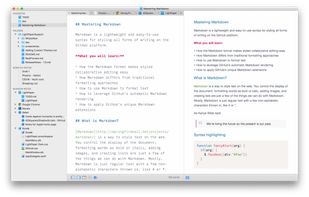


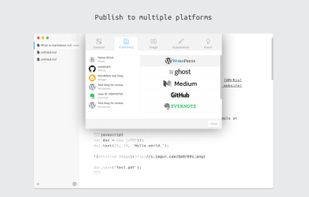
WordMark is a lightweight editor for markdown writers. You can easily publish posts to your blogs via WordMark including Wordpress, Ghost, Medium, Blogger, Github (Jekyll), Evernote, and so on.
 China
China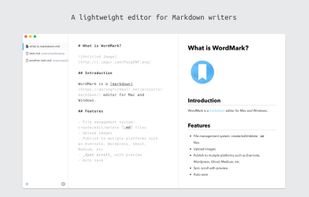
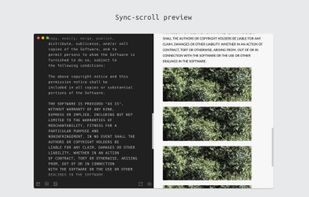


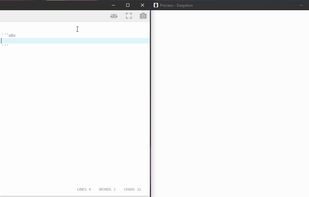
Deepdwn is a markdown editing suite, designed to organize and edit collections of markdown files.
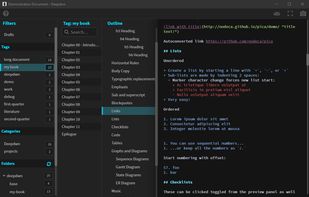
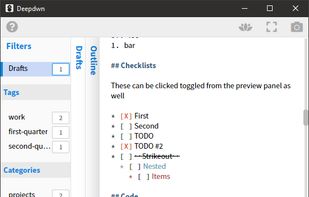


A modern macOS markdown editor - themeable, tabs, sidebar, GitHub flavored markdown, exporting, latex and more.
 Australia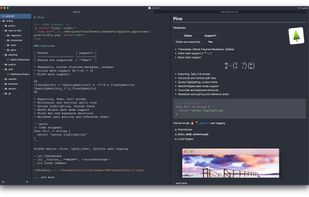


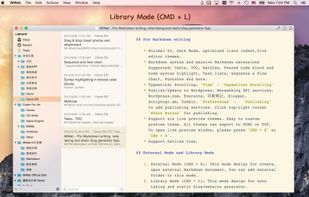
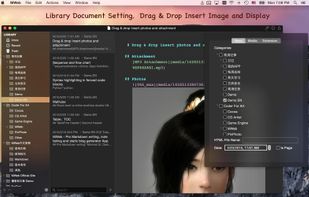
MWeb can handle professional-level markdown with support for markdown extensions. It provides publishing to various social networks and blogging formats, as well as various preview themes.
China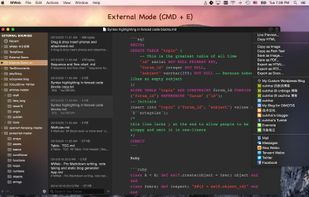


Markdown Edit is a Windows desktop Markdown editor with an emphasis on content and keyboard shortcuts. There is minimal window chrome and most functions are accessed through keyboard shortcuts.
United States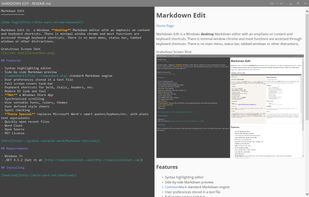


 Canada


