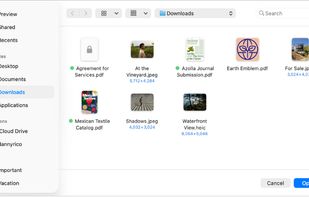
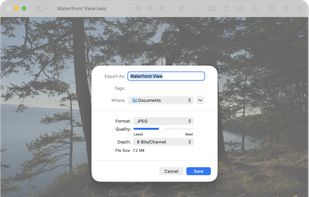
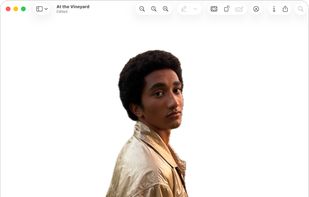
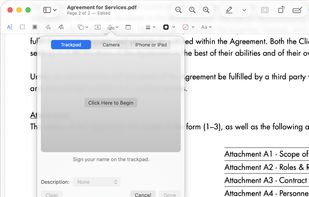
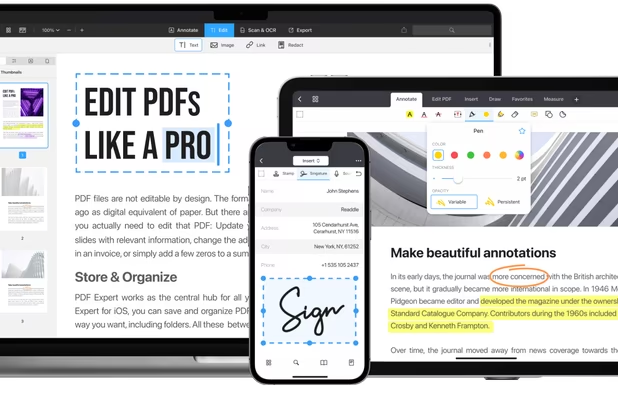
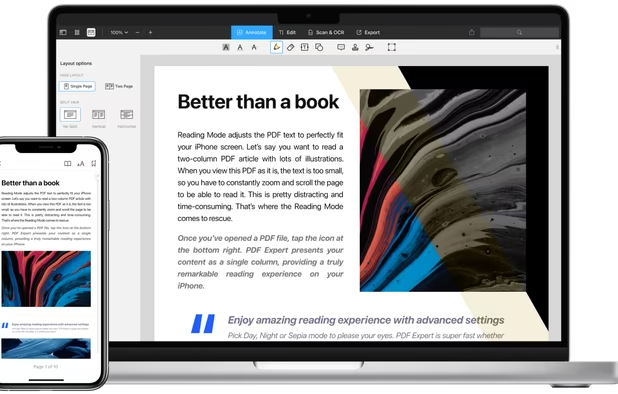
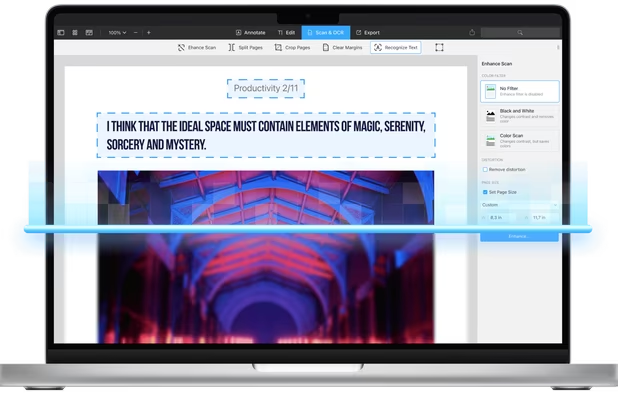
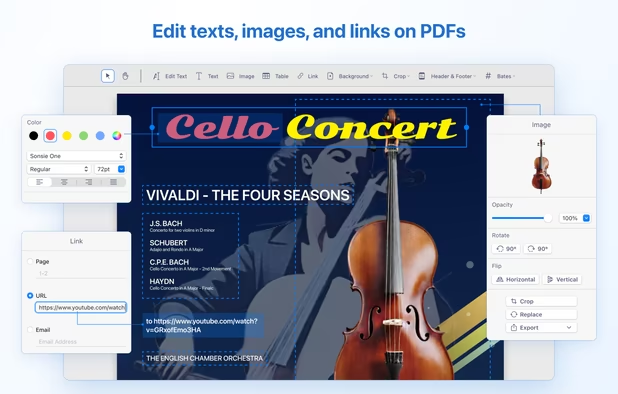
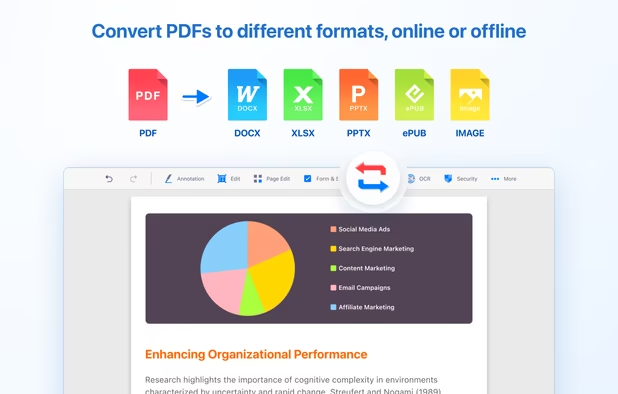
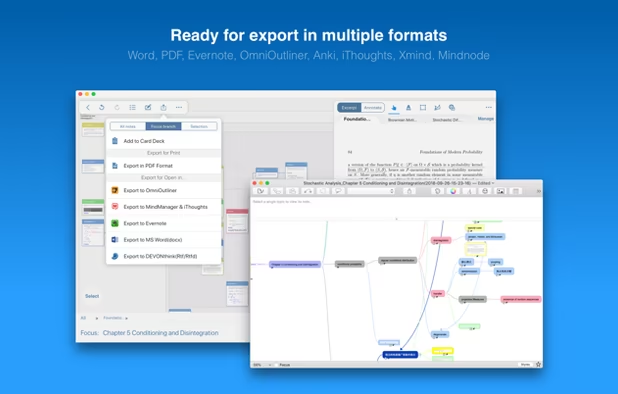
Native macOS app for viewing, annotating, and editing images and PDFs, featuring tools for cropping, rotating, resizing images, rearranging pages, full-screen viewing, markup, document merging, batch conversion, and export in multiple formats.


ZapPDF is described as 'The ultimate privacy-first PDF utility. Whether you are dealing with sensitive financial documents, legal forms, or heavy study materials, ZapPDF gives you the power to manage them instantly—without ever uploading your private files to a random cloud server' and is an app in the office & productivity category. There are more than 50 alternatives to ZapPDF for a variety of platforms, including Windows, Mac, iPhone, iPad and Linux apps. The best ZapPDF alternative is Okular, which is both free and Open Source. Other great apps like ZapPDF are Foxit PDF Reader, Xournal++, PDF Arranger and Evince.
Native macOS app for viewing, annotating, and editing images and PDFs, featuring tools for cropping, rotating, resizing images, rearranging pages, full-screen viewing, markup, document merging, batch conversion, and export in multiple formats.


Free open-source web software for signing (alone or with others), organizing (merge, sort, rotate, delete, extract pages, ...), editing metadatas or compressing PDFs.


Xournal is an application for notetaking, sketching, keeping a journal using a stylus. It is free software (GNU GPL) and runs on Linux (recent distributions), Windows and other GTK+/Gnome platforms.


Xodo is the ultimate cross-platform PDF viewer and annotator. Powerful, fast, and optimized for all phones and tablets, Xodo makes it easy to access, edit, share, sync, manage, sign, and more.


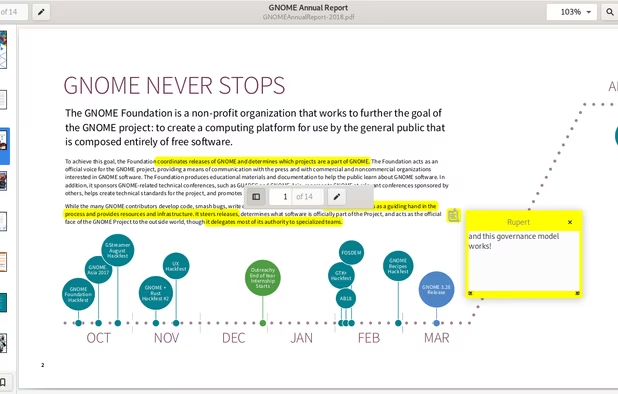
A document viewer for the GNOME desktop. You can view, search or annotate documents in many different formats.


PDFTK Builder is a free graphical interface to for PDFtk, making it much easier to use. It is a easy to use tool to collate (merge), split, encrypt, decrypt, stamp and rotate (only 90°, 180° or 270°) pdf documents.


Read, annotate, and highlight PDFs, fill interactive forms with saved input, underline or strike through text, manage bookmarks, sync files from cloud services, and share documents. Compatible with Preview and Adobe Acrobat annotations, supporting extensive iOS features.


Nitro offers comprehensive PDF solutions for editing, creating, and converting, alongside OCR and e-signature tools. Supports Mac, Windows, and iOS, providing a user-friendly interface with industry-standard security features. Ideal as an Adobe Acrobat alternative.


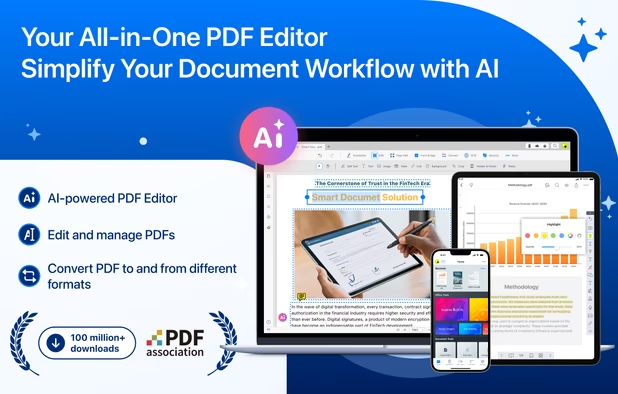
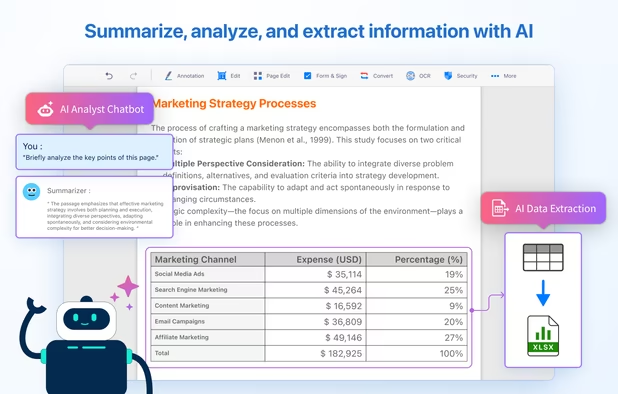
Comprehensive solution for editing, signing, form filling, OCR scanning, commenting, converting, and redacting PDFs, with AI-driven analysis and content extraction, data export to spreadsheets, text-to-speech, seamless use across desktop and mobile, and batch processing.


Comprehensive suite offering eSign, OCR, multi-platform editing, cloud integration, and robust security. Ideal for professional or personal use, facilitating collaboration while protecting content.


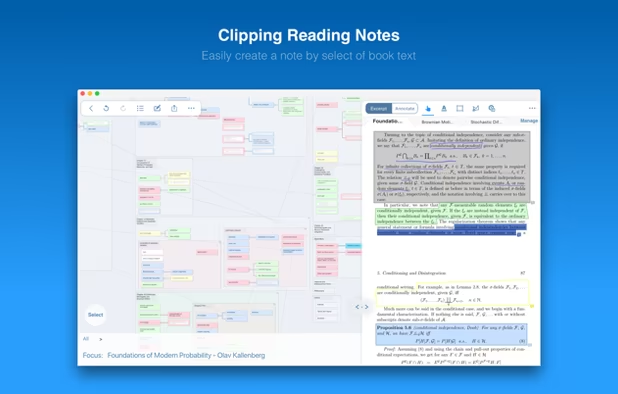
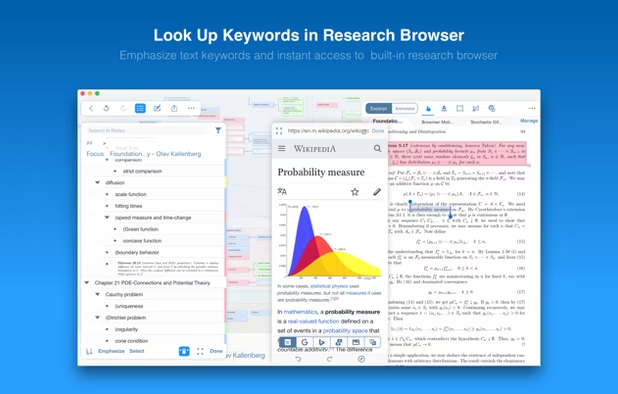
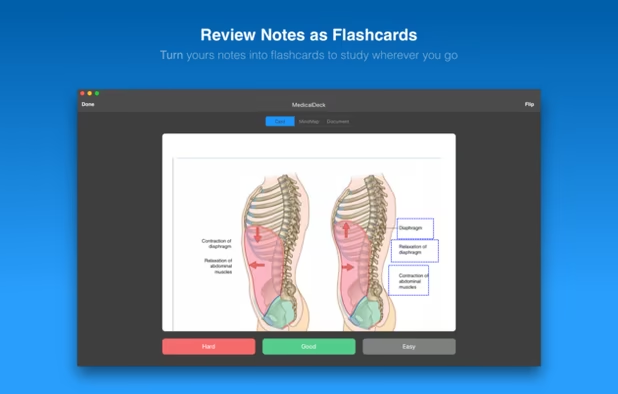
Integrating powerful tools for book annoation, mindmapping, flashcards and more, to build up your reading notes as never before.