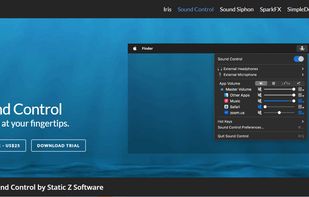
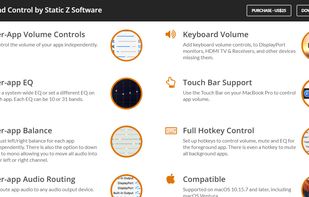
Sound Control adds per-app volume and EQ controls to your Mac apps. Route your apps to different audio devices. Add volume controls to your devices.
Cost / License
- Paid
- Proprietary
Application type
Platforms
- Mac
 United States



Apps similar to Volumouse include EarTrumpet, which is free and open source. Other options are FineTune, X-Mouse Button Control, 7+ Taskbar Tweaker and FastKeys. You can choose from more than 10 Volume Control Tools like Volumouse for Windows, Linux, Mac, the web and Android.
Sound Control adds per-app volume and EQ controls to your Mac apps. Route your apps to different audio devices. Add volume controls to your devices.
United States
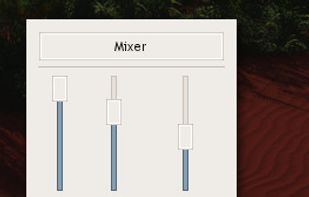
Audio Sliders is a audio control panel that is much smaller than and yet far more feature-rich than the standard Windows version. Features include... basics adjustment of volume/bass/treble levels; preset storage of different audio levels for different tasks; customizable global...
 Australia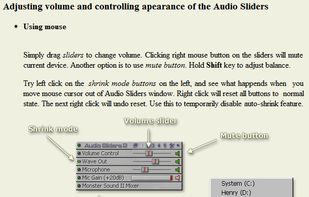





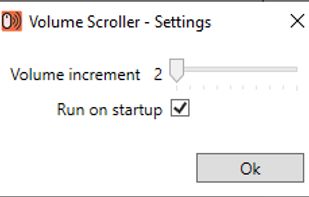
Volume Scroller allows you to quickly change the system volume. All you have to do is hold the mouse pointer over the taskbar and turn the mouse wheel.


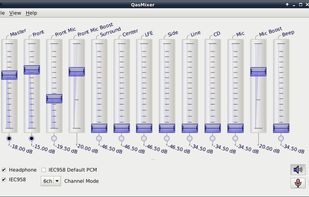
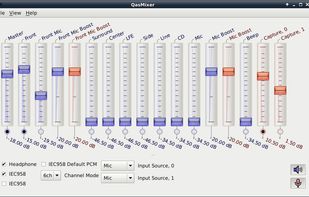
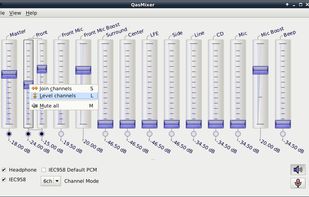
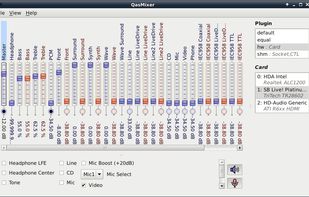


VolWheel is a little application which lets you control the sound volume easily through a tray icon you can scroll on. It is written in Perl/Gtk2 and works both for ALSA and OSS. You can configure it quickly through its configuration interface.


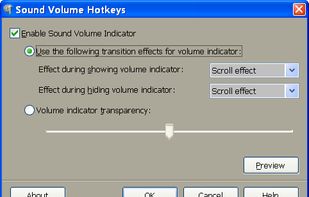
This tool allows to control sound volume using system-wide hotkeys. Customizable on-screen sound volume indicator will show you the current level.
United States



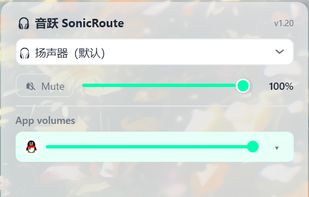
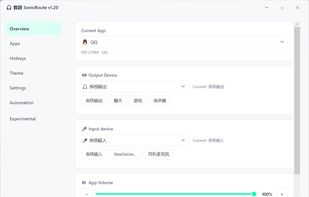
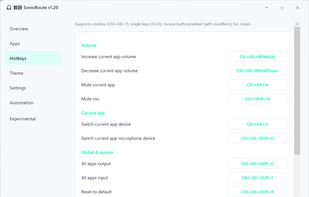
SonicRoute is a free, open-source audio control utility for Windows 10 and Windows 11. It runs in the system tray and provides quick access to the volume, mute state, and input and output devices of individual applications.


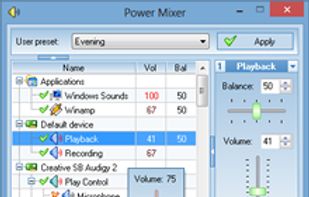
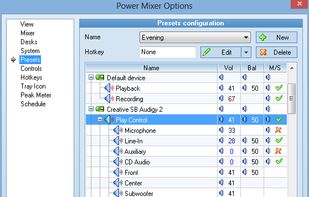
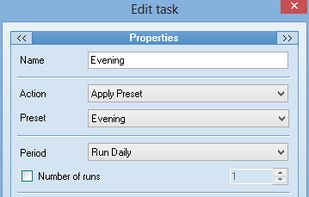
Power Mixer is a complete Windows volume control replacement. It includes audio mixer, scheduler, hot keys support, command line support, the ability to store and recall different presets.



Volume Scroll lets you control your main volume by hovering with your mouse cursor over the top menubar and scrolling up or down to change your volume.


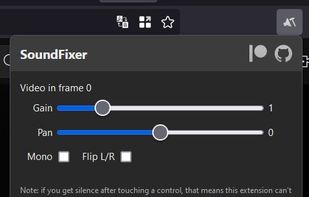
Helps you fix annoying sound problems on sites like YouTube: audio in one channel only, too quiet or too loud.