


Notepad is a fast and distraction-free online writing space. Capture thoughts, take notes, and share instantly. Perfect for quick ideas, to-do lists, etc.
Cost / License
- Free
- Proprietary
Application type
Platforms
- Online



Visual Studio Code is a cross-platform, extension-driven code editor with IntelliSense-style completion plus integrated Git and debugging workflows. Users praise its versatility and ease of use for many programming workflows, though some complain it can feel resource-intensive and may get slower over time, especially after updates.
VSCodium tops the rankings as a fully open-source build of Code - OSS that removes telemetry while keeping most VS Code functionality and extensibility. Privacy-focused developers who want a VS Code-like experience often choose VSCodium specifically to avoid telemetry, though some Microsoft extensions may be unavailable. Sublime Text ranks second and is repeatedly praised for outstanding speed and being less resource-intensive than VS Code, making it popular with developers on slower machines or large projects.
The alternatives landscape spans lightweight text editors like Vim and Notepad++ to newer AI-first editors like Zed Editor, with over 100 alternatives covering code editors, full IDEs, and terminal-based editors.
Visual Studio Code is a code editor, but the alternatives span different approaches to development workflows. Open source options like VSCodium, Vim, and GNU Emacs appeal to users who want transparent licensing and community-driven tooling. For privacy-focused development, VSCodium and Helix emphasize no-tracking and telemetry prevention features.
Linux users have native options in VSCodium, Kate, and Lapce. Web-based development suits users who want browser-based environments - Replit and Firebase Studio run online for coding without local setup. For developers who live in the terminal, Micro, Neovim, and Helix target command-line workflows useful for SSH-heavy or low-overhead environments.
Notepad is a fast and distraction-free online writing space. Capture thoughts, take notes, and share instantly. Perfect for quick ideas, to-do lists, etc.

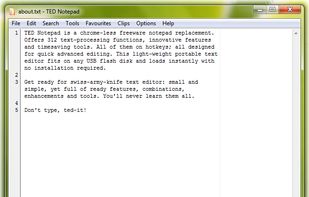
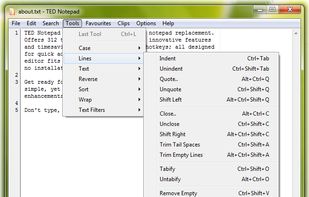
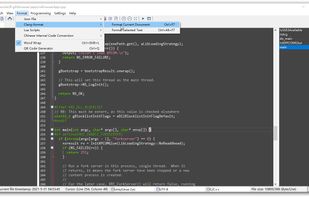
Replace notepad with free Unicode notepad replacement, rich in innovative features, text-processing functions, tools and hot-keys.


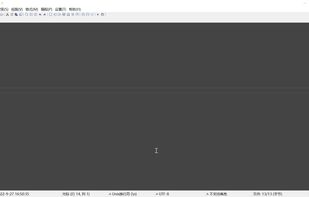
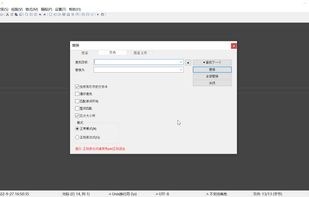
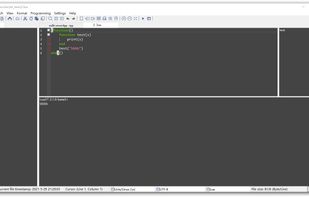
Skylark Edit is written in C, a high performance text/hex editor. Embedded Database-client/Redis-client/Lua-engine. You can run Lua scripts and SQL files directly.


Tilde is a text editor for the console/terminal, which provides an intuitive interface for people accustomed to GUI environments such as Gnome, KDE and Windows. Example: copy current selection is Control-C; paste previously copied text is Control-V.
 Netherlands
 EU
EU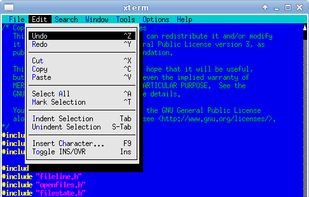


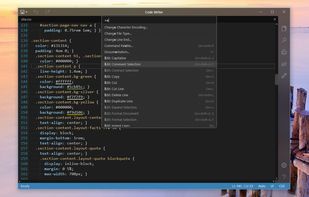
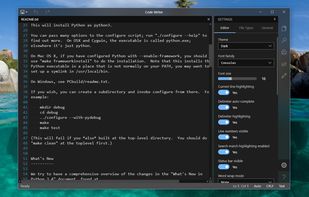
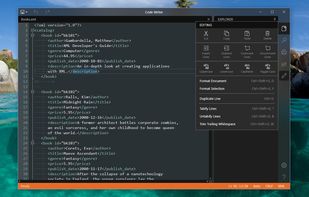
Code Writer is a free text and code editor app for the Windows platform, downloadable from the Windows Store. Use it as a replacement for Notepad and other quick edit apps.
 United States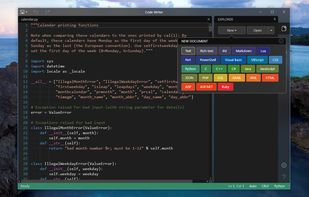


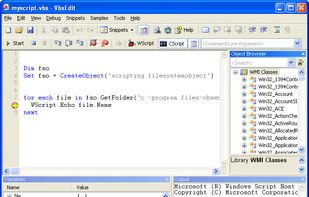
VbsEdit, the award-winning VBScript editor that dramatically reduces the time you spend writing .VBS scripts



Code (formerly known as Scratch) is an advanced text editor built for and bundled with elementary OS. A very intuitive interface keeps complex functionality like Vim emulation, Git and terminal integration accessible but out of the way while...
United States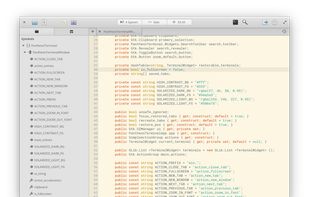




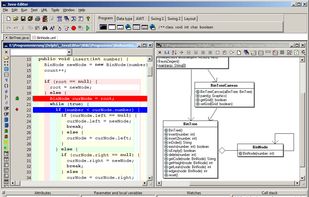
Integrated Java development environments set high requirements on the computer equipment.


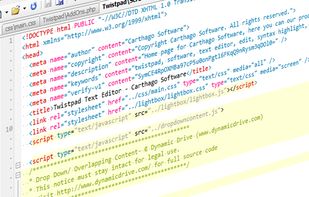
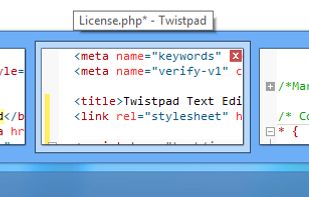
Twistpad is a fully featured text and code editor for Windows. Twistpad can be used as a simple notepad replacer, or a featured packed editor targeting web and software developers.
 GermanyEU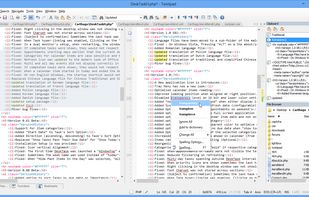



HTML Kit is a full-featured free editor for HTML, XHTML, XML, CSS, JavaScript, PHP and other text files. 400+ plugins are available for it, including HTML Tidy for creating standards-compliant web pages. HTML-Kit has received 95% thumbs up on Download.


TEA is free text editor for Linux, *BSD, OS/2, Windows, Haicu. It depends on Qt 4.6+ or Qt 5 or Qt6, zlib and, optionally, on Aspell or Hunspell. The old (but renewed) branch, TEA-GTK depends on GTK+ 3 and GtkSourceView 3.
 Russia


