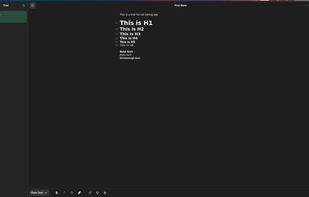
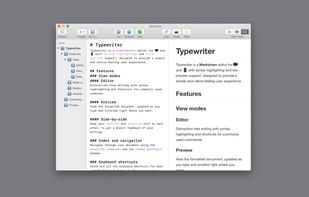
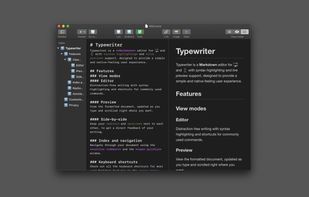
Typewrite is a real-time collaborative writing environment with Markdown support, versioning and Dropbox syncing.
Cost / License
- Freemium
- Proprietary
Platforms
- Online


Apps similar to Typora include Joplin, which is open source with a free version. Other options are Zettlr, HelixNotes, Beaver Notes and SiYuan. There's no shortage of Note-taking Tools like Typora, with more than 100 alternatives for Mac, Windows, Linux, the web and iPhone.
Typewrite is a real-time collaborative writing environment with Markdown support, versioning and Dropbox syncing.

Imagine a hassle-free text-writing experience. Don't worry about saving files, complex markup, or accidentally deleted notes.
 Estonia
 EU
EU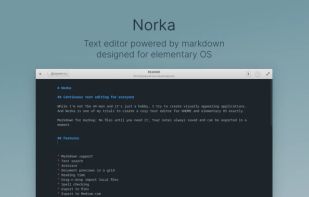
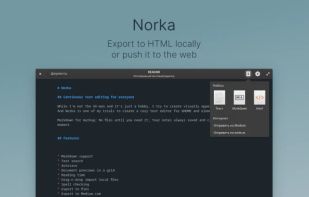
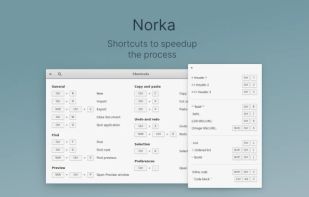


LightPaper lets you write your documents/articles/blogs using powerful features such as markdown, folder navigator, real and live preview, shadow notes, multi-tabs, custom styles, distraction free mode, syntax highlighting, math rendering, full GFM support including GitHub...
 United States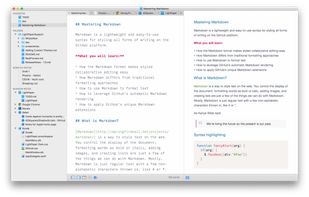


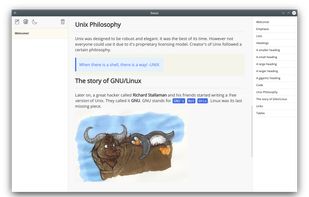
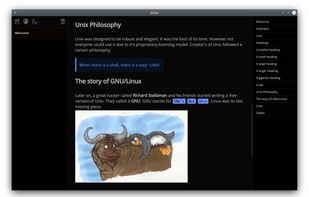
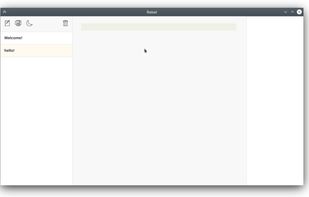
Rebel aims to provide you a distraction-free note taking experience. Focus more on writing and less on formatting and saving. As you write your note, Rebel will format it based on your markdown syntax.


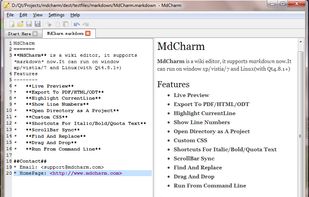
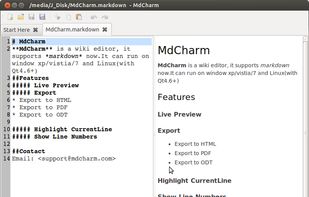
MdCharm is a wiki editor written in Qt which supports markdown. It has features like live preview, pdf/html/odt exporting, opening directory as project, custom css, code syntax highlighting and much more.


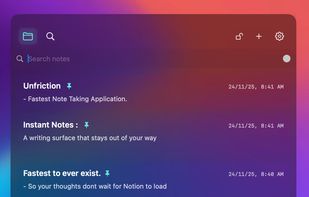
Opens in less than 400ms via global shortcut, offers overlay notes on top of all windows, extracts text from screenshots using OCR, stores data offline by default, auto-pauses on lock and resumes, all in a minimal, clutter-free and distraction-free writing surface.


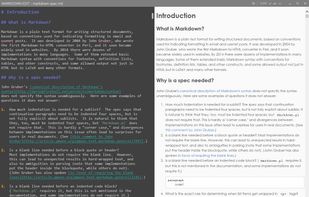
Markdown Edit is a Windows desktop Markdown editor with an emphasis on content and keyboard shortcuts. There is minimal window chrome and most functions are accessed through keyboard shortcuts.
United States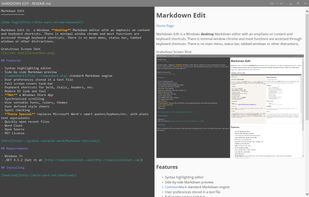


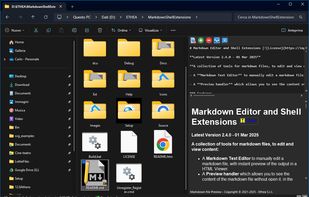
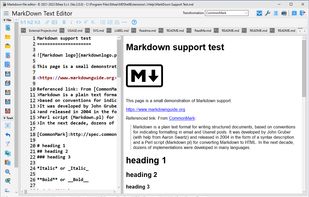
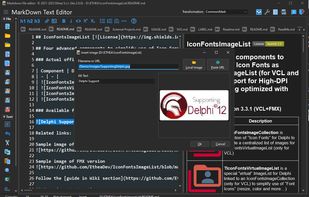
A Markdown Text Editor to manually edit a markdown file, with instant preview of the output in a HTML Viewer.
 ItalyEU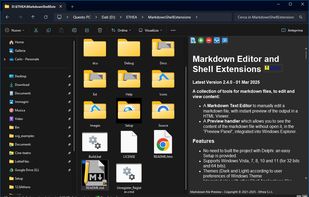


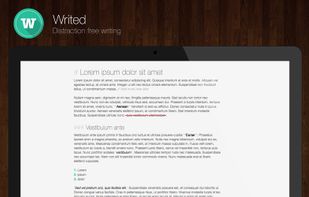
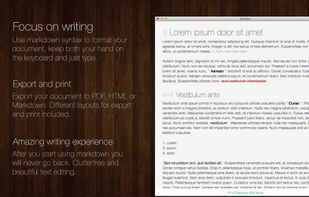
Writed is a distraction free text editor that will help you type more in less time. Writed uses markdown* syntax to format your document in real time, keep both your hand on the keyboard and just type.





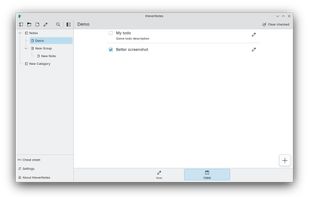
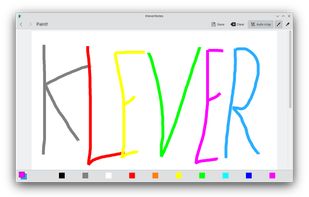
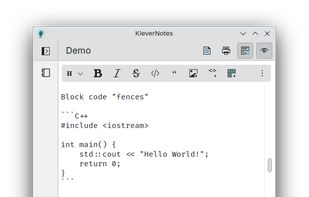
KleverNotes is a note-taking and management application for your mobile and desktop devices. It uses Markdown and allows you to preview your content.
 GermanyEU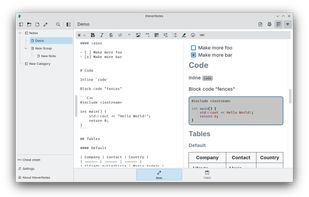


 Canada