





TrimrPix
2 likes
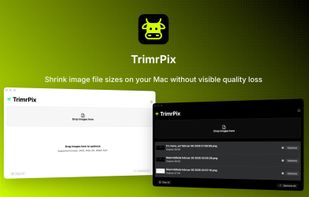
TrimrPix shrinks image file sizes on your Mac without visible quality loss. Supports JPEG, PNG, GIF, WebP, AVIF, and HEIC. Drag, drop, done — fully offline, no subscriptions.

Cost / License
- Pay once
- Proprietary
Application type
 EU
EUPlatforms
- Mac


Features
Highlights All activities
TrimrPix News & Activities
Recent News
No news, maybe you know any news worth sharing?
Share a News Tip
Recent activities
 Joshua Omilian added TrimrPix as alternative to Shrinker Pro
- scorpion7slayer added TrimrPix as alternative to Minime App
 dcarrero added TrimrPix as alternative to ImageForge
 Paul added TrimrPix as alternative to GetCompress
- brokesimp69 liked TrimrPix
- Ben liked TrimrPix


Developed by
 IAMJARL
 Licensing
Proprietary and Commercial product.Pricing
One time purchase (perpetual license) that costs $2.Alternatives
18 alternatives listedBadge
Get an embeddable badge for TrimrPixSupported Languages


Comments and Reviews
May I ask which technology this is using?