





Dinky
19 likes
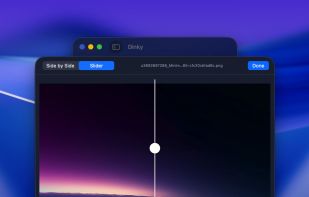
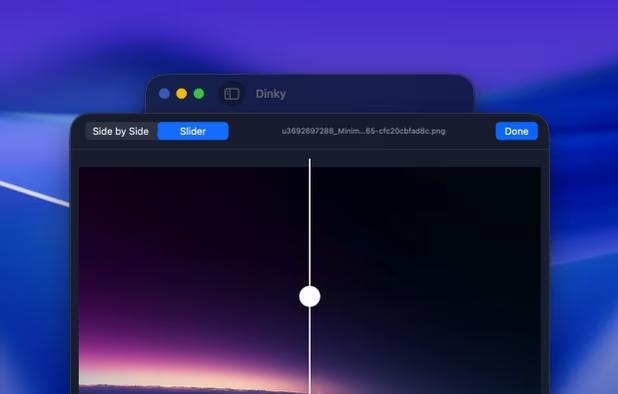
Free macOS tool for compressing images, videos, and PDFs—just drag and drop to support numerous formats, flatten or rewrite PDFs, remove metadata, set size targets, preserve quality, and save compressed files alongside originals without internet required.
Cost / License
- Free
- Open Source (MIT)
Application typeApplication types
Platforms
- Mac


Features
Dinky News & Activities
Highlights All activities
Recent News
No news, maybe you know any news worth sharing?
Share a News Tip
Recent activities
 Danilo Venom added Dinky as alternative to ImageCrush
- pepenope liked Dinky
 Joshua Omilian added Dinky as alternative to Shrinker Pro
 karimz1 added Dinky as alternative to ImgCompress
- scorpion7slayer added Dinky as alternative to Minime App
 dcarrero added Dinky as alternative to ImageForge
- cengisyildis liked Dinky


Dinky information
Developed by
 Derek Castelli
 Licensing
Open Source (MIT) and Free product.Written in
Alternatives
65 alternatives listedBadge
Get an embeddable badge for DinkySupported Languages

AlternativeTo Categories
Photos & Graphics, Video & Movies, File Management, OS & UtilitiesGitHub repository
- 515 Stars
- 22 Forks
- 4 Open Issues
- Updated



No comments or reviews, maybe you want to be first?