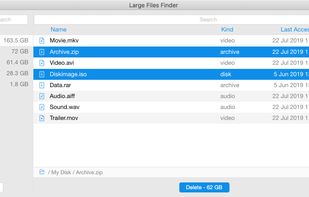
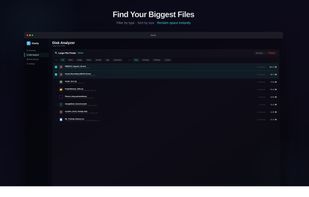
Large Files Finder will help you to instantly find and delete large files that occupy your hard drive on Windows, Mac, and Linux.
Cost / License
- Free
- Proprietary
Application type
Platforms
- Mac
- Windows
- Linux
 Cyprus
 EU
EU


Apps similar to TreeSize include WinDirStat, which is free and open source. Other options are WizTree, Baobab Disk Usage Analyzer, SD Maid SE and Filelight. There's no shortage of Disk Usage Analyzers like TreeSize, with more than 100 alternatives for Windows, Mac, Linux, Android and the web.
Large Files Finder will help you to instantly find and delete large files that occupy your hard drive on Windows, Mac, and Linux.
CyprusEU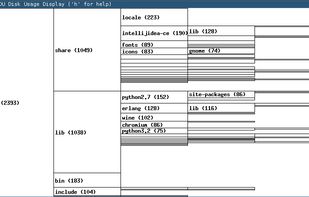

Program to help recover disk space. Gives pie-chart view of disk usage, including unused space, with the ability to drill down into folders. Shows actual or nominal space occupied. Knows about the effects of cluster sizes.


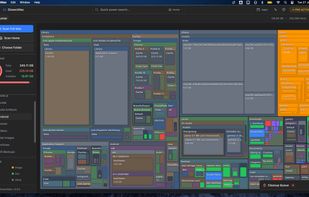
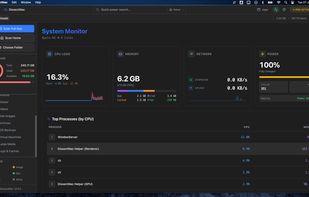
DissectMac is a native, privacy-first macOS utility that uses an interactive treemap to visualize storage, allowing users to reclaim gigabytes in seconds through deep app uninstallation and real-time system monitoring.
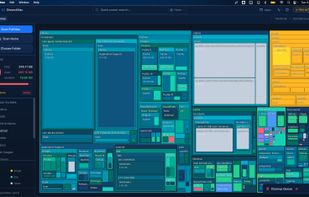
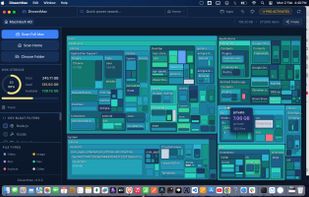


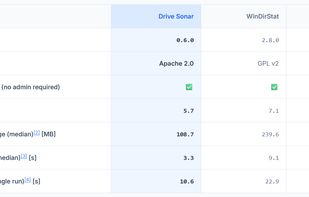
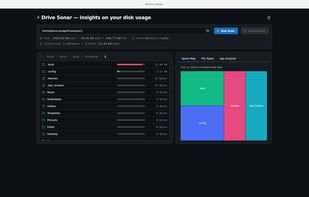
Drive Sonar is a fast, lightweight desktop disk usage explorer and analyzer built with Tauri, Rust, React, and TypeScript.
 India
India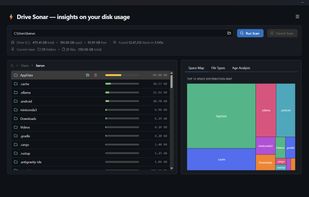



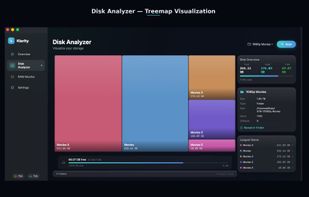
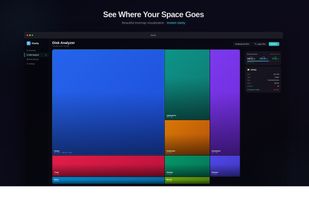
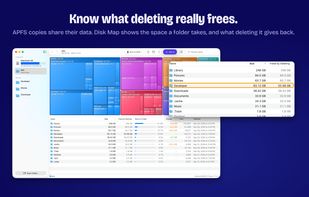
Klarity is a disk space analyzer for macOS that shows where your storage went as a treemap: every file and folder is a rectangle sized to scale, so the biggest items are visible at a glance instead of being found one folder at a time.
India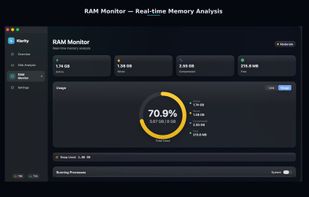

 Canada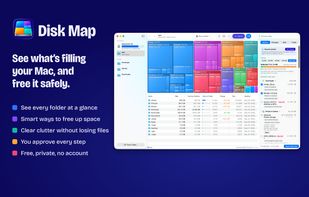



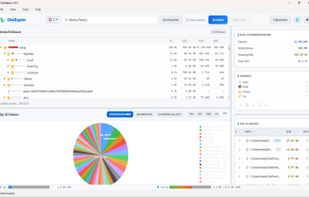
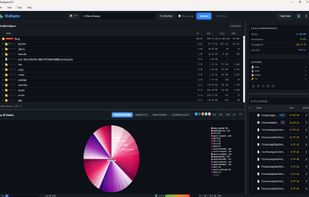
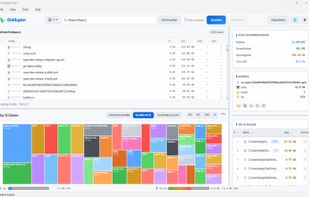
Diskraptor is a fast and lightweight cross-platform disk analyzer designed to give users a clear and detailed overview of their storage usage. Powered by a high-performance Rust engine, it scans millions of files in seconds and presents the results in an intuitive, responsive...
 ItalyEU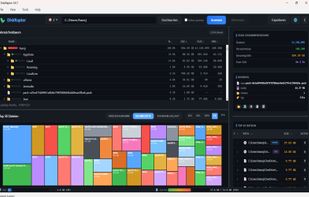

MacDirStat is a free, open-source disk space analyzer for macOS, inspired by WinDirStat. It scans a drive or folder and draws every file as a color-coded rectangle sized by its disk usage, so the biggest files and folders stand out at a glance.
 United States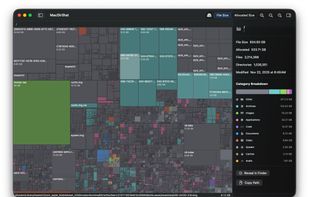


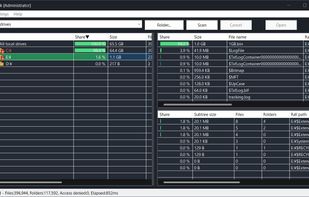
A native Windows application for quickly analyzing disk usage and finding the files and folders that consume the most space.

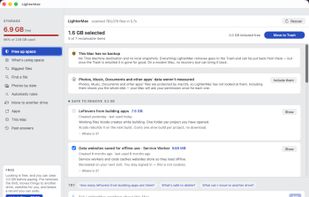
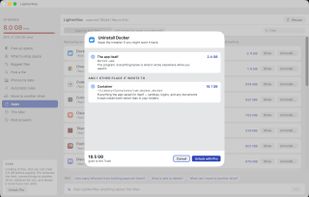
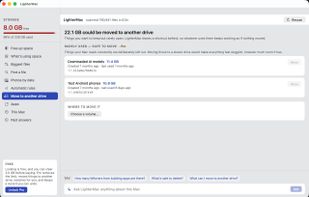
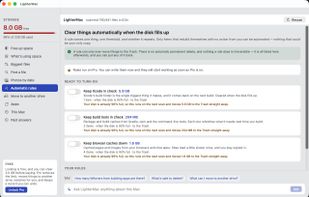
LighterMac opens up the “System Data” your Mac won't explain and tells you, item by item, what each thing is and what happens if you delete it (“Xcode rebuilds it on the next build”, “this may be your only copy”).