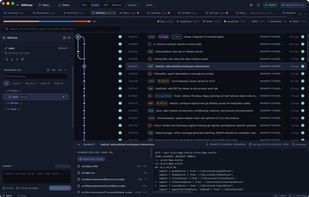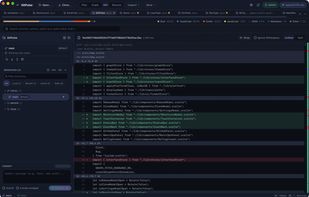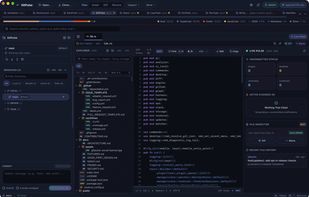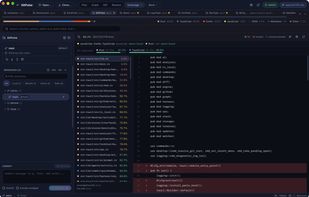


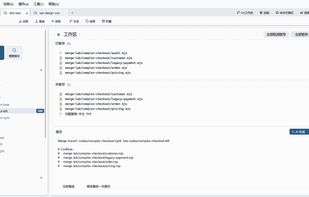
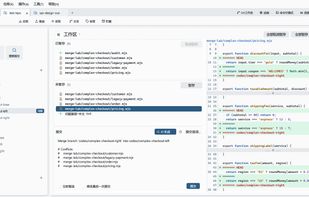
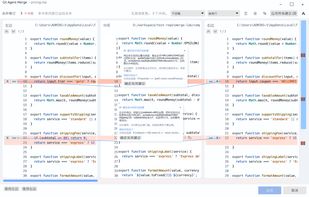
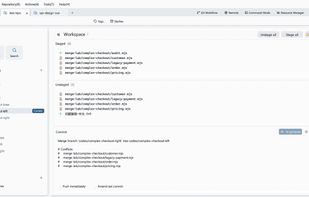
Git Agent is a desktop client for everyday Git work. It combines workspaces, commit history, branches, remotes, and conflict resolution in one interface.
Cost / License
- Free
- Open Source (Apache-2.0)
Application type
Platforms
- Mac
- Windows
- Linux



+3


One of the most popular alternatives to Tower is GitHub Desktop, which is free and open source. Other popular alternatives are GitKraken, SmartGit, Sourcetree and Fork. Git Clients like Tower are a crowded field, with more than 50 alternatives for Mac, Windows, Linux, Android and self-hosting.
Git Agent is a desktop client for everyday Git work. It combines workspaces, commit history, branches, remotes, and conflict resolution in one interface.



 China
China
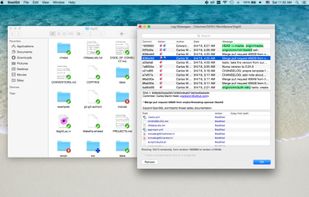


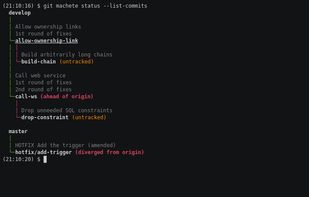
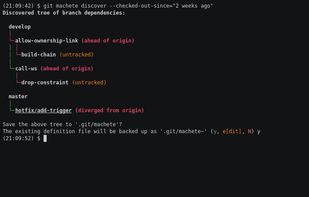
Probably the sharpest git repository organizer & rebase/merge workflow automation tool you've ever seen.
 Poland
 EU
EU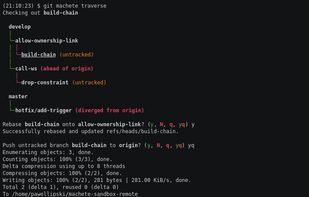

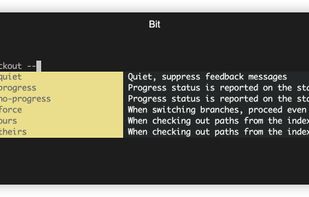
Bit is an experimental modernized git CLI built on top of git that provides happy defaults and other niceties:

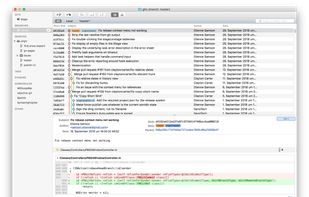
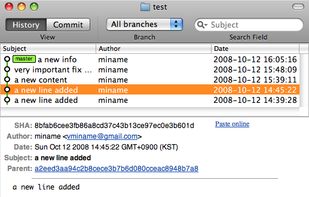
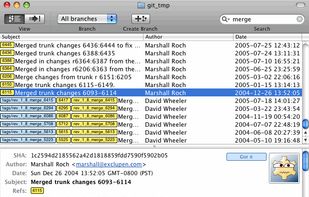


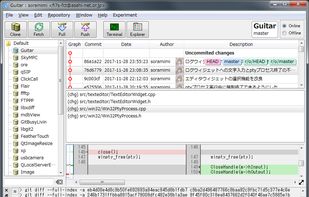
Git GUI Client. Open Source, Free Software (GPL v2). Run on Windows, macOS and Linux. Written in C++. Powered by Qt 5.


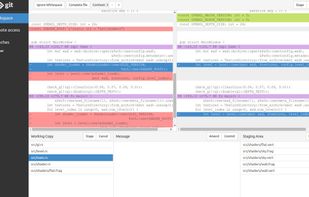
A standalone local web based user interface for git repositories
It comes with history and tree browsing. You may also use it to commit as it comes with an UI to review local changes and the ability to stage / unstage code.




GitMeridian is a native Mac Git client for developers whose coding agents now write faster than they can read.
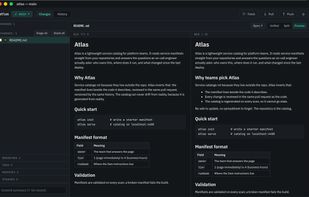
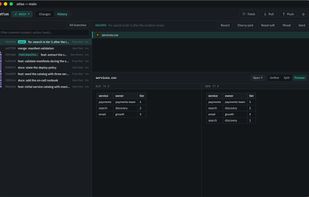
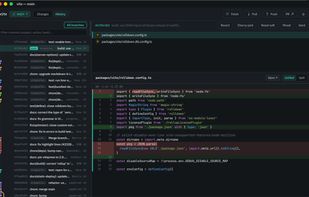


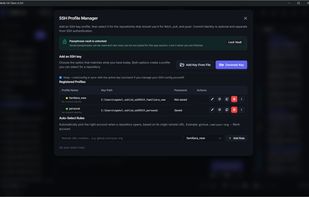
Local-first, open-source Git desktop client for Windows, macOS and Linux with multi-repo workflows, SSH identities, worktrees, precision staging, and safer visual Git tools.
 GermanyEU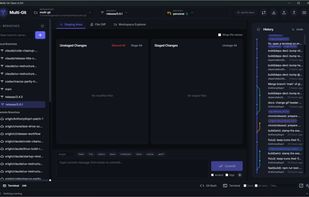
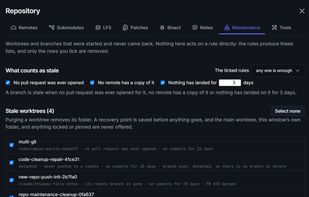
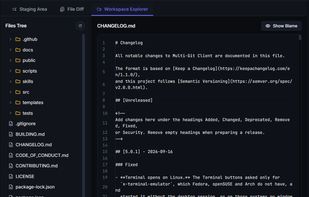


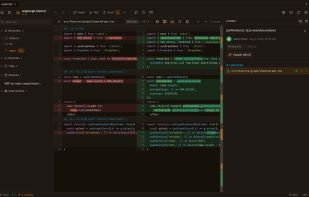
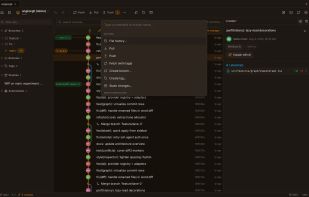
AngKorGit is a modern, cross-platform Git client for macOS, Windows, and Linux — a 12 MB download instead of the ~1 GB of Electron-based clients, built with Rust and native webviews for speed.
 Cambodia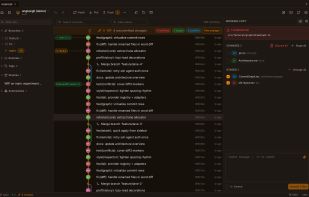


A lightweight Git activity monitor and developer velocity tracker for tracking daily commit momentum across repositories.
 United States