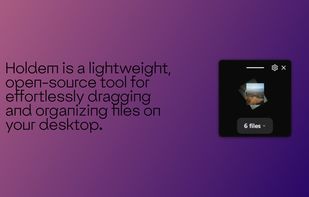
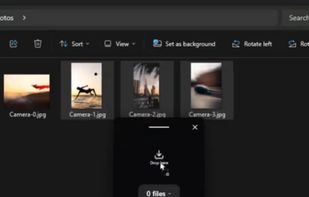
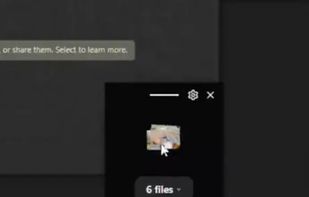
Holdem is a lightweight, open-source tool for effortlessly dragging and organizing files on your desktop. Inspired by Dropover and built with Tauri, Holdem lets you collect and drop files in a temporary holding area — no clutter, no hassle.
- Global



H


Apps similar to Tokri include Fences. It's paid, but Desktop Frames + and Tendedero are free. Other options are Nimi Places, iTop Easy Desktop, Dropover and DeskSweep. There's no shortage of Desktop Customization Tools like Tokri, with more than 25 alternatives for Windows, Mac, Linux, iPhone and iPad.
Holdem is a lightweight, open-source tool for effortlessly dragging and organizing files on your desktop. Inspired by Dropover and built with Tauri, Holdem lets you collect and drop files in a temporary holding area — no clutter, no hassle.
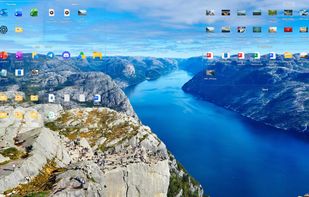
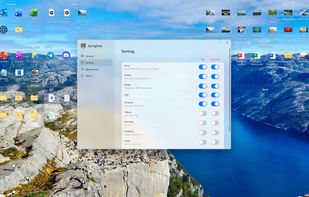
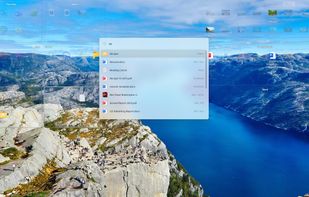
The desktop organizer made for Windows 11: clear glass boxes for your icons, new files that put themselves away, Space to look inside and typing to find anything. Buy once, no subscription.


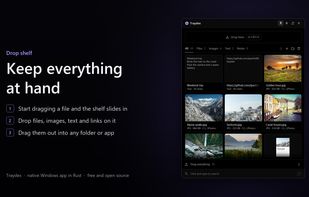
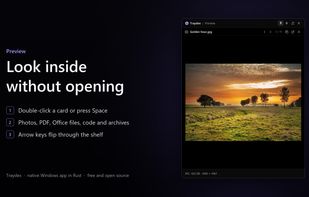
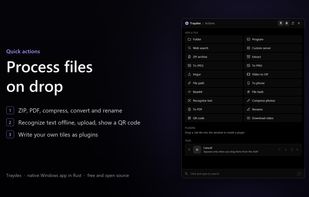
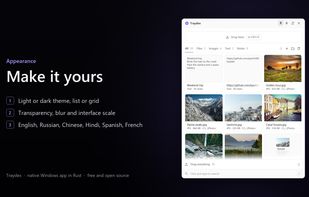
Traydex is a drop shelf for Windows that opens as soon as you start dragging something. Drop files, folders, images, text or links on it to keep them for later, then drag them out into any folder or app, one by one or all at once.


Shortcutty is a shortcut launcher for Windows. If your desktop is cluttered with shortcuts or you constantly dig through folders to find your apps or files — this app lets you organize everything into tabs and groups, always one click away.


Native macOS utility that opens a searchable, editable clipboard history alongside a drag-and-drop file shelf, letting you gather files from several windows before moving them together. It also provides on-device dictation and masks detected password-like copies.
 France
 EU
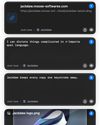


A lightweight Windows desktop organizer with AI-powered cleanup, movable docks, and an encrypted vault — free 7-day trial, no account needed.
 Canada
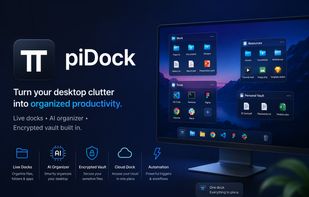
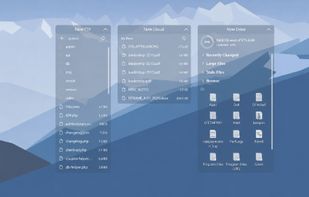
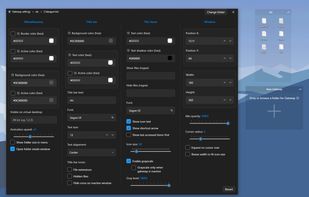
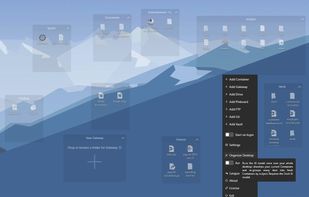


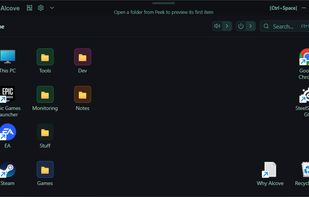
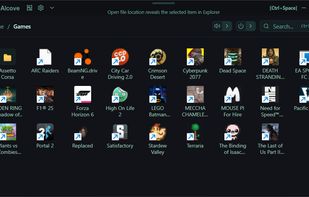
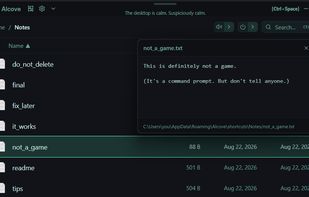
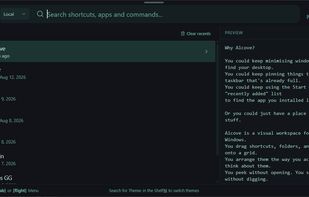
Alcove replaces a cluttered Windows desktop with a clean, keyboard-friendly workspace. Drag shortcuts, links, or programs onto the window and they snap into a grid. Group them into color-coded folders, link in folders from elsewhere on your PC, and open everything with a single...


Windows workspace for temporarily holding reference images, exports, client assets, and screenshots. Organize them in named, color-coded folders, then drag them into creative apps, upload forms, messages, email, or cloud storage; pin it anywhere when needed.
 SpainEU
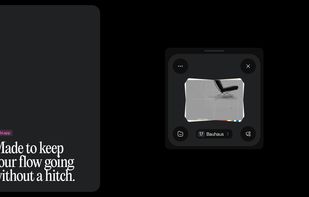
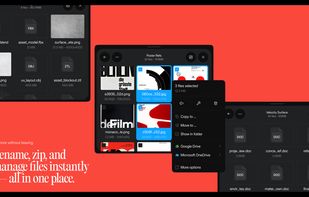
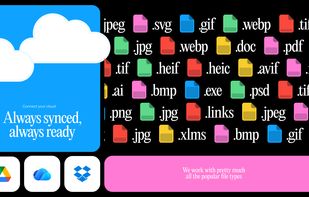
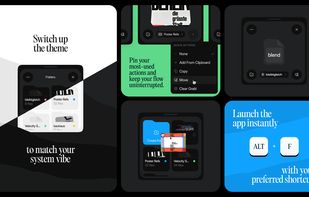


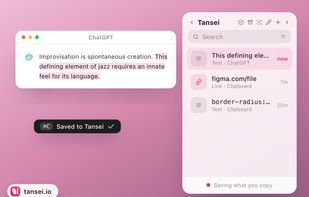
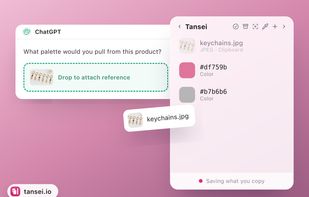
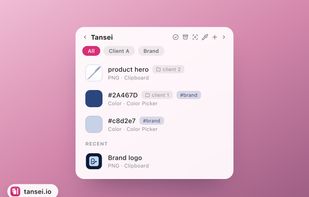
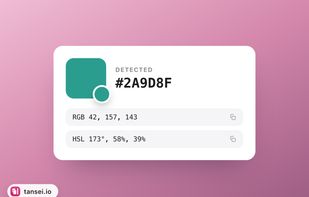
An edge-docked workspace keeps copied text, links, images, colors, code and files ready to drag into other apps. It organizes items with groups, tags, pins and search, and also captures screenshots, screen recordings and voice memos with on-device transcripts.
 Australia