Cost / License
- Free
- Open Source
Application type
Platforms
- Linux
- Flathub
- Flatpak
- Online
 Poland
 EU
EU



 PolandEU
Noterly: the one-stop-shop for creating simple reminders and notes right in your notifications! Noterly allows you to schedule notifications to appear on your device whenever you like, to remind you to take out the bins, make your bed, and so much more!





A simple task manager app, allowing you to categorise your todo list by urgency, state, timeframe etc.
 GermanyEU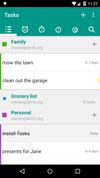




This is a one page HTML/JavaScript application for people who would like to use simple and basic Kanban board for their personal stuff
It is a single page JavaScript application with very basic functionality.
 Switzerland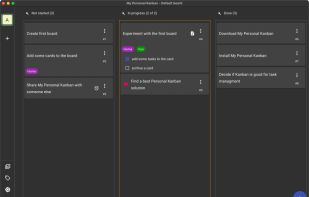


Go For It! is a simple and stylish productivity app, featuring a to-do list, merged with a timer that keeps your focus on the current task.
 BelgiumEU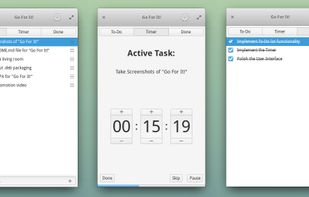


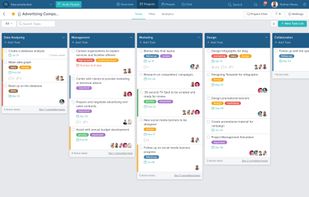
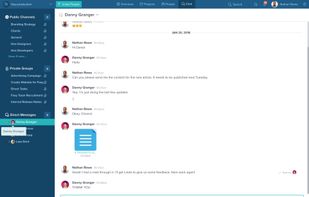
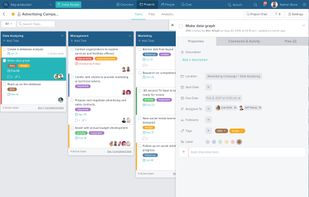
Taskworld empowers managers to proactively manage their team with the help of advanced analytics, project management and real-time communication.
 United States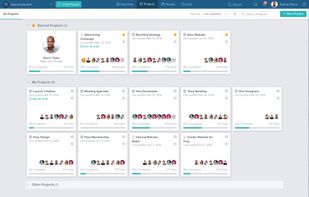


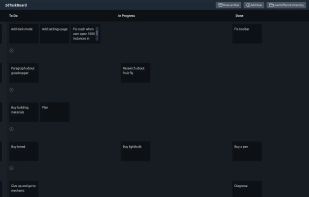
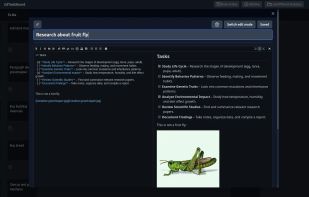
Nullboard is a light minimalist kanban, specifically designed to be compact, readable and quick in use.
 Russia


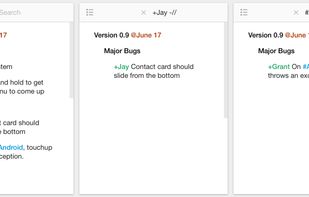
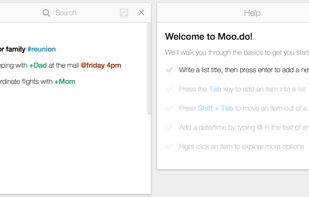
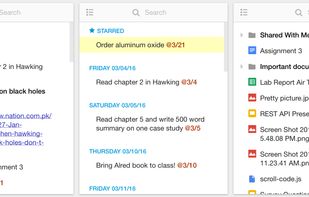
Legend (formerly Moo.do) is a notepad, a to-do list, and an outliner, but with advanced features that make the cloud-based application much more useful than any of those tools would be on their own.
United States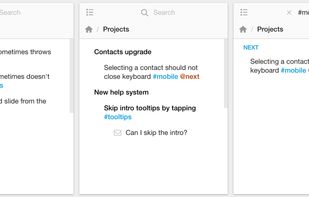


 United Kingdom
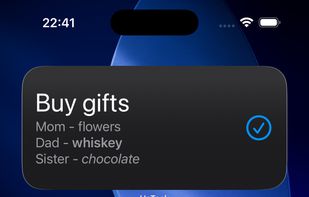
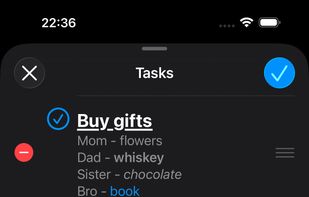


A simple todo-List manager with a focused clutter-free design to help you get things done.
Switzerland
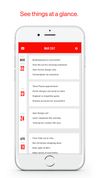
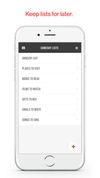


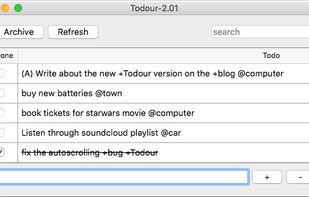
Todour is an application for handling todo.txt files (as made famous by Gina Trapani of Lifehacker) on Windows, Mac and Linux. The format is especially practical for an approach similar to the one suggested in the book Getting Things Done by David Allen, often referred to as...
 SwedenEU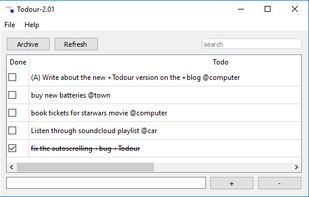


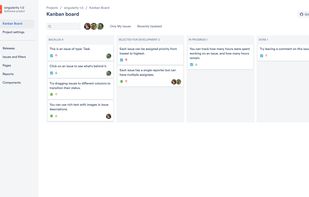
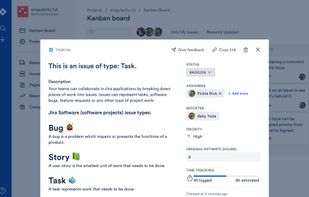
A simplified Jira clone built with React/Babel (Client), and Node/TypeScript (API). Auto formatted with Prettier, tested with Cypress.