


Tags allows you to manage your files in a way far superior to folders. Work faster, and be more efficient.
Cost / License
- Paid
- Proprietary
Platforms
- Mac
 Sweden
 EU
EU
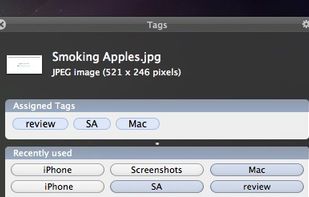


Tags allows you to manage your files in a way far superior to folders. Work faster, and be more efficient.
SwedenEU
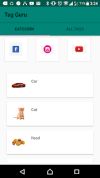
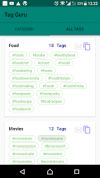


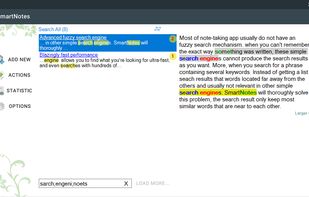
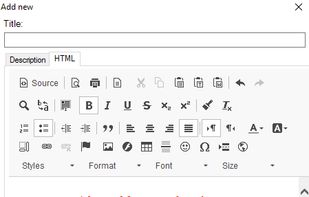
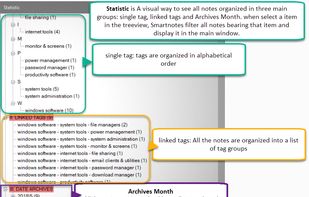
SmartNote is an ultra-ergonomic note-taking app for Windows. It will help you collect, organize, store all pieces of information in a single file and then search through all your data to find what you're looking by smart search technology.

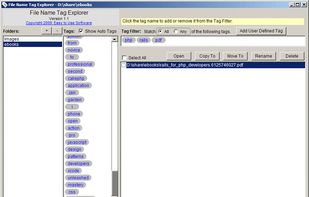
File Name Tag Explorer lets you:
Organize your files with tags. Search or Browser files with tag filter. Find files which match all or any selected tags. DO NOT need to spend any time editing tag information for files. File Name Tag Explorer can automatically extract tags from f.

Encryptic is an open-source note-taking application heavily focused on encryption. When you start writing, no one will know what you write except for you. We don’t know and we don’t want to know. That’s between you and your work.


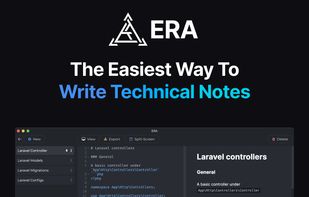
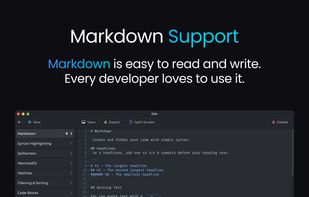
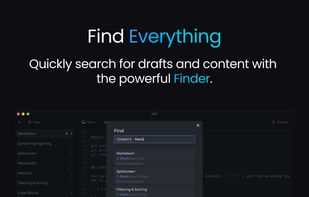
ERA is your go-to solution for streamlined note-taking and knowledge management. ERA makes it easier for you to write notes and documentation for your great projects. It was created to simplify your daily work.



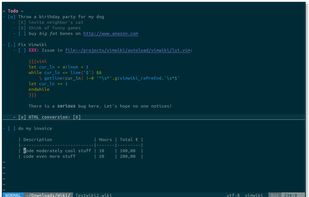


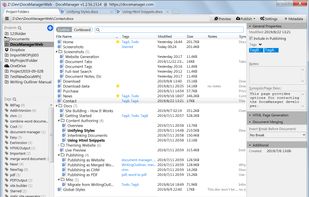
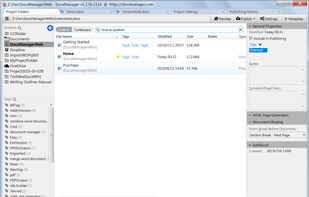
A document manager and site builder/generator for Word users. You can open Word documents in tabs, manage documents on a project basis, full-text search documents across multiple project folders, attach tags, notes, stars, and so on to the documents.




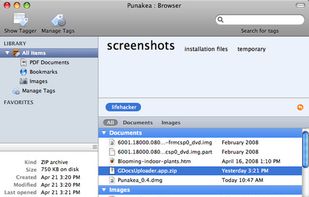
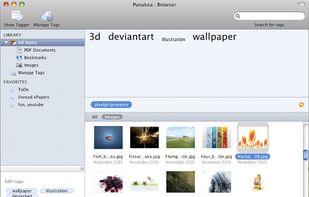
Punakea is a little app that allows one to apply tags to files on one's computer. It then allows searching, browsing and manipulation of files in its tag-browser


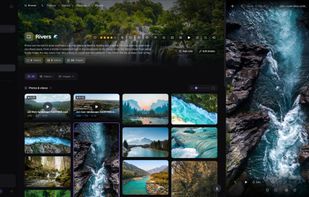
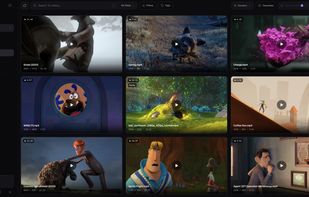
Loshelf is a private, offline desktop app for browsing and organizing big photo and video collections on Windows, macOS and Linux. Point it at the folders you already have and tag, rate and search your media.
 United Kingdom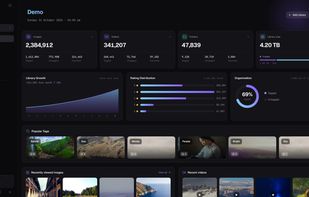




TagLauncher is a better way to classify your files and find them. By tagging, you put files in virtual folders but files are not limited to be in one of them. It means similar tags makes files similar, therefore finding them will be easier.


