Platforms
- Mac
- Windows
- Linux
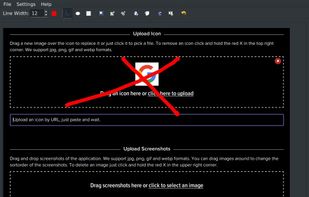

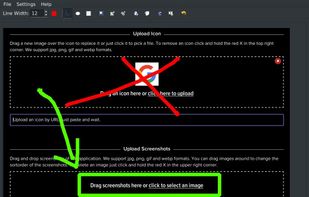


Apps similar to SunnyCapturer include ShareX, which is free and open source. Other options are Greenshot, Flameshot, macshot and Snipping Tool. You're spoiled for choice with Screenshot Capture Tools like SunnyCapturer: we list more than 50 alternatives for Windows, Mac, Linux, the web and iPad.

Quickly annotate screenshots, photos and other images with your pen, touch, or mouse and save, paste or share with other apps.
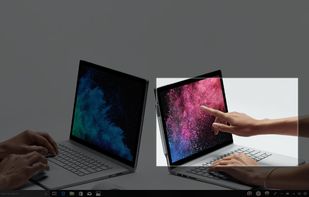
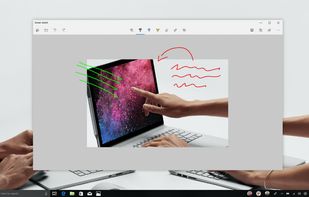


With Free Snipping Tool, not just you create snips, you can save your snips on major backup services like Imgur, Google Drive and Dropbox. Not just this you can also upload them via FTP or simple WebRequest.
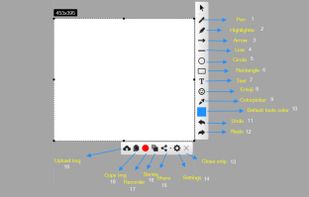
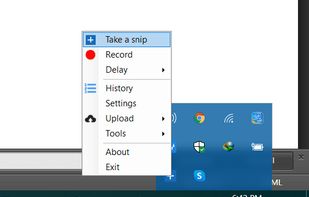
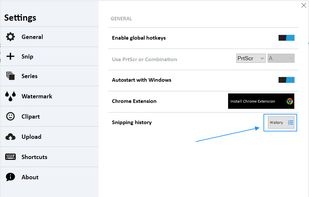
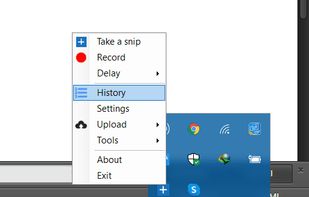


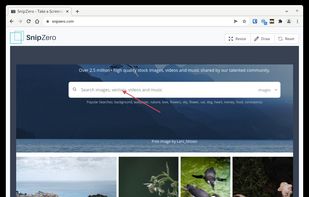
SnipZero is a convenient zero-install screenshot app that lets you take screenshots right from your web browser. No installation required. You can select any application window or browser tab as source.
 Germany
 EU
EU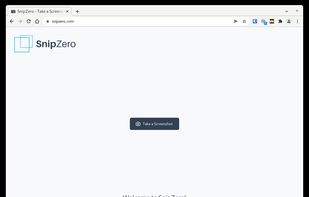




EasyCapture Pro is a screenshot utility designed for Windows users who need a quick and simple way to take screenshots and save images locally.
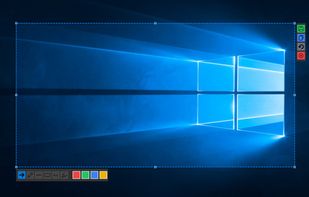
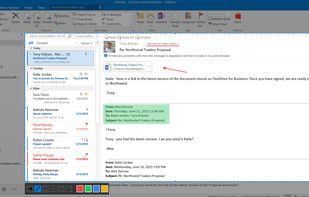
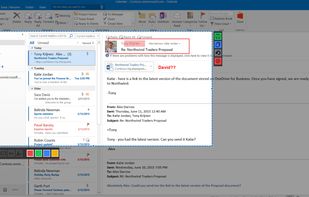

Enables macOS users to capture screenshots, annotate images, draw on a blank canvas, overlay image layers, use blur, mosaic, spotlight, QR code, watermark tools, add social badges, manage high-resolution export, and quickly share visuals via clipboard or file.
 China
China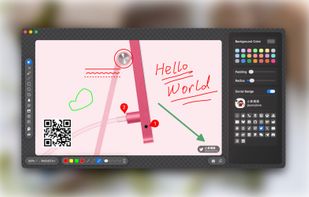
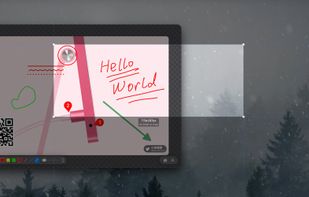
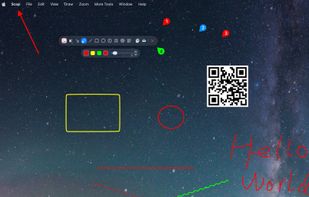
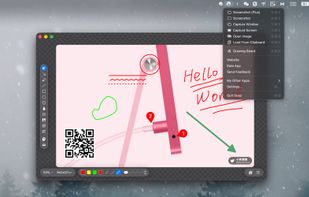

Capture any part of your screen and turn it into a floating card. On-device OCR, scroll capture, dock-to-edge gestures. Runs entirely on your Mac.
 Ukraine


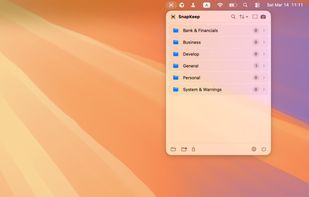
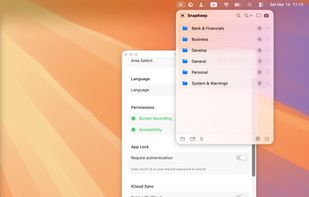
SnapKeep is a native, local-first screenshot manager designed for users who are tired of cloud-dependent tools and messy desktops.


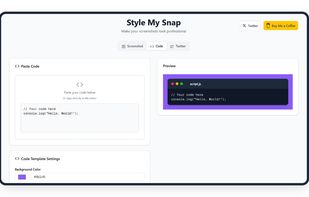
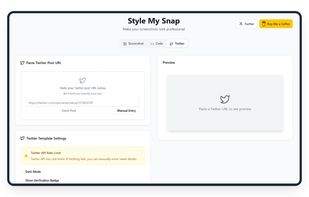
Style My Snap is a free online tool that helps you create professional-looking screenshots, code snippets, and Twitter posts. Perfect for developers, designers, and content creators who want to make their images stand out on social media and documentation.
 India
India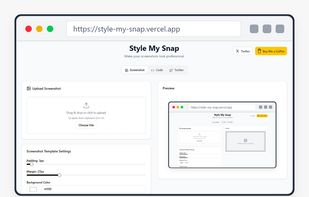


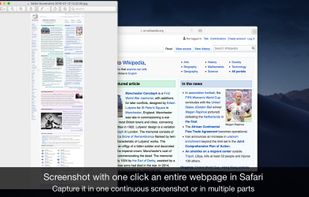
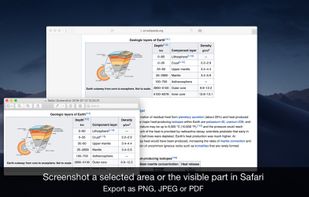
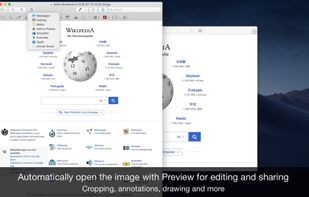
Page Screenshot for Safari is an awesome extension, just a click away, ready to use every time you need to capture a webpage screenshot, either the full page or just part of it.
 RomaniaEU