Cost / License
- Paid
- Proprietary
Application typeApplication types
Platforms
- Mac





+1



Apps similar to Speechify include ElevenReader, which has a free version. Other options are NaturalReader, Read Aloud Extension, Kokoro and Wondercraft AI. You're spoiled for choice with Text to Speech Services like Speechify: we list more than 100 alternatives for the web, iPhone, Android, Mac and Windows.

An Android audiobook app that narrates your own EPUB, PDF and TXT books with a full cast, giving every character a distinct AI voice.
 Ukraine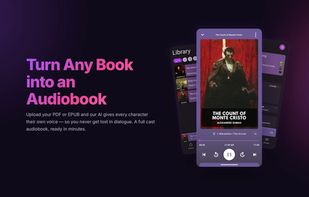



Text to speech that reads web pages, Google Docs, PDFs and EPUBs aloud with natural AI voices — skipping the ads, menus and comments.
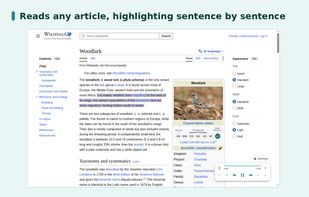
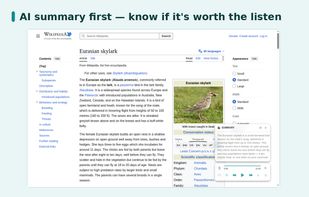
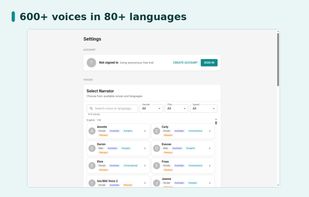
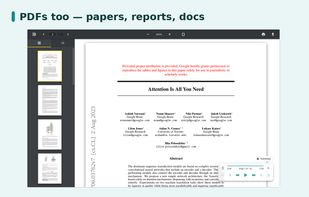


Turn any text into lifelike voice instantly. Fast, easy, and ready in seconds. Your words come alive. Transform text into natural speech with Koto AI Reader.
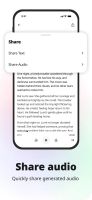
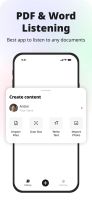
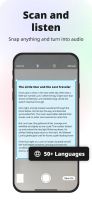


Yapit is an open-source TTS platform that makes documents, research papers, and web pages actually listenable.
 Austria
 EU
EU


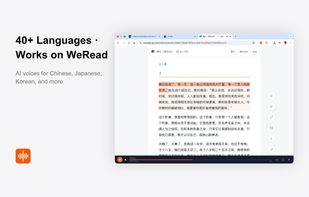
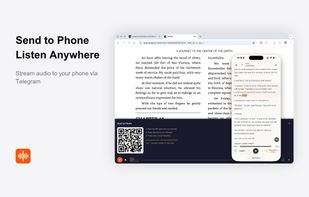
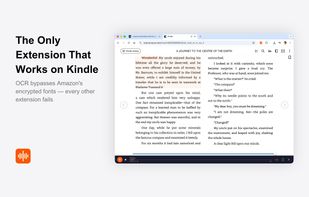
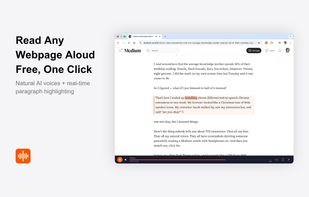
AI read-aloud browser extension that also explains what you're reading in your own language — and works on Kindle Cloud Reader and WeRead, where other TTS tools fail.


Scans printed books and documents with the iPhone camera, runs OCR on the pages, merges them into one document and reads the whole thing aloud in a natural voice.
 Japan
Japan




 Brazil


LoudReader is a fully on-device audiobook reader for Mac and iPhone. It turns any EPUB, PDF, or Project Gutenberg classic into an audiobook with natural offline voices and word-by-word highlighting. Everything runs on your device: no account, no cloud, your library never leaves...
 PolandEU
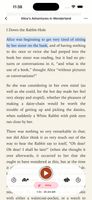


TextReads is a Chrome extension that reads web articles aloud using natural-sounding Text-to-Speech voices, no copy-pasting, no switching apps. When you open an article, a compact floating widget auto-appears in the side.
 Australia
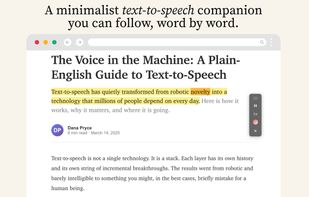
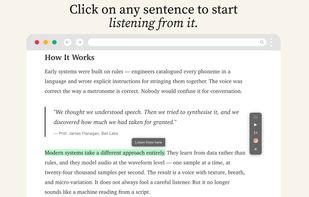
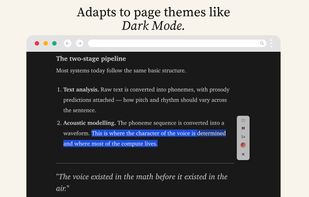


speakeasy turns any article URL into a beautifully narrated audio file. Just paste a link from Medium, Substack, Twitter, or any blog, and speakeasy extracts the text and converts it to natural-sounding speech using cutting-edge AI voices.





FluentVoice Pro is a free, open-source text-to-speech app for Windows 11 and 10 that runs in the system tray. Select or copy text in any app and press a global hotkey (default Ctrl+Shift+Space), click the tray icon, or turn on Auto-Read on Copy to hear it read aloud.
 Israel