


+1


The best Screenshot Capture alternative to Snipping Tool is ShareX, which is both free and Open Source. If that doesn't suit you, our users have ranked more than 100 alternatives to Snipping Tool and loads of them are Screenshot Capture Tools so hopefully you can find a suitable replacement. Other interesting Screenshot Capture Tool alternatives to Snipping Tool are Greenshot, Flameshot, PicPick and macshot.

This screenshot tool is made just for Windows 10/11 and lets you take and mark up screenshots really quickly. Right after you take a screenshot, you can start editing it because the editing area shows up around what you've captured.
 Russia
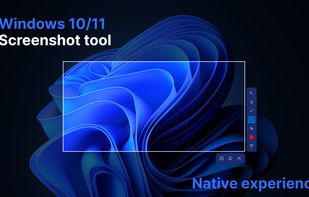
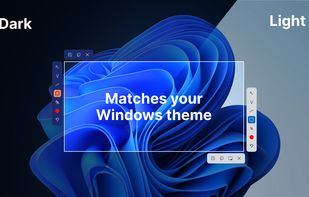
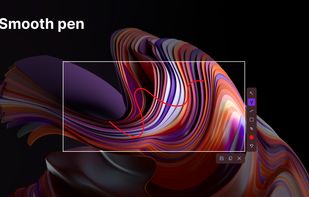
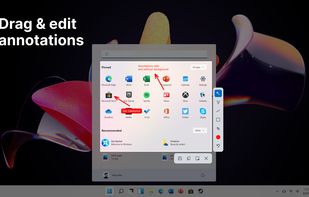


Make a screenshot, add your notes on top and share it instantly. Need to show some action? Record what you do, and share a GIF in a few seconds.


Free Screen Video Recorder is a compact, yet full-featured screen video recorder and screenshot capture tool that allows you to easily record screen activities and capture anything on the screen including windows, objects, menus, full screen and rectangular regions.
 United Kingdom


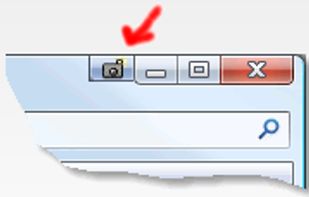
Schirmfoto is the easiest way of creating screenshots. Schirmfoto integrates itself into your Windows system by adding a new button in the title bar of each window. Clicking this icon will create a screenshot for you.
 Germany
 EU
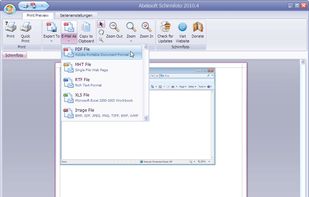


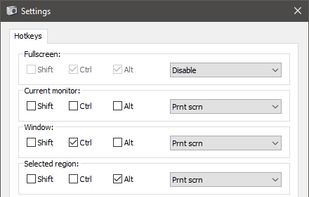
PrintKey-Pro is a screen capture program that can capture the screen or any part of it with the press of the Print Screen key (or any other key you configure).


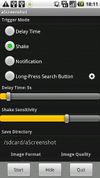
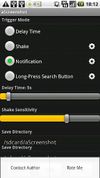
aScreenshot, as its name implies, is a screenshot app, which capture your device's current screen display and save as a PNG or JPEG file.


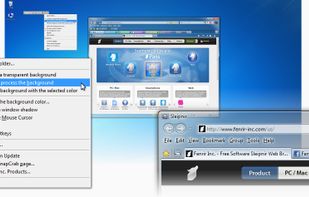
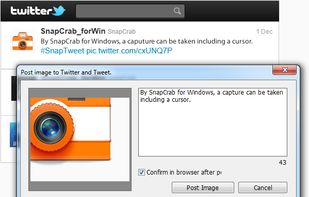
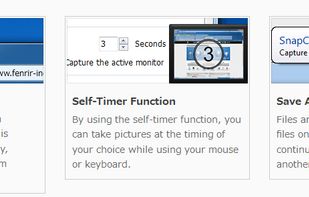
SnapCrab is a photo capture software that can capture any part of your screen. Files are saved in PNG format. Capture the whole screen, specified windows or areas, or wherever you like. With SnapCrab you can directly post captured images to Twitter, or save them to Evernote.
 United States


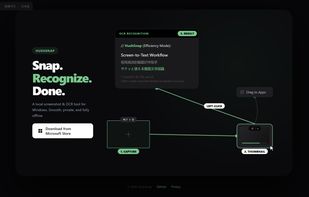
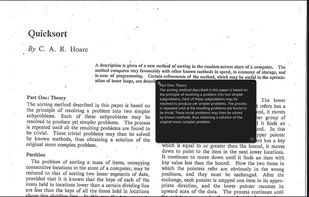
A lightweight, privacy-focused Windows tool for offline OCR and screen capture with seamless drag-and-drop workflow.


Freeware tool for taking fast and simple screenshots of the entire screen, windows and regions.
 Kazakhstan



Bug Shooting is the perfect tool for software developers as well as testers. Bug Shooting provides you an easy way to create screen captures and attach them to items of your bug tracking or issue management system, e.g.


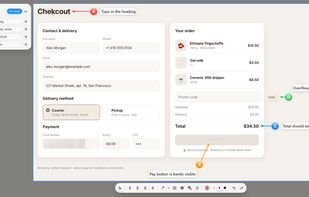
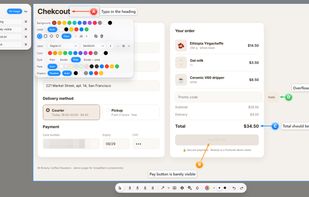
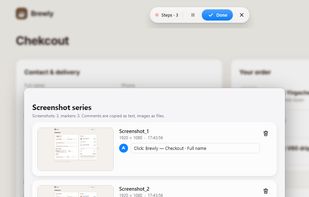
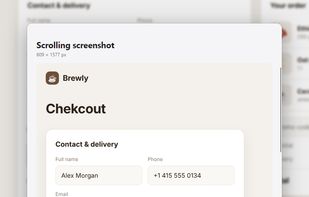
Screenshots that explain themselves: A-B-C markers with comments, one-Ctrl+V sharing to any chat, screen recording, OCR and scrolling screenshots.
 Georgia