

Free, open-source screenshot app for macOS that lets you adjust, mark up and blur a selection before you capture it, Ubuntu-style.
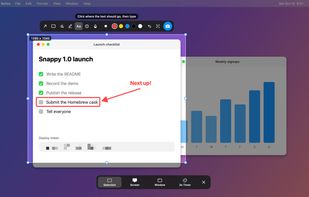


The best Screenshot Capture alternative to Snipping Tool is ShareX, which is both free and Open Source. If that doesn't suit you, our users have ranked more than 100 alternatives to Snipping Tool and loads of them are Screenshot Capture Tools so hopefully you can find a suitable replacement. Other interesting Screenshot Capture Tool alternatives to Snipping Tool are Greenshot, Flameshot, PicPick and macshot.
Free, open-source screenshot app for macOS that lets you adjust, mark up and blur a selection before you capture it, Ubuntu-style.
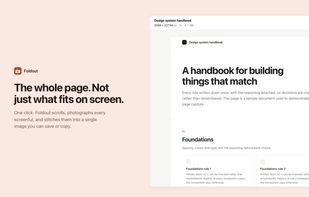
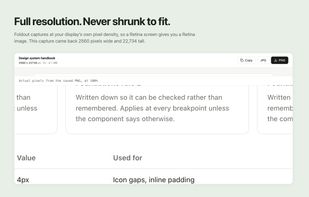
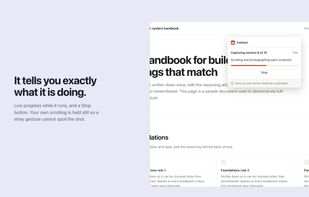
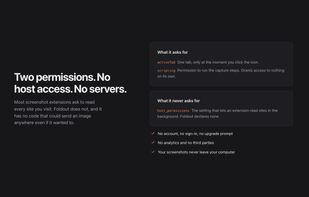
Foldout captures an entire web page as a single image, including everything below the fold. Click the button and it scrolls the page, captures each section, and stitches them together in the browser.
 Canada
Hardcopy allows you to take screenshots, mark them and save them.
Standard Hardcopy: The key [Print] prints out the current screen. The key [Alt+Print] prints out the current window. A click onto the Hardcopy - symbol in the System Tray prints out the current screen. In additio.

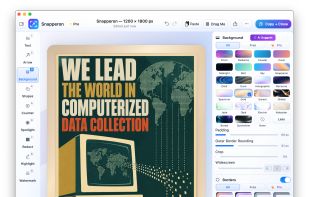
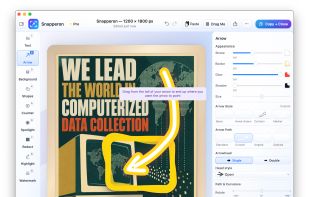
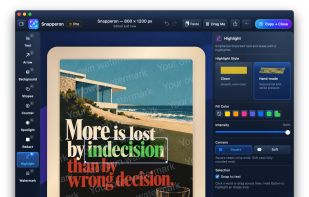
Snapperon is a native macOS app for capturing screenshots, annotating images and PDF pages, and preparing clear visuals for documentation, feedback and presentations. Add styled arrows, text banners, numbered steps, highlights, shapes, spotlights, freehand marks and redaction.


 South Korea


EasyCapture Pro is a screenshot utility designed for Windows users who need a quick and simple way to take screenshots and save images locally.
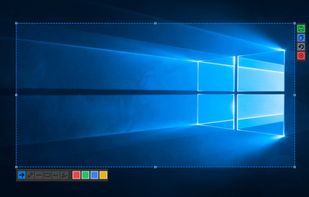
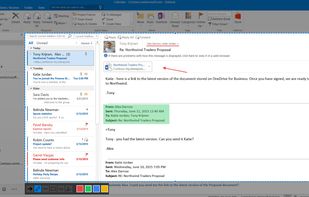
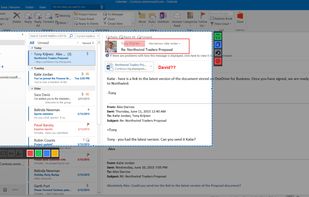

ClearShot captures any area of your browser tab, lets you annotate with arrows, rectangles, text, and freehand drawing, then saves as PNG or copies to clipboard. Everything stays on your device — no upload, no account, no tracking.
 United States
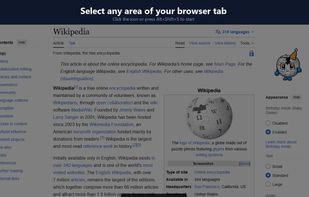
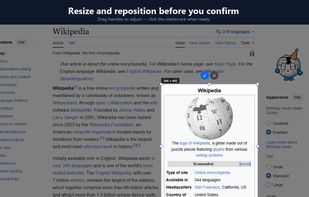
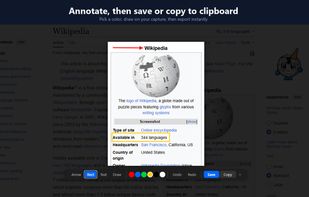


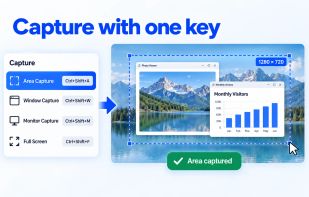
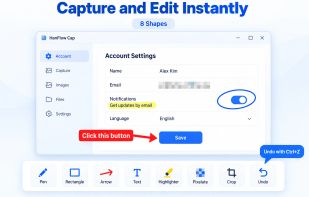
HanFlow Cap captures a region, window, monitor or the full screen with one shortcut, including scrolling capture for long web pages. Mark up captures right away with pen, arrows, text, mosaic and crop. Record your screen with system audio and microphone, plus webcam overlay...
South Korea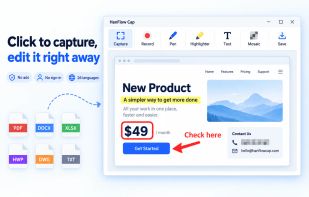



Free, open-source screenshot annotation for Windows and Mac: a native Skitch replacement with tapered arrows, blur and pixelate.
United States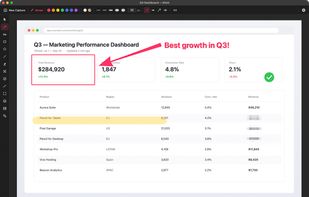
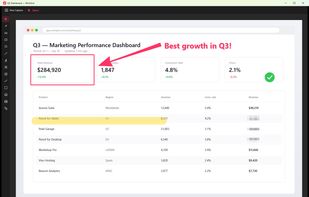
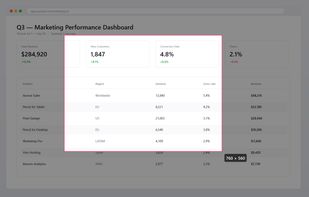


Fast, lightweight and offline-first Snipping tool for Windows with integrated high-accuracy OCR. Capture any screen area and extract text instantly without any cloud processing.



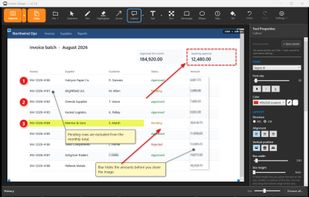
Screenshot tool for Windows 10 and 11 that lets users capture regions or scrolling pages and add editable annotations, arrows, callouts, and auto-numbered steps. Save undo history, securely redact images, works fully offline, no telemetry, supports multiple languages.
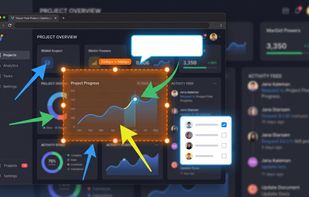

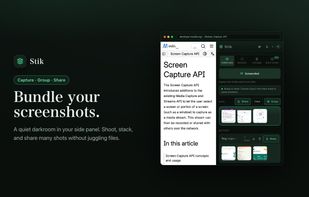
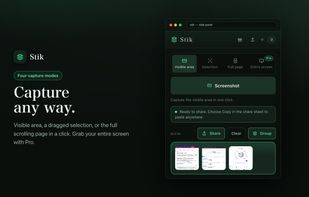
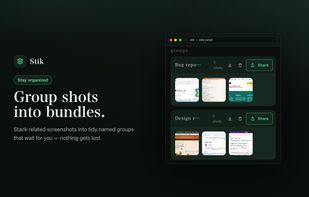
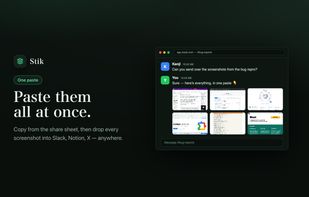
Stik is a Chrome & Brave side-panel extension that captures visible, full-page, or screen-area screenshots, bundles them into groups, and pastes many images into Slack, Notion, and X in a single paste.
 Japan