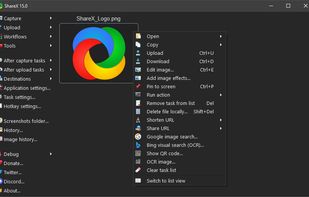
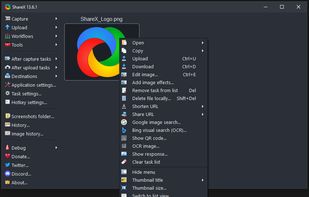
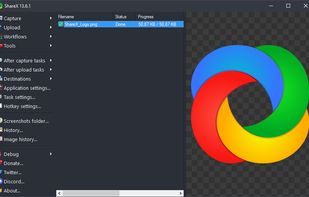
Open-source screen capture and file sharing tool with recording, editing, and annotation features. Supports 4K, dark mode, theming, offline use, and offers a lightweight, ad-free experience without tracking user data.


The best open source alternative to Snipping Tool is ShareX. If that doesn't suit you, our users have ranked more than 100 alternatives to Snipping Tool and many of them is open source so hopefully you can find a suitable replacement. Other interesting open source alternatives to Snipping Tool are Greenshot, Flameshot, Ksnip and Spectacle.
Open-source screen capture and file sharing tool with recording, editing, and annotation features. Supports 4K, dark mode, theming, offline use, and offers a lightweight, ad-free experience without tracking user data.


Lightweight screenshot tool offering OCR, exports to Office apps and online storage, integration with external commands, supporting 32 languages and minimal space requirement.


Flameshot is a free, open-source screenshot tool that is cross-platform compatible, offering customization, editing features, CLI scripting, and direct Imgur uploads for seamless sharing. It provides an intuitive user experience through features like area selection, annotations, and saving options.


Ksnip is a Qt based cross-platform screenshot tool that provides many annotation features for your screenshots.


Spectacle is a simple application for capturing desktop screenshots. It can capture images of the entire desktop, a single monitor, the currently active window, the window currently under the mouse, or a rectangular region of the screen.

Feature-packed native macOS screenshot tool — annotate, auto-redact PII, record GIFs, OCR + translate, scroll capture, beautify, and more. No Electron, no subscription.

Lightweight screenshot application for macOS featuring distraction-free interface, fast image capture, clear annotation tools, simple export workflow, and no subscriptions or complex menus, focusing on quick sharing and a one-purpose design for everyday use.


The definitive screen capture utility for macOS, designed with simplicity and efficiency in mind.

Screenshot Tile offers a variety of features designed to enhance your experience when taking and managing screenshots. One of the key benefits of our app is the ability to customize storage location, format, and notification settings to suit your preferences.

SnapTray is a tray-native screenshot and screen recording app for macOS and Windows. It is built for fast desktop workflows: capture a region, explain it instantly, keep references on screen, and turn the same moment into a shareable image or video.


Intuitive screenshots baked right into the browser. Capture, save and share screenshots as you browse the Web using Firefox.
Easy to use, with all the features you'll ever need.