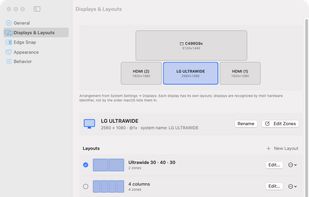


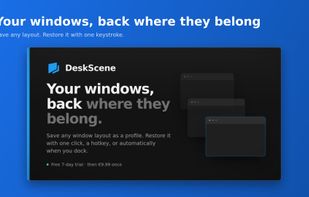
Save your window arrangements as named profiles and restore them with a click, a hotkey, or automatically when your monitors change.
Cost / License
- Freemium
- Proprietary
Application type
Platforms
- Windows
 Austria
 EU
EU




Apps similar to SnapZones include Microsoft PowerToys, which is free and open source. Other options are Rectangle, DisplayFusion, BetterTouchTool and Loop - Window Management. You're spoiled for choice with Window Managers like SnapZones: we list more than 50 alternatives for Mac, Windows, Linux and Android.
Save your window arrangements as named profiles and restore them with a click, a hotkey, or automatically when your monitors change.
AustriaEU
 Brazil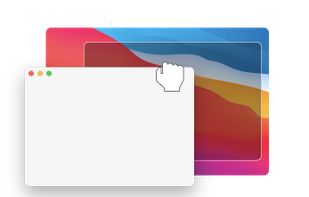

 Taiwan


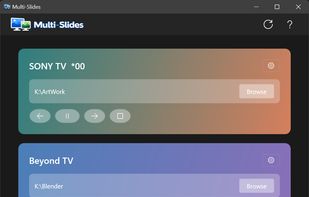
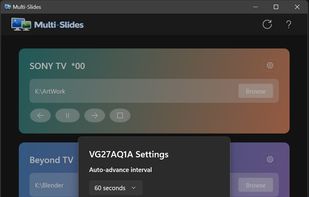
Native Windows 11 app that runs truly independent image slideshows on each monitor — own folder, own pacing, own transitions per display.
 United Kingdom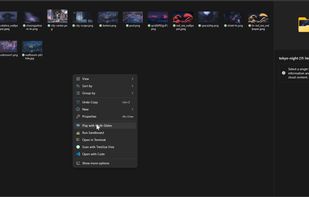


Window layouts that follow your monitors. Save your window positions once, restore them automatically when you reconnect the same screens. Snap, align, and arrange with a precision overlay. $25/year, 7-day free trial, Windows 11.
 United States

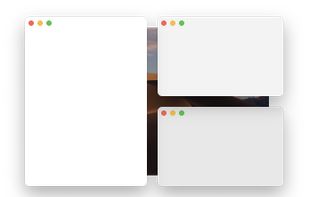
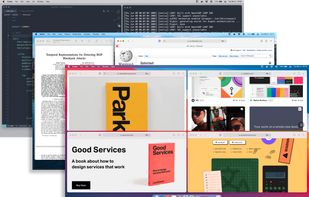
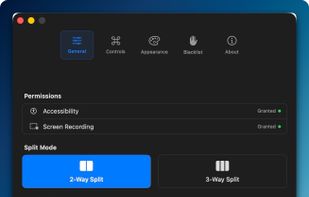
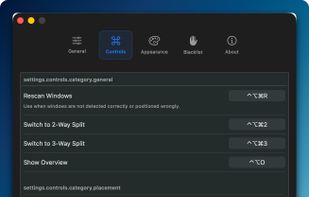
Window management utility on macOS enabling window snapping, 2- and 3-zone layouts, app rotation, keyboard and trackpad gesture controls, plus overview mode for fast app assignment and switching, offering efficient multitasking in customizable zones.
 South Korea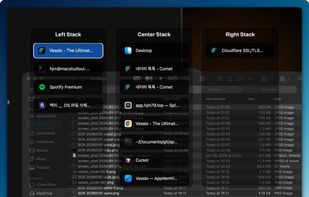


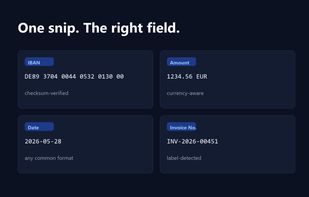
Snip2Field is a Windows utility for anyone who copies data off invoices and PDFs. Press a hotkey, drag a box over an IBAN, amount, date or invoice number, and it runs OCR on just that region and copies the result — no retyping.
Taiwan


Free macOS window manager that saves and restores your entire workspace layout with one keystroke. Every app, every window position, every display. Includes window snapping, drag-to-snap, and unlimited named workspaces.
 Mexico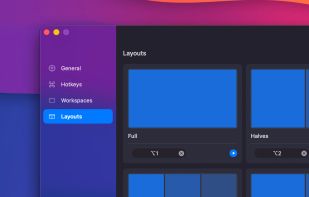
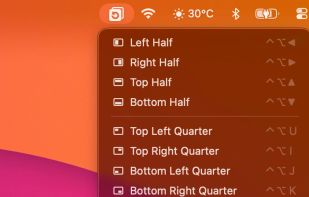
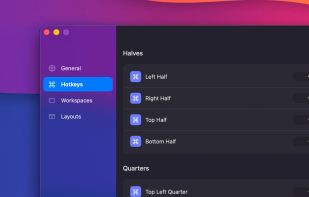
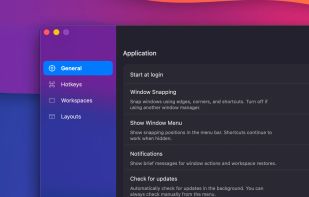


Plonk is a menu bar app for macOS that bundles a window manager with nine additional desktop utilities, so one icon replaces a stack of single-purpose tools.
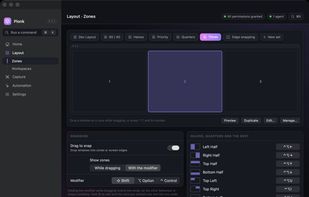


OmniWM is a free, open-source, Developer ID-signed and Apple-notarized tiling window manager for Apple Silicon Macs running macOS 26 or later. It combines Niri-style orientation-aware scrolling containers and Hyprland-style Dwindle BSP layouts, selectable per workspace, with...


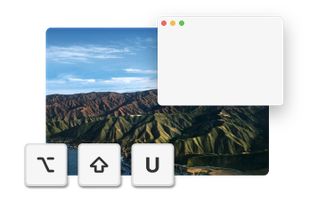
Shoji is a menu bar app for macOS. In an on-screen editor you draw zones on each of your monitors; then you hold a key while dragging a window, let go over a zone, and the window fills it. Every monitor keeps its own layouts, and they come back when you plug that monitor in...
 Argentina