


Cost / License
- Free
- Open Source
Platforms
- Mac


Apps similar to SnapZones include Microsoft PowerToys, which is free and open source. Other options are Rectangle, DisplayFusion, BetterTouchTool and Loop - Window Management. You're spoiled for choice with Window Managers like SnapZones: we list more than 50 alternatives for Mac, Windows, Linux and Android.

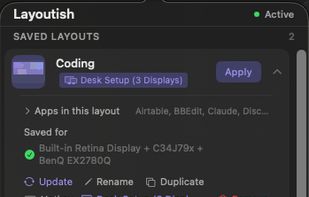
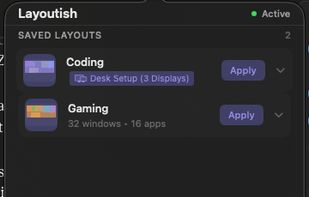
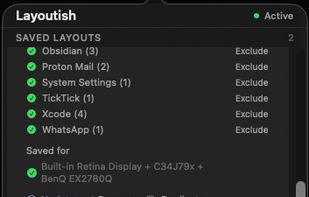
Saves complete macOS window layouts and restores them with one click or hotkey, including multi-monitor and multi-Space setups.
 United Kingdom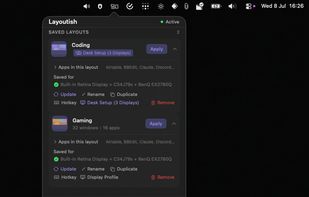

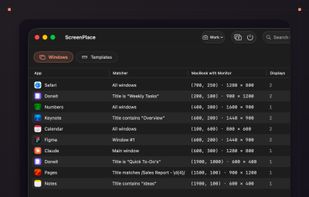
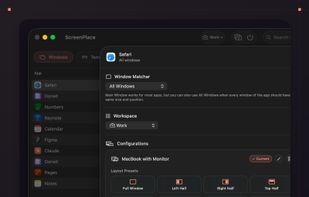
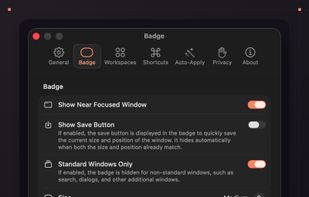
ScreenPlace remembers exactly where every window should be on your Mac and automatically puts it back in its place. Never rearrange or resize a window again because ScreenPlace can handle it for you automatically.


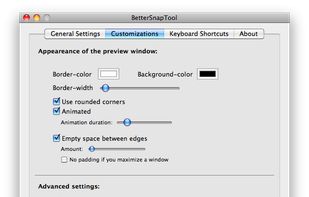
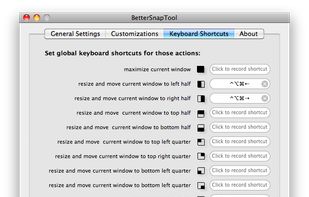
BetterSnapTool is a utility that mimics Windows 7 Aero snap, allowing you to easily manage your window positions and sizes by either dragging them to one of your screens corners or to the top, left or right side of your screen.
 Germany
 EU
EU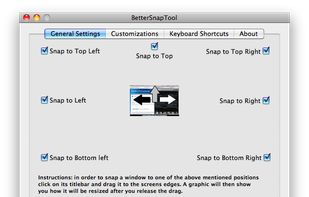


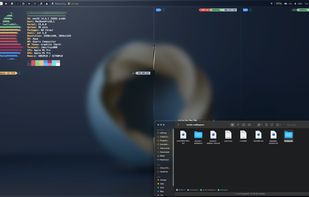
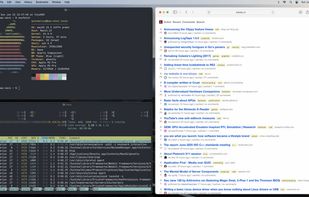
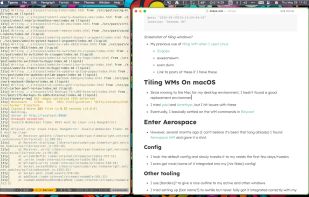


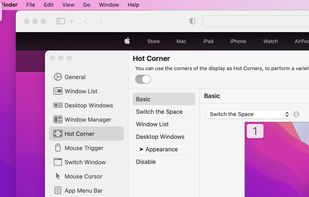
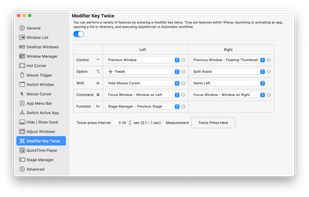
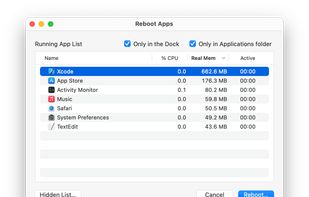
1Piece includes many features to improve the usability of your Mac. Window List that displays the list of all your open windows, a feature that switches the Space or the active window by using Hot Corner, a feature that resize and reposition the window and so on.
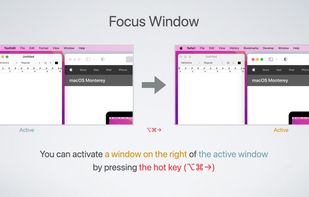


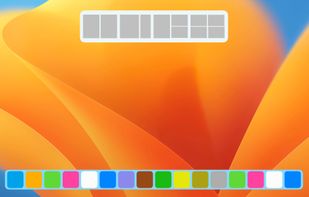
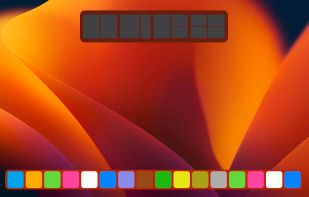
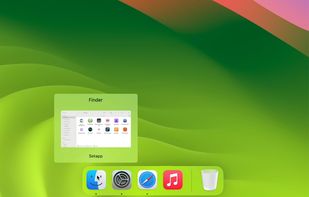
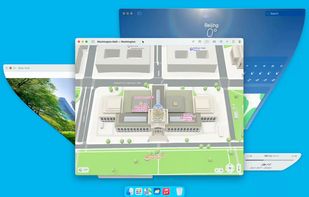


VEEER is a lightweight window manager for your mac OSX - designed for designers & developers and built for a maximum workflow speed.




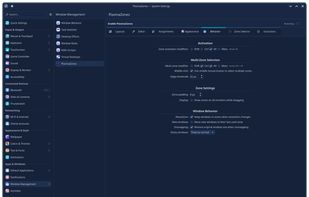
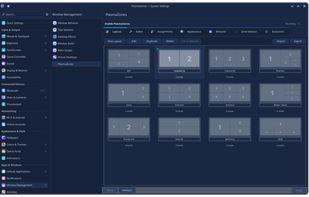
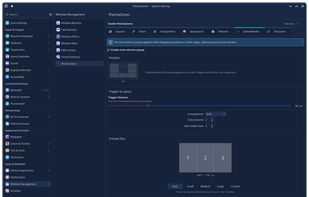
Window management tool enabling creation of custom zones, drag-and-snap, keyboard shortcuts, automated window assignments, layout editor with templates, GPU overlays, multi-monitor layouts, virtual desktop and activity support, plus KCM integration for easy configuration.
 United States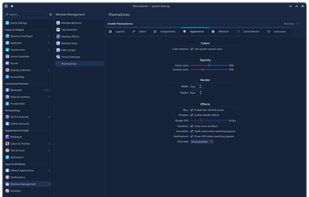


If you’re fastidious about keeping your windows tidy, Stay is for you. Stay ensures that your windows are always where you want them to be, even as you connect and disconnect displays.


Window manager for macOS supporting window snapping, instant resizing, and drag-and-drop organization. Includes menu bar access, lightweight operation, customizable hotkeys, multiple display support, and simplified workspace management for multitasking.
 Switzerland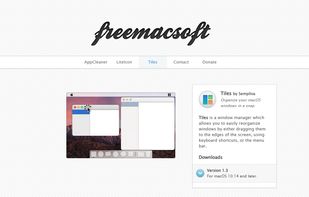


 Australia


