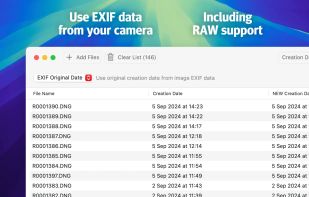
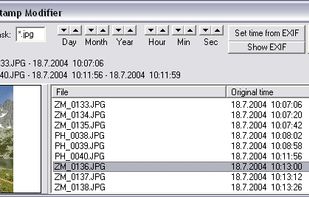
The program enables to set the file time stamp (i.e. date and time) from the EXIF date/time and also enables to shift the time stamp of multiple files.
Cost / License
- Free
- Proprietary
Alerts
- Discontinued
Platforms
- Windows
 Czechia
 EU
EU


Apps similar to SKTimeStamp include Bulk Rename Utility, which is free for personal use. Other options are Keep It Shot, A Better File Attributes, ScreenshotMagic and F2. You can choose from more than 10 File Renamers like SKTimeStamp for Windows, Mac and Linux.
The program enables to set the file time stamp (i.e. date and time) from the EXIF date/time and also enables to shift the time stamp of multiple files.
CzechiaEU
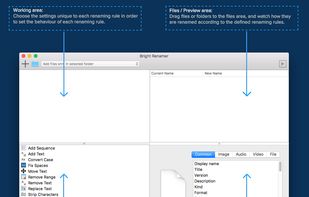
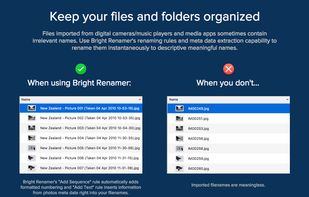
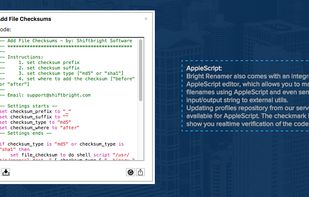
Bright Renamer is an intuitive professional bulk file renaming tool for Mac® users with 12 Renaming Rules, online repositories, realtime preview, hundreds of parameters and support for 157 meta data tags.



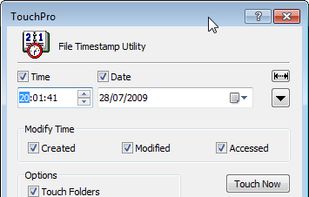
TouchPro allows you to change any combination of file time attributes through a file's property pages. It fully integrates into File Explorer giving you the ability to affect the timestamps of:


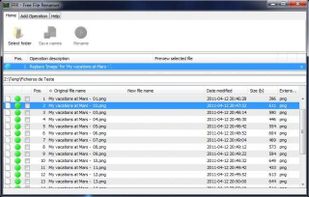
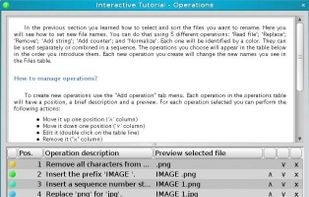
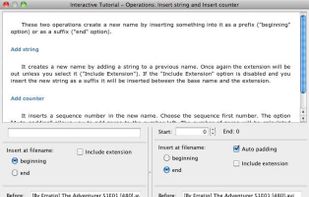
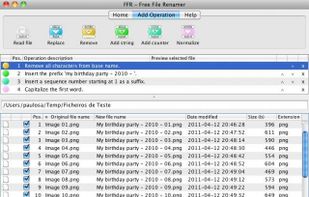

vimv is a terminal-based file rename utility that lets you easily mass-rename files using Vim. It lets you leverage the power of Vim, for example use visual selection to delete a prefix from all files or use search and replace to match patterns.

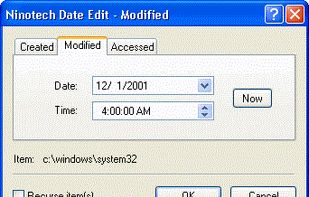
Ninotech Date Edit is a shell extension that enables you to change the date and time of your files from inside Windows Explorer.


CHRONOS is a tool to set the time stamp of one or more files either to an absolute or a relative value.
 GermanyEU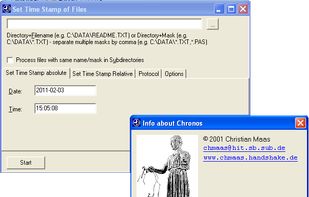


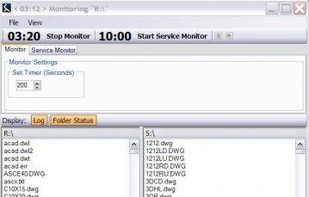
Monitor folders for files and auto rename(Have program rename images when downloaded). Undo, Save settings, Imageview, Drag-drop, and more. File Management made easy. Very good for those pesky PDFs from customer firms that need cleaning.
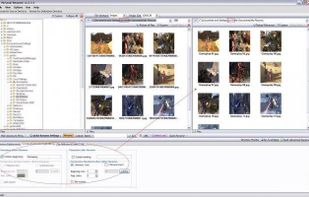



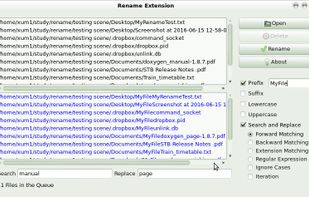
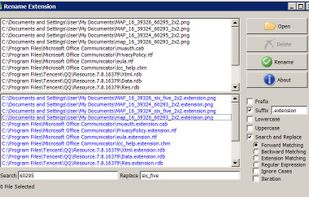
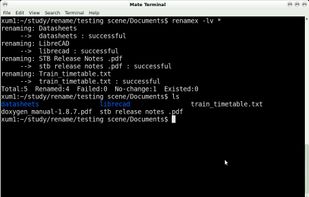
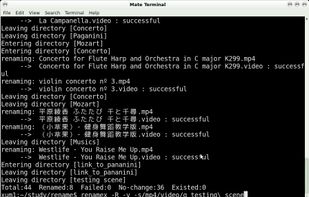
A portable file rename tool. File rename tool can rename, lowcase, upcase large numbers of files. It's a quick and powerful tool written in C with extended regular expression supporting for searching and substituting pattern strings in filenames.


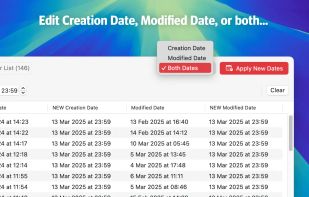
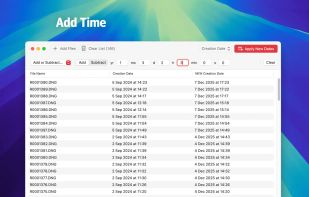
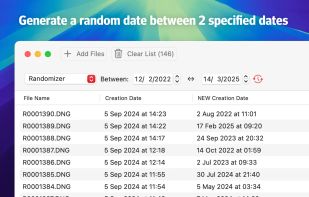
Go back to the future! Batch change the creation or modification date of your files and folders. Or both! Use sequential increments, add some days or months, or use the EXIF date.
 NetherlandsEU