Make a screenshot, add your notes on top and share it instantly. Need to show some action? Record what you do, and share a GIF in a few seconds.


Skitch has been discontinued. Similar apps include ShareX, which is free and open source. Other options are Greenshot, Flameshot, Snipping Tool and PicPick. You're spoiled for choice with Screenshot Capture Tools like Skitch: we list more than 50 alternatives for Windows, Mac, the web, Linux and iPhone.
Make a screenshot, add your notes on top and share it instantly. Need to show some action? Record what you do, and share a GIF in a few seconds.

Originally intended for software developers, UX/UI designers and IT support desks, goScreenCapture is the perfect software utility for anyone who wants to create a document, build a slide presentation, check artwork, complete a project and work collaboratively.
 United Kingdom
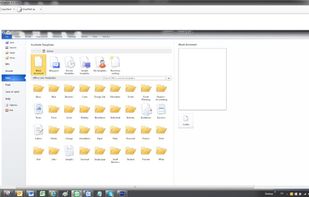
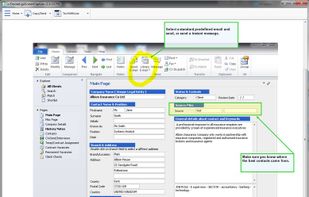


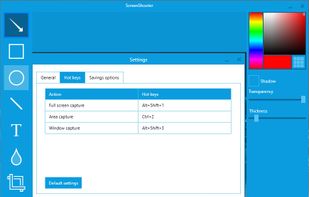
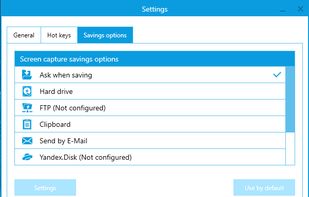
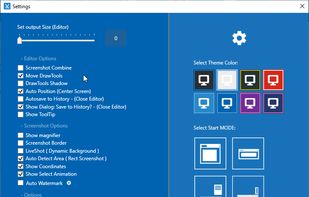
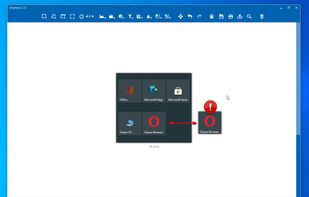
Simple, but powerful application for taking screenshots, editing them with included editor, and saving using multiple options, such as local storage, cloud, FTP-server, or direct copying to the clipboard or E-mail message.
 Russia


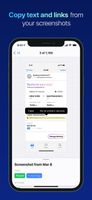
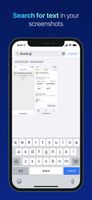
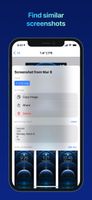
FlyScreen is a powerful screenshot manager for iOS. Search your screenshots, copy text and links, organize by tags, and more.


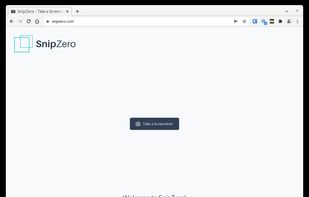
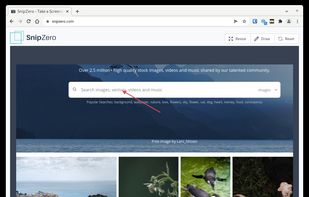
SnipZero is a convenient zero-install screenshot app that lets you take screenshots right from your web browser. No installation required. You can select any application window or browser tab as source.
 Germany
 EU


Jet Screenshot is a freeware utility enabling you to share screenshot via the internet in seconds. It allows you to take a screen snap, edit it and send it to the Web, so that you can immediately provide anyone with a link to the image.
 Ukraine
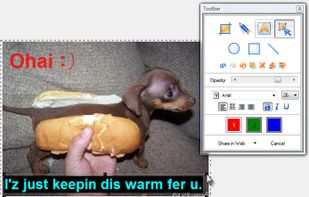
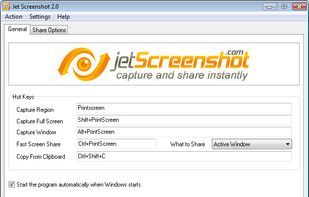
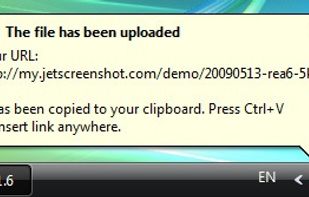
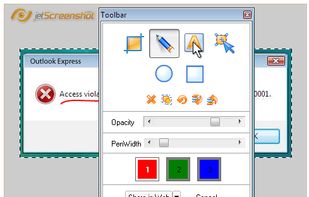


Snip tool is a screen capture tool that lets you capture one or more selected areas on your desktop and save it with optional annotations.
GermanyEU



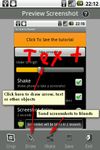
Wise Shark Screenshot allows you to create a screenshot of your Android screens.
Russia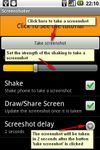
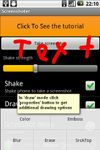


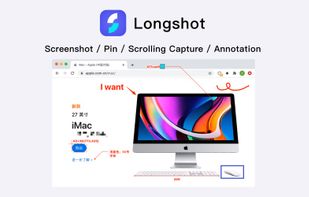
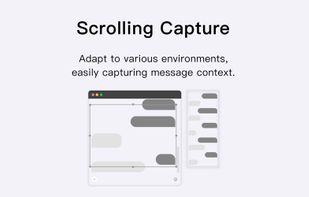
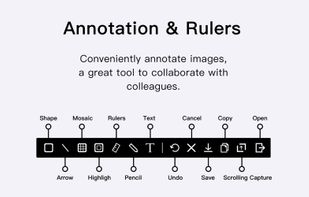
Longshot is a versatile software that allows you to conveniently annotate images, capture scrolling screenshots, highlight windows, and turn any image or text into a tack for easy viewing and comparison.



Gemoo's Website Screenshot Screenshot Tool lets you capture high-quality PNG, JPEG or PDF screenshots of entire webpages. You can also use our Bulk Website Screenshot feature to capture multiple screenshots at once, displayed as a slide view and easily shareable via copy...
 United States
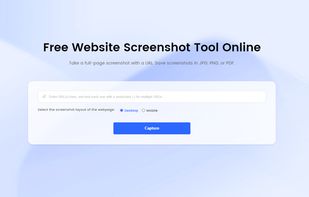


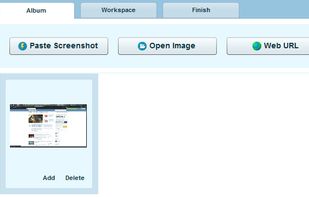
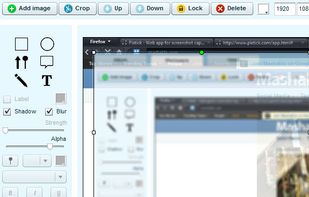
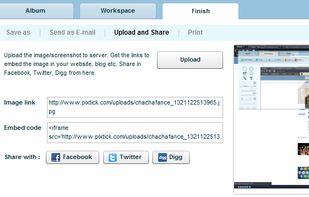
Pixtick, an online application, can capture screenshot from browser. No download or installation required. Its having robust annotation tools to annotate and edit screenshots and images from hard drive or from web.



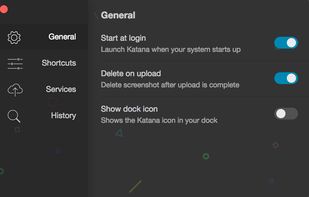
Katana is a simple, open-source screenshot utility for macOS that lives in your menubar.