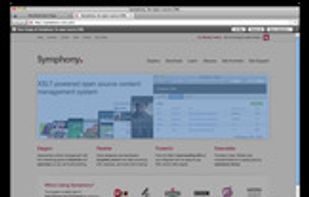
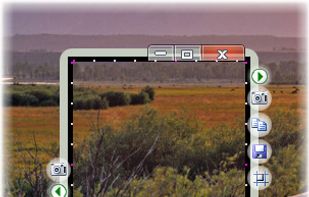
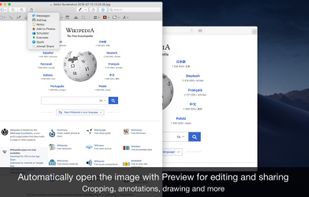
Right click on any web page, frame or iframe, click "Save Page As Image..." and then resize the selection around the piece you want to save.



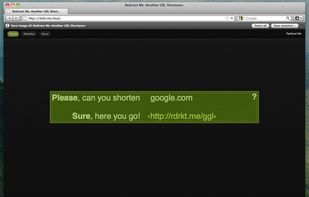

+2
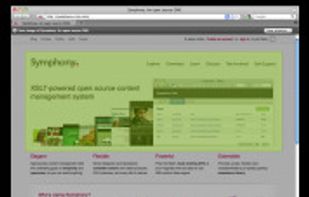


Skitch has been discontinued. Similar apps include ShareX, which is free and open source. Other options are Greenshot, Flameshot, Snipping Tool and PicPick. You're spoiled for choice with Screenshot Capture Tools like Skitch: we list more than 50 alternatives for Windows, Mac, the web, Linux and iPhone.
Right click on any web page, frame or iframe, click "Save Page As Image..." and then resize the selection around the piece you want to save.

The smallest free tool for taking screenshots of different size. Just open SnapaShot, resize it's window to fit the area you want to save, and press "save it" button.
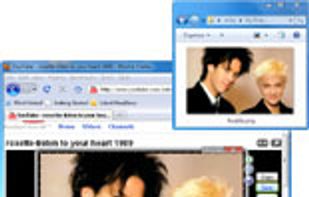


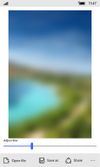
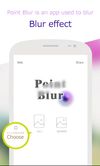
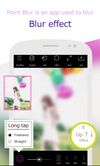
Apply customizable blur, mosaic, or pixelation to entire images or specific traced areas with adjustable strength, using three brush types, an eraser, and cropping tools for privacy protection and quick social media-ready edits on Android.
 Japan



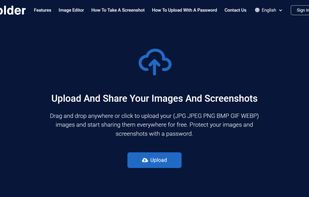
Uploading images and screenshots from home page or from your dashboard. Offers a 50 MB upload limit for guests and a 100 MB upload limit for registered users. Offers 11 GB of free storage space for registered users.
 United States


Capture is a quick-and-easy screen capture utility for Windows (and NT), which allows you to capture the entire screen, at any color depth and resolution, and save it into a Bitmap file for editing. If you are interested in only capturing one window, you can select to capture...


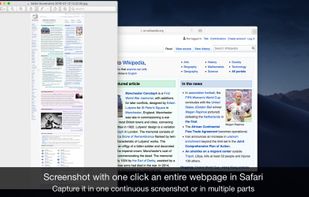
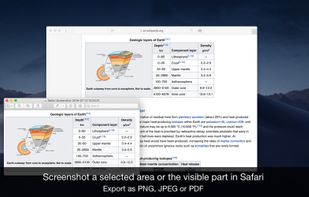
Page Screenshot for Safari is an awesome extension, just a click away, ready to use every time you need to capture a webpage screenshot, either the full page or just part of it.
 Romania
 EU


Automatically detects faces in photos and videos, offers privacy modes like pixelation, blurring, or masking, removes identifying metadata including GPS, lets users take photos or import media, and enables secure sharing to social platforms or local storage.
United States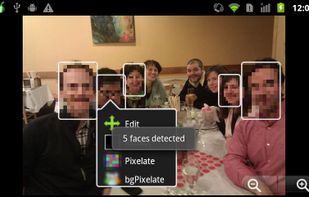


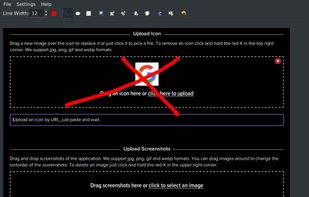
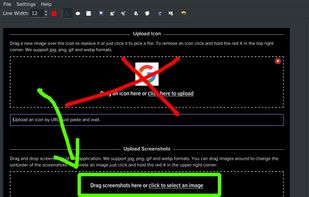


Fii is a completely free online sharing application which brings visualization to your online conversation. You can show your co-worker, friend, teacher, boss, parents or whomever you want a part of your screen with a single mouse click.


Blur FX helps you quickly blur photos to use as wallpaper for your phone or PC. Cut out all the distractions by blurring seemingly ordinary photos into stunning backgrounds for your device. Use any photo.