Cost / License
- Free
- Proprietary
Application type
Platforms
- Google Chrome





+1


Apps similar to Shottr include ShareX, which is free and open source. Other options are Greenshot, Snipping Tool, PicPick and FastStone Capture. There's no shortage of Screenshot Capture Tools like Shottr, with more than 100 alternatives for Mac, Windows, the web, Linux and Android.

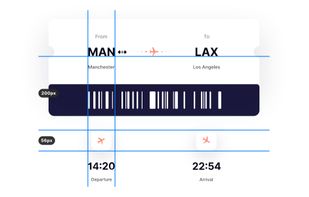
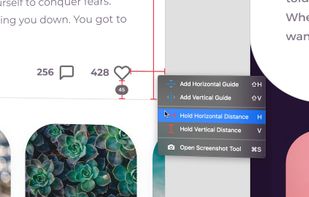
PixelSnap is an app for macOS that makes it easier for designers and web-developers to measure anything on their screens by just clicking and dragging around the cursor.
 Sweden
 EU
EU


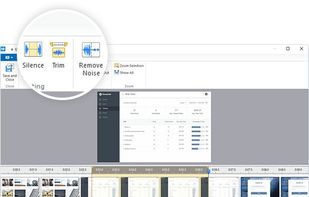
Free Cam is free screen recording software for Windows that lets you easily capture all or part of your screen, record your voice & mouse clicks, then edit your video and save it to your computer or share it instantly on YouTube.
 United States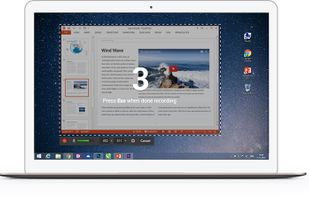



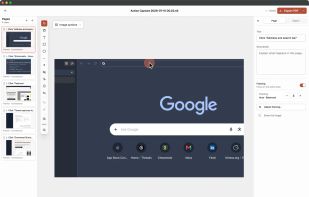
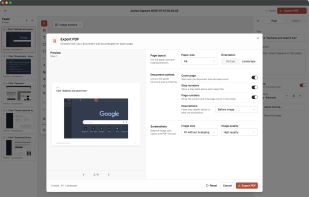
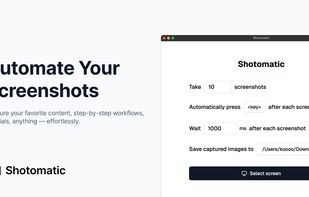
Shotomatic is a Mac app for recording a desktop task as an editable screenshot guide. Action Capture saves the target screen immediately before each accepted click, marks the action, and adds the step to a document.
 South Korea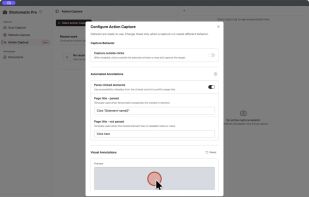


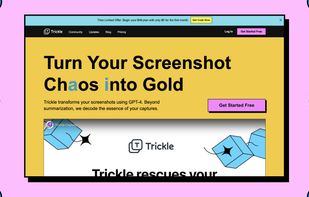
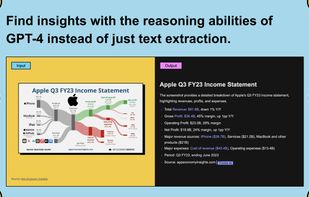
Trickle helps you summarize and organize screenshots, extracting insights for easy search and query. Transform visual chaos into an intelligent archive, allowing you to screenshot anything and effortlessly retrieve and utilize its contents later.




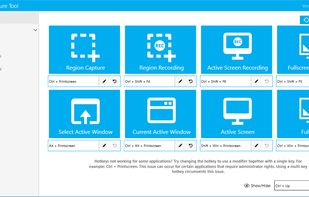
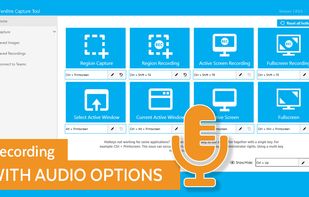
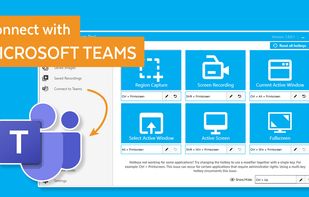
The Fenêtre Capture Tool for making professional screenshots and screen recordings. With advanced functions and abilities that other free capture tools don't offer.
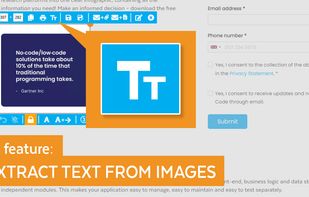


Meet MiniSnip, the smallest and fastest way to capture your screen and extract text with OCR on Windows. Open-source, feather-light, uses minimal resources, and stays completely out of your way.
Just one hotkey (Ctrl+Shift+C) is all you need to start.
United States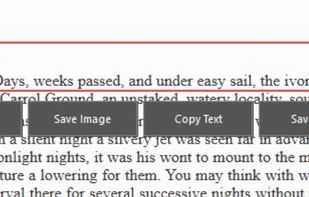


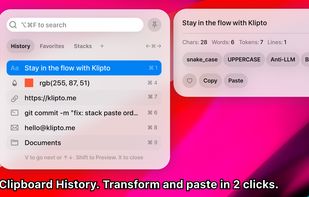
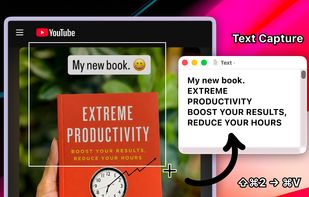
Clipboard tool for macOS built around a paste queue: collect several items, then paste them back one at a time in order, with text transformations and text capture from images.


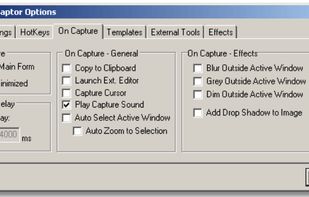
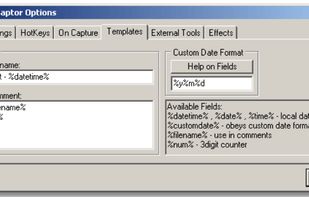
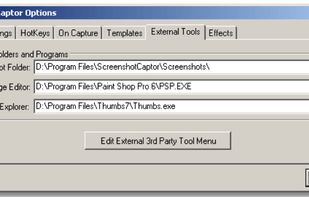
Screenshot Captor is a program for taking screenshots on your computer. Its different from other screenshot utilis in several notable ways:
United States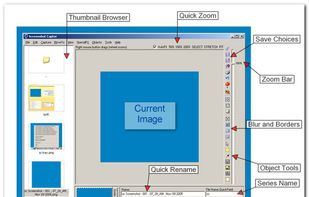


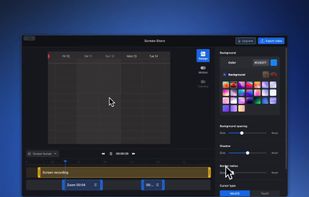
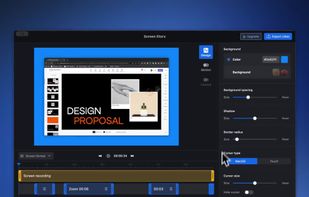
Screen Story is a video creation tool for MacOS that doesn't require advanced editing skills. It includes features such as Smooth Cursor for quality animation, AutoZoom and AutoFollow for automatic zoom animations, and Motion Blur for smoother videos.
 Australia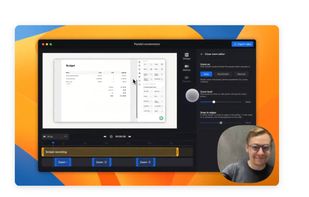


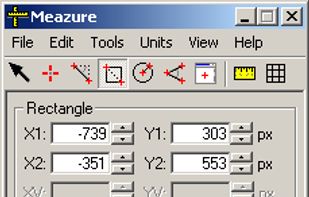
What are the dimensions of that image? How big is this window? Does this layout fit on an NTSC display? What color are these pixels? What does this icon look like close up? How can I capture an arbitrary portion of the screen?
United States