Cost / License
- Free
- Open Source (MIT)
Application type
Platforms
- Mac
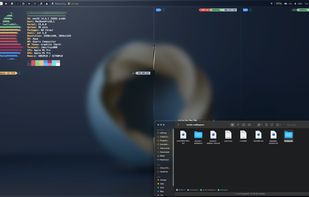

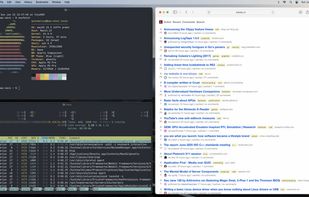

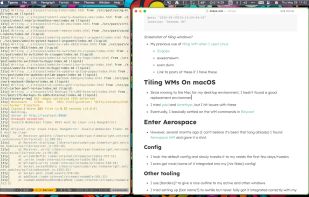


Shiftit has been discontinued. Similar apps include Rectangle, which is open source with a free version. Other options are BetterTouchTool, AquaSnap, SnapZones and Moom. There's no shortage of Window Managers like Shiftit, with more than 50 alternatives for Mac, Windows, Linux and Android.

Slicer is an invaluable window management app for OS X.
Watch a demo here: https://www.youtube.com/watch?v=_u7nvEWjZuk
Slicer lets you... ... Slice any window to 2/3, 1/3, 1/2, 1/4, 1/8th screen, etc ... Work beautifully on dual-monitor setups ... Mix and match applications in.
 United States


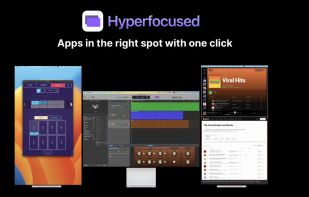


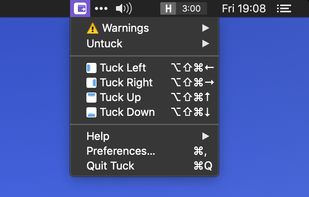
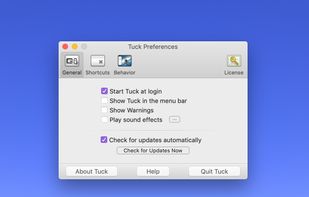
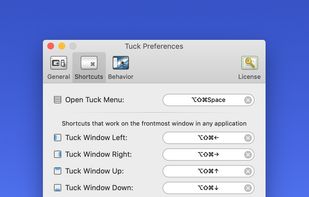
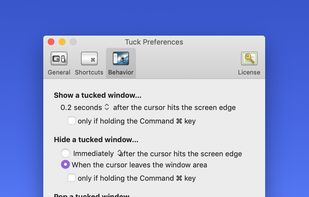
Tuck is a handy menu bar application that allows you to quickly and simply clear multi-window clutter by hiding windows under your screen edges.


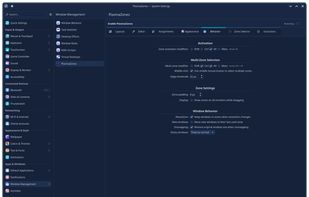
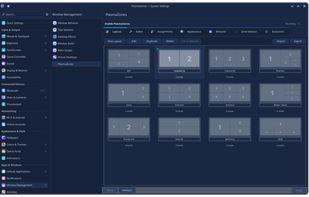
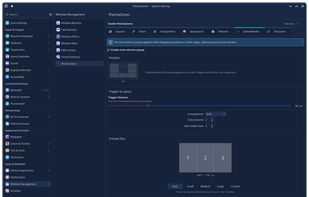
Window management tool enabling creation of custom zones, drag-and-snap, keyboard shortcuts, automated window assignments, layout editor with templates, GPU overlays, multi-monitor layouts, virtual desktop and activity support, plus KCM integration for easy configuration.
United States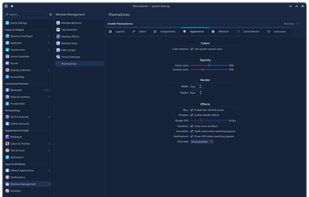


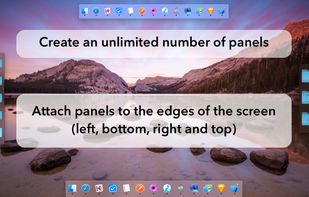
MultiDock is a simple application that allows you to organize frequently used applications, documents and folders using small panels (Dock’s).
 Ukraine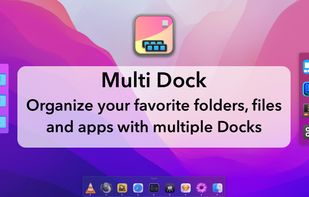



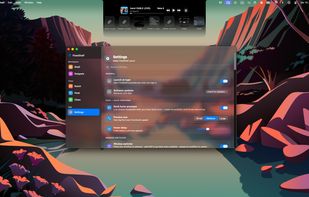
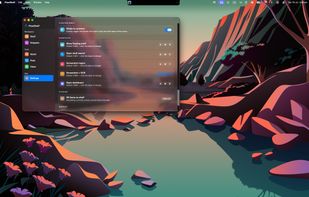
FlowShelf a free Mac app that turns your notch into a Dynamic Island and gives everything you copy, drop, or screenshot a temporary home.
 Australia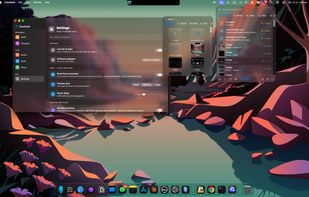


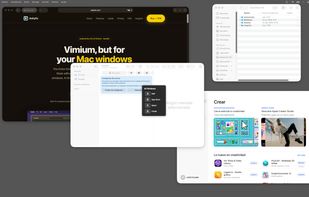
Ankylix brings Vimium-style keyboard hints to macOS window management. Hit a hotkey and a letter appears on every window and tiling zone — press it to instantly focus, move, resize, or tile, without ever touching the mouse.
 Spain
Spain EU
EU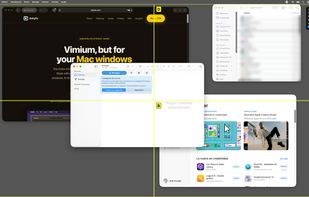
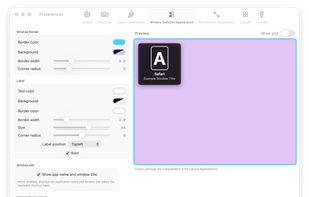
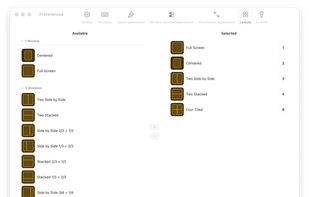


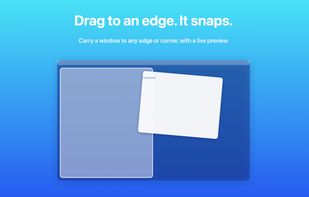
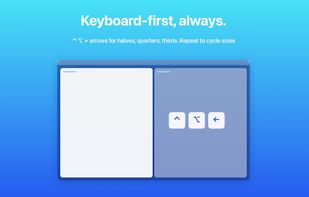
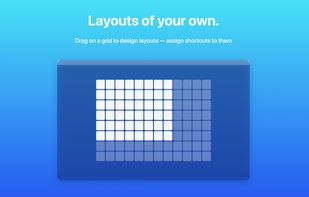
Arrange macOS windows into halves, thirds, quarters, or custom grid layouts using live previews, drag actions, or fully remappable shortcuts. Restore positions with one key, move windows across displays, manage layouts via the menu bar, and customize every action.
 Japan
Japan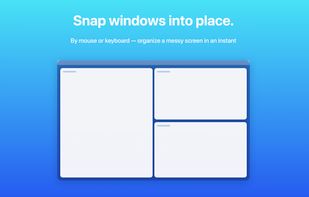


Kröhnkite is mainly inspired by dwm from suckless folks, and aims to provide rock solid stability while fully integrating into KWin.
 South Korea



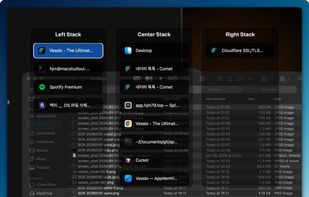
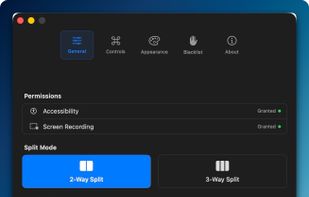
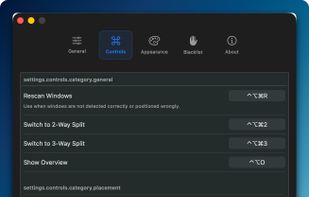
Window management utility on macOS enabling window snapping, 2- and 3-zone layouts, app rotation, keyboard and trackpad gesture controls, plus overview mode for fast app assignment and switching, offering efficient multitasking in customizable zones.
South Korea