Cost / License
- Freemium
- Proprietary
Application typeApplication types
Platforms
- Online
- Windows
- Mac



+2
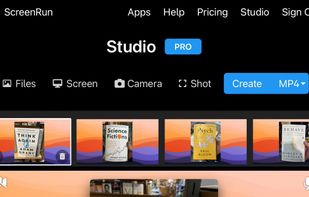


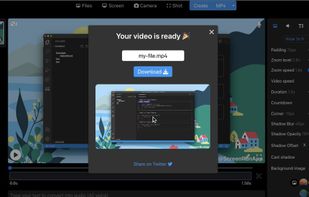
Apps similar to ScreenTune include OpenScreen, which is free and open source. Other options are Recordly, ScreenArc, Screenity and Cap. Screen Recorders like ScreenTune are a crowded field, with more than 25 alternatives for Mac, Windows, the web and Linux.

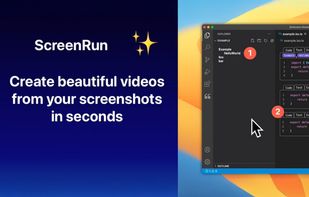
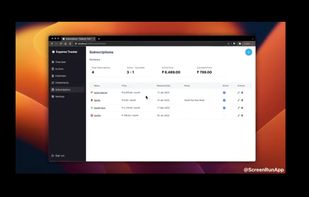
Turns screen recordings into branded, shareable videos with composite, multi-layout recording, background removal, auto-chapters, analytics, captions, comments, call-to-actions, permissions, fast app workflow, HD export, and multi-language support.
 United Kingdom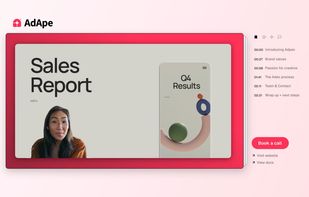
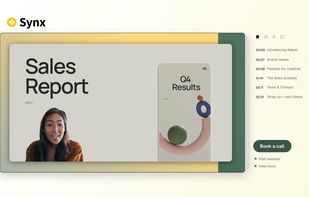




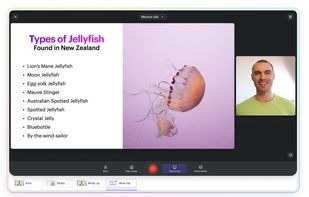
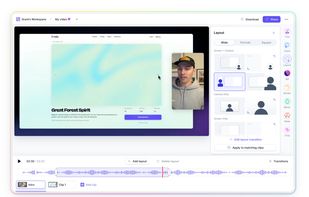
Web-based platform enabling screen and camera recordings with customizable layouts, overlays, clip-based editing, speaker notes, Unsplash backgrounds, transitions, and instant sharing. Compatible with Mac and PC, requires no installation, and offers flexible export options.
 United States



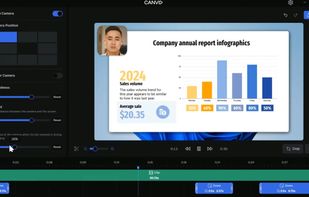
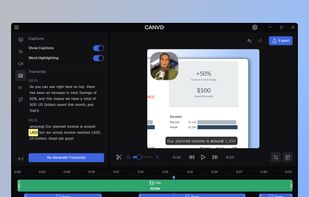
AI-powered Canvid offers easy recording and exporting in formats like MP4 and GIF, with features including zoom, enhanced audio, and automatic captions, making it perfect for tutorials, demos, and professional presentations, supporting up to 4K resolution with intuitive design.
United States
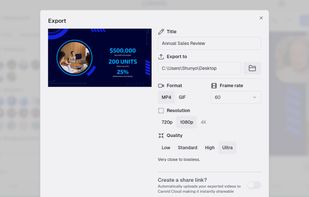


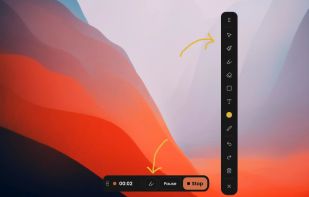
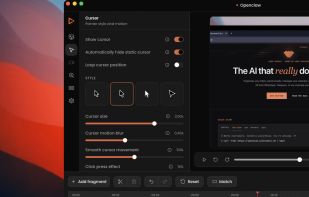
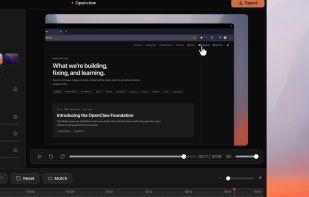
Capptivo is a free, open-source desktop screen recorder and editor. It is a local-first alternative to Screen Studio and Cursorful.
 Morocco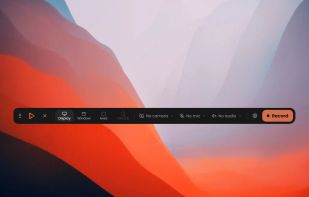


A Chrome extension for capturing, editing and sharing screencasts. Save recordings automatically to your Google Drive or publish directly to YouTube.
United States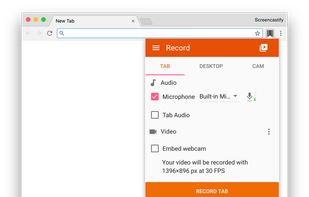


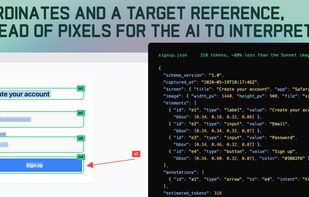
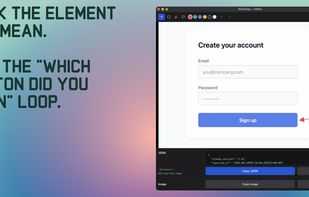
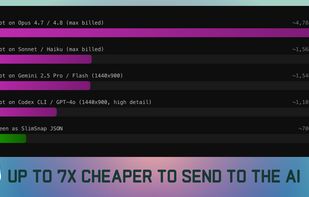
SlimSnap is a Mac app that turns a screenshot into structured JSON instead of an image. It captures the screen, runs OCR locally, and outputs the text, elements, colors, and bounding boxes, so terminal AI coding agents (Claude Code, Aider, Codex CLI) can act on the exact element...


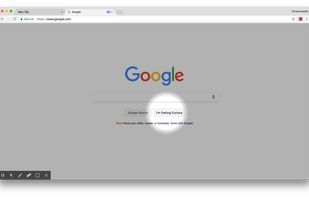
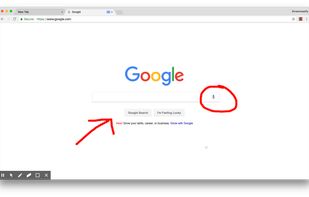
Limelight is a native macOS screen recorder built for tutorials and product demos. Hit record and it automatically zooms into every click, smooths your cursor, and renders a clean background — then bakes your keystrokes, a cursor spotlight, and freehand annotations right into...
 South Korea


Turns a phone screen recording into a vertical Short, website clip, or GIF, rendered entirely in the browser.