


Intuitive screenshots baked right into the browser. Capture, save and share screenshots as you browse the Web using Firefox.
Cost / License
- Free
- Open Source (MPL-2.0)
Application type
Platforms
- Firefox


Apps similar to ScreenSnap Pro include ShareX, which is free and open source. Other options are Greenshot, OpenScreen, Recordly and ScreenArc. You're spoiled for choice with Screenshot Capture Tools like ScreenSnap Pro: we list more than 100 alternatives for Mac, Windows, the web, Linux and Android.
Intuitive screenshots baked right into the browser. Capture, save and share screenshots as you browse the Web using Firefox.

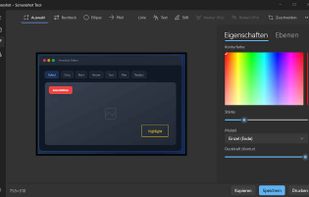
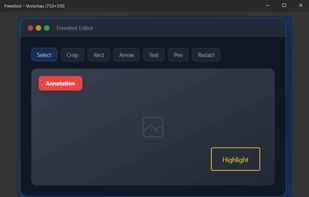
Freeshot is a free, lightweight and modern screenshot tool for Windows. Capture any region, window or full screen in under 100 ms, edit instantly with shapes, text & highlighter, organize everything in a clean library and print intelligently – 100 % free, no ads, no registration.
 Switzerland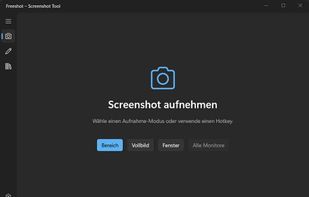


Capture full and partial screenshots, record screen or webcam videos with extensive editing tools, including annotations, video conversion to gif/mp4, and sharing options. Create step-by-step guides enhanced by AI, save in multiple formats, and utilize cloud storage integration.
 United States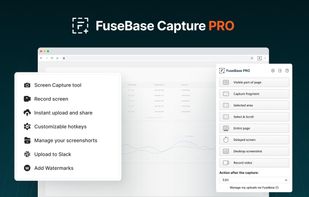
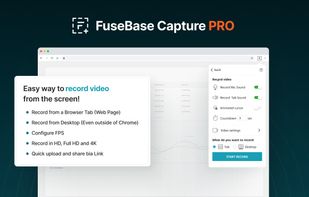
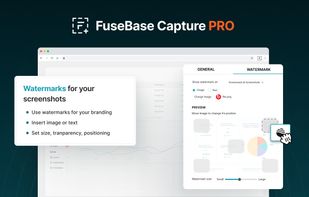
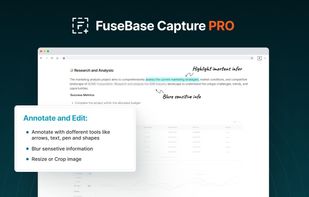


Boom is an AI screen recorder and video editor for async updates, demos and walkthroughs you share by link. It removes filler words and bad takes automatically, adds captions and dubs into 50+ languages.
 Portugal
 EU
EU


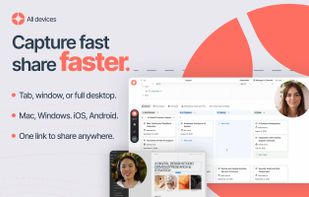


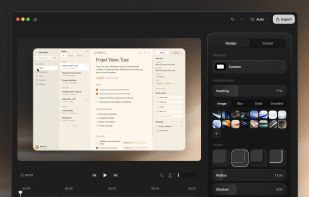
ScreenTune is a macOS app for capturing, editing, and exporting screenshots and screen recordings. It lets users record a screen, window, or selected area, then adjust the result with backgrounds, padding, frames, rounded corners, shadows, cursor styling, annotations, text...
 Japan
Japan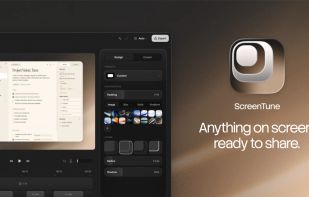



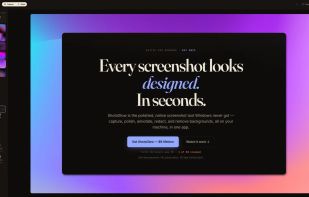
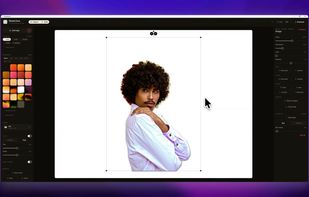
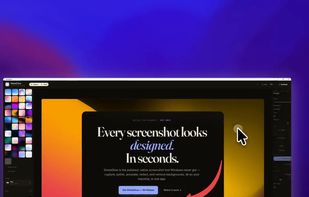
The polished, native Windows screenshot tool — capture, design, annotate, redact and remove backgrounds on-device, then export to 30 social & App Store sizes.
 GermanyEU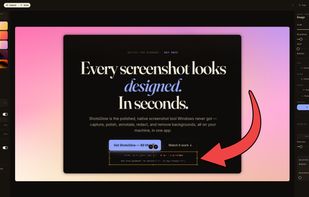


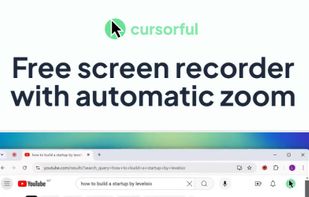
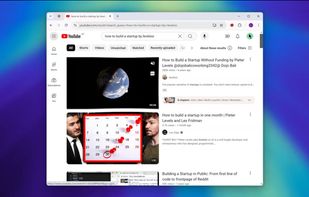
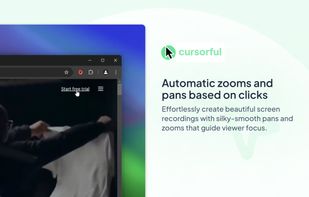
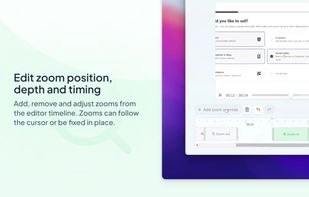
Cursorful is a browser extension that creates beautiful screen recordings with zooms and pans that guide viewer focus.


Vibrantsnap creates studio-quality product demos, training videos, and guides that speed up onboarding and drive adoption. Record your screen with the Chrome extension or import your own video, then let AI turn the raw footage into a polished video.



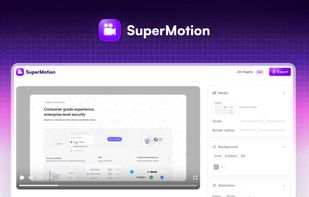
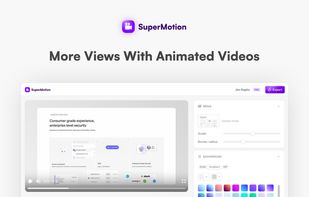
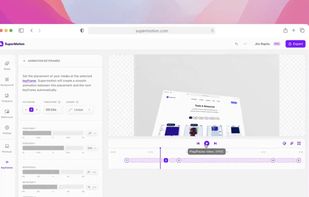
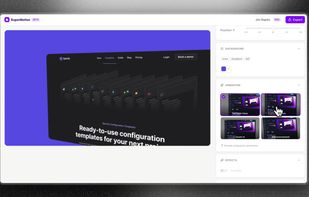
Turn static images or a boring video into captivating animated clips that really capture attention. Ideal for Dribbble shots, Twitter videos, landing page videos, feature announements.


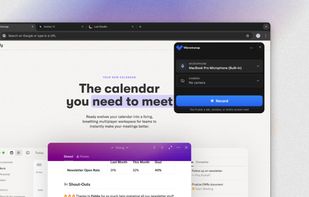
PolyCapture allows you to record cameras, microphones, screens, and apps — individually or multiple at once.
GermanyEU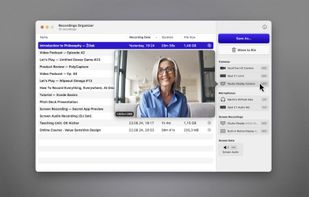
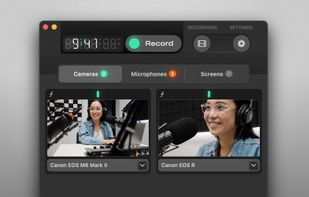
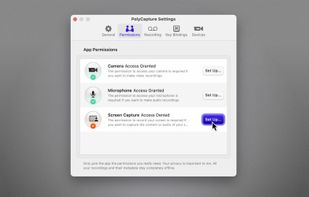
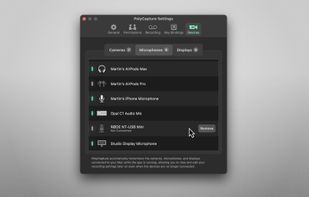


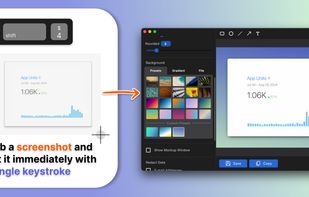
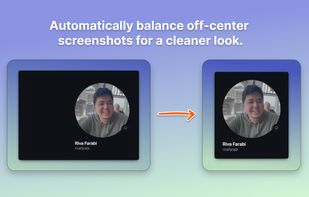
Capture attention with stunning screenshots! Savvyshot, a lightweight app for Windows and MacOS, lets you instantly edit, auto-align, and create shareable screenshots—no design skills or complicated tools needed. Make your screenshots shine effortlessly! ?🚀.
 Indonesia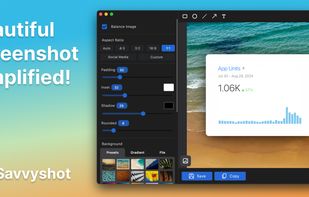


A screen recorder comes with automated editing. Automatically track cursor movement, apply dynamic zoom and click effects, add a pleasant background, and generate a professional-looking video/gif that is ready to use.
 China
China


