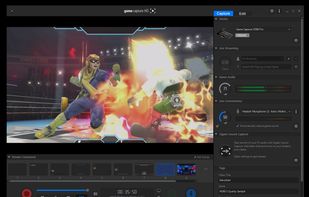
Designed for content creators, Elgato Game Capture is a professional videogame recording and live-streaming software for Windows.
Cost / License
- Freemium
- Proprietary
Application typeApplication types
Platforms
- Windows
 Germany
 EU
EU


Apps similar to ScreenMix - Screen Recorder include OBS Studio, which is free and open source. Other options are ShareX, OpenScreen, Recordly and GPU Screen Recorder. Screen Recorders like ScreenMix - Screen Recorder are a crowded field, with more than 100 alternatives for Windows, Mac, Linux, the web and Android.
Designed for content creators, Elgato Game Capture is a professional videogame recording and live-streaming software for Windows.
GermanyEU
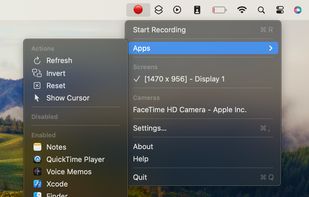
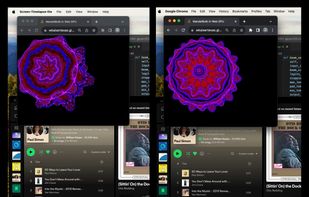
An open-source menu bar application for creating screen and camera time lapses without excessive file sizes.


Powerful Windows software for screen recording that allows you to accurately and easily record any activity on your screen.
GermanyEU
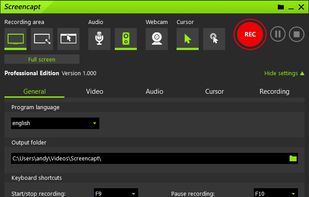
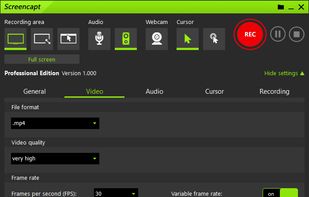
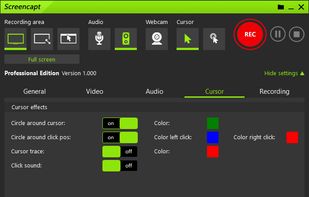


Record Go: Screen Recorder is a user-friendly and practical application for screen capture. No matter whether it is to record tutorials, courses, demonstrations, meetings, games, film/TV series, or videos, Record Go: Screen Recorder could always save your time and offer great...
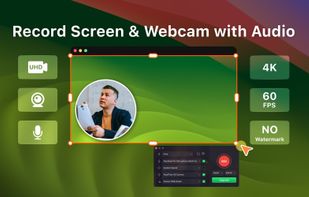
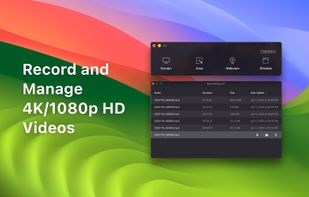

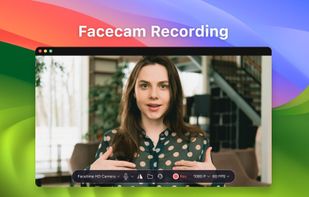


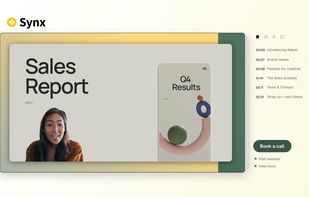
Turns screen recordings into branded, shareable videos with composite, multi-layout recording, background removal, auto-chapters, analytics, captions, comments, call-to-actions, permissions, fast app workflow, HD export, and multi-language support.
 United Kingdom




Capture screenshots or record videos with Ashampoo Snap’s efficient tools. Enjoy easy editing, multi-display support, OCR for 180 languages, and instant sharing capabilities. Revamp your projects with video cutting, annotations, and custom capture options.
GermanyEU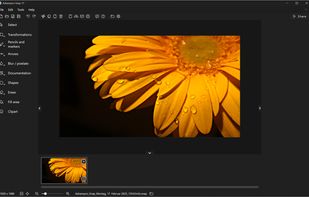



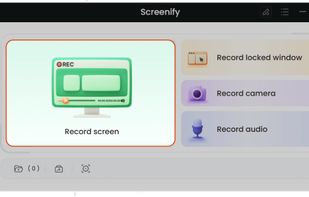
Screenify is free software for capturing screen, audio, webcam, and mic on Windows and Mac. It supports 4K at 60fps, offers noise reduction, and customizable settings. Export in various formats including MP4, GIF, MOV. No limits on duration or ads, ensuring professional videos.
 China
China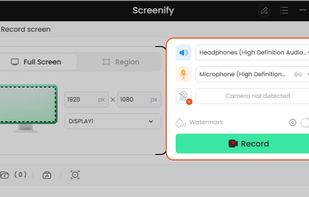
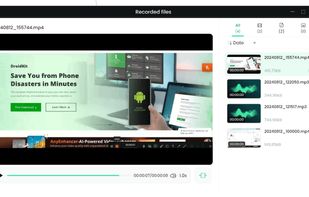
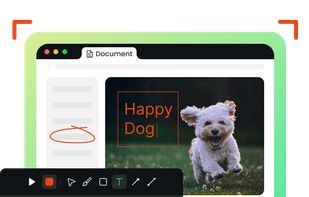


Enables screen video, audio, and webcam capture with support for system sounds, microphone input, annotation tools, zoom, custom watermarks, automated scheduling, screenshot upload, adjustable quality, region selection, and support for over 45 languages.
 CyprusEU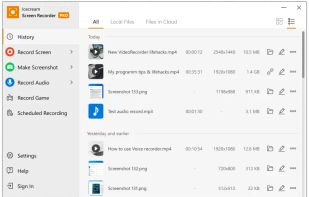
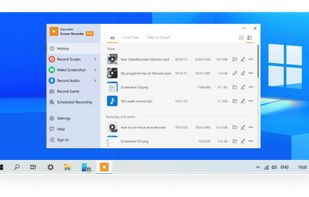
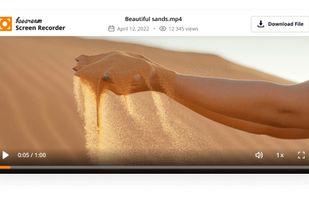


VSDC Free Screen Recorder is an easy-to-use lightweight screen recorder software that lets you capture your PC screen and save it in the MP4 format. It lets you capture the entire desktop screen, a selected area or even a videogame window of any resolution.
 United States
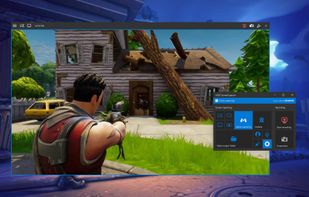


Peek is a simple screen recorder that allows you to record your screen as gif or mp4, capture a screenshot as jpg, and annotate your recordings with drawing, text, arrows, and highlights.
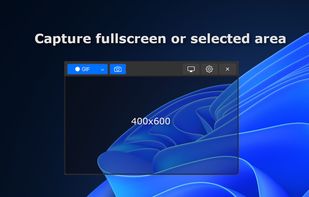

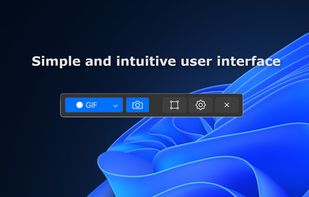


Versatile screen recording and live streaming tool, broadcasting to over 30 platforms. Enhances streams with stickers, templates, and images. Supports lectures and games, offers scheduled recording and operates as a virtual camera for meetings.
China

Capptivo is a free, open-source desktop screen recorder and editor. It is a local-first alternative to Screen Studio and Cursorful.
 Morocco