Cost / License
- Free
- Open Source (AGPL-3.0)
Application type
Platforms
- Mac
 China
China
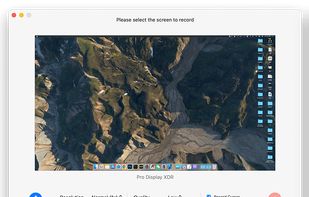

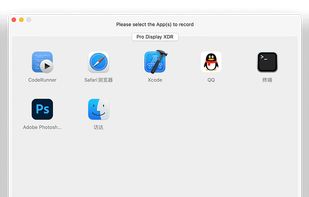

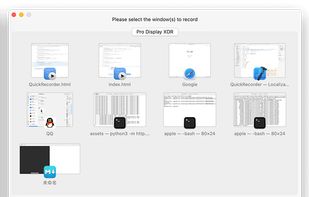

+3


Apps similar to ScreenKite include OBS Studio, which is free and open source. Other options are OpenScreen, Recordly, GPU Screen Recorder and SimpleScreenRecorder. Screen Recorders like ScreenKite are a crowded field, with more than 50 alternatives for Windows, Mac, Linux, the web and Android.
China
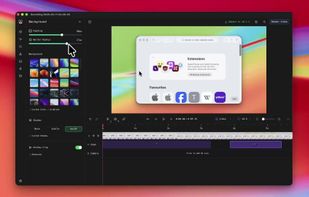
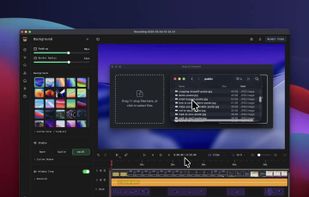
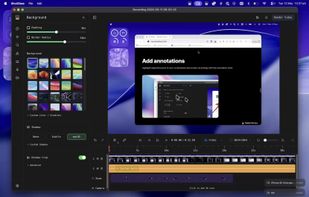
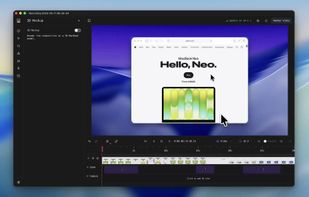
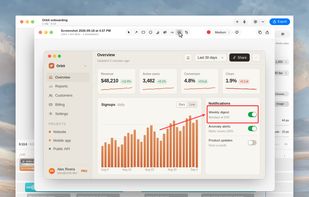
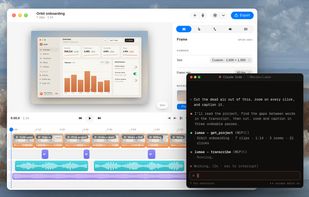
A free native Mac studio for recording displays, windows or areas, then editing with automatic click-based zooms, a redrawn cursor and motion blur. It also creates editable annotated screenshots, transcribes captions locally, records voiceovers, and stitches takes.
 Canada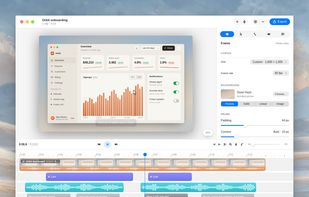


Kap is an open-source screen recorder built with Electron and designed to be easy to use but extensible.
 Sweden
 EU
EU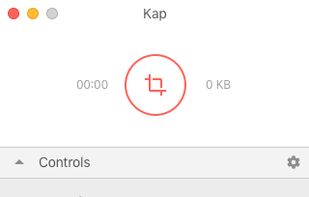


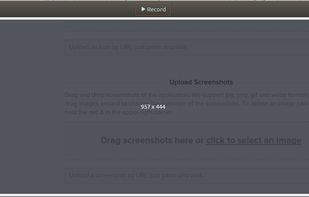
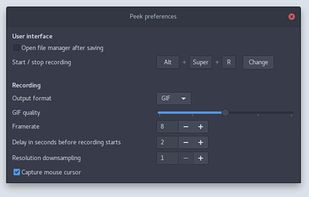
Peek makes it easy to create short screencasts of a screen area. It was built for the specific use case of recording screen areas, e.g. for easily showing UI features of your own apps or for showing a bug in bug reports.
 GermanyEU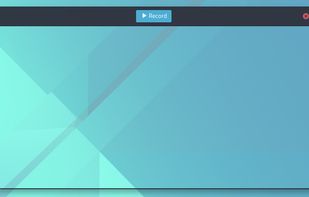



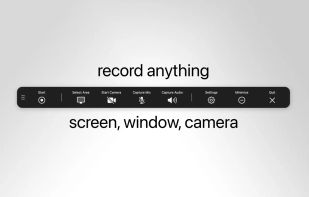
macOS tool for detailed screen recording, timeline-based video editing, customizable cursor animations, camera and audio capture, background editing, and easy sharing. Suitable for tutorials, presentations, or social media creation with a user-friendly workflow.
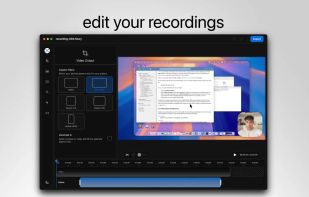
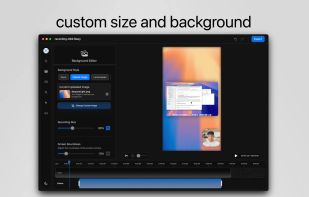
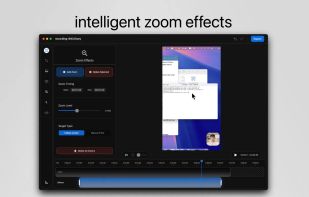


Get to know Game Bar on Windows Open Game Bar to take control of all your favorite gaming activities while playing on your Windows 10/11 device.


Capture the contents of your entire desktop at the same time as your video camera, microphone and computer's audio. Sophisticated editing tools allow you to create incredible screencasts in no time.
 United States


Android application for capturing and streaming the screen, audio, or both. It can record playback audio from other apps on Android 10 or later without root, although vendors may restrict some sources. The project is maintenance-only, with bug fixes possible but few new features.




Wink is a Tutorial and Presentation creation software, primarily aimed at creating tutorials on how to use software (like a tutor for MS-Word/Excel etc). Using Wink you can capture screenshots, add explanations boxes, buttons, titles etc and generate a highly effective tutorial...
 India
India


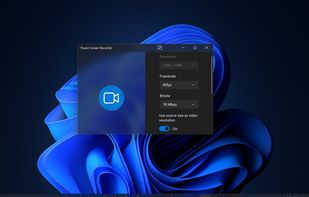


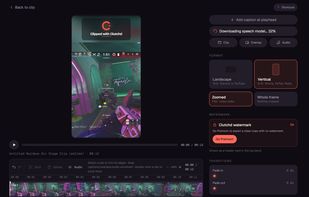
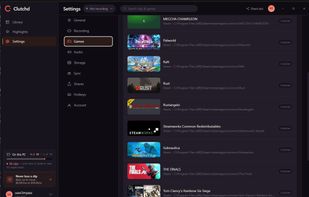
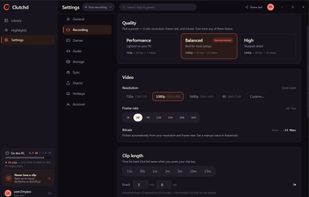
A video game clipping software made with performance in mind. Never lose any FPS, even if you leave it open in the background. No social media platform forced upon you. Quick share your clips with a link to your friends.
United States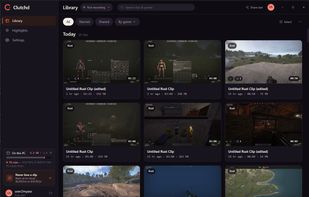


Screenshot and screen recorder app for macOS. One app instead of four. Capture multiple windows, annotate, zoom, add transitions, and drop your recording onto a 3D MacBook with a simulated lens. Everything stays local.
 Australia