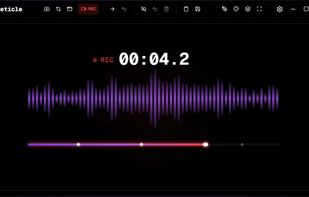
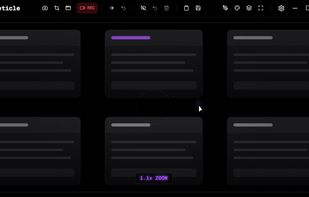
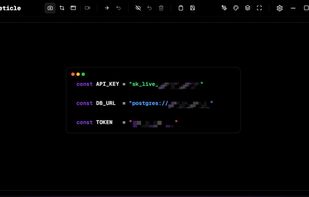
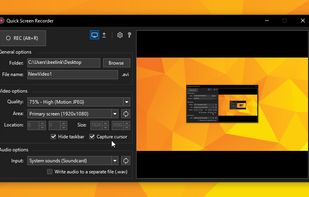
Quick Screen Recorder is a lightweight desktop screen recorder for Windows, built on top of WinForms (C#).
Cost / License
- Free
- Open Source (GPL-3.0)
Application typeApplication types
Since
- Since 2020
GitHub
- GitHub stars: 267
 Canada


ScreenFlow is not available for Windows but there are plenty of alternatives that run on Windows with similar functionality. The best Windows alternative is OBS Studio, which is both free and Open Source. If that doesn't suit you, our users have ranked more than 100 alternatives to ScreenFlow and loads of them are available for Windows so hopefully you can find a suitable replacement. Other interesting Windows alternatives to ScreenFlow are OpenScreen, Recordly, ScreenArc and Bandicam.
Quick Screen Recorder is a lightweight desktop screen recorder for Windows, built on top of WinForms (C#).
Canada
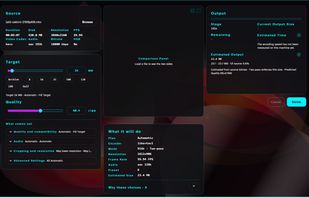
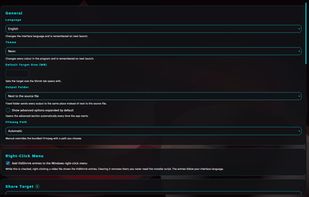
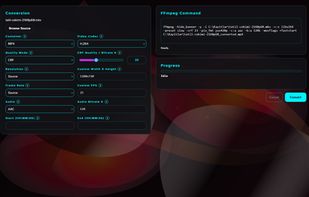
Play, convert, and shrink videos to an exact target size. Offline, adaptive calibration, VMAF-measured. .NET 8 + Avalonia + ffmpeg, Windows.
 Türkiye


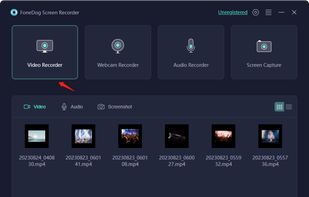
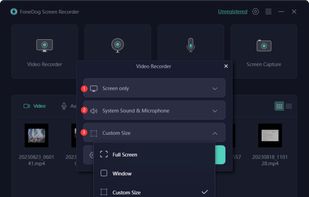
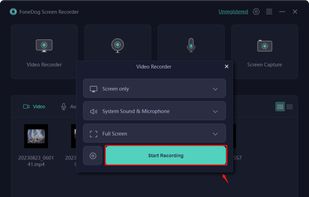
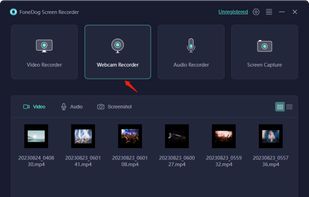
Record screen and webcam in HD videos with no watermark. Simultaneously or separately record from system sounds and microphone. Support recording editing and real-time annotation.
 Philippines


 Germany
 EU

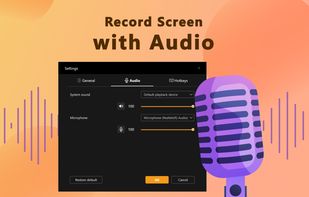
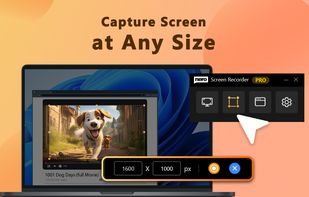
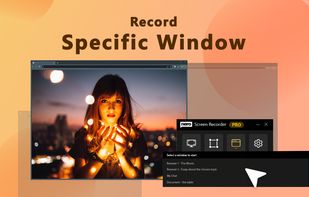


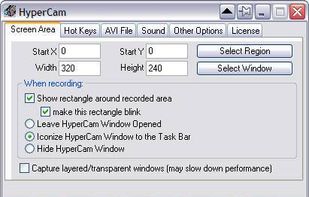
HyperCam v2 is a video capture software that records AVI movies (screencam) directly from your monitor, for software presentations, software training, demos, tutorials, and fun! HyperCam supports text annotations, sound, and screen notes (great for creating automated software...
 United States


SumTotal ToolBook empowers subject matter experts and learning professionals to rapidly create interactive content, quizzes, assessments, and software simulations. Built on the industry’s most complete talent platform, SumTotal ToolBook enables you to:
United States


Try recording your PC screen quickly and easily with Screen Recorder.
 South Korea
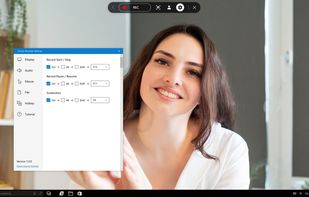
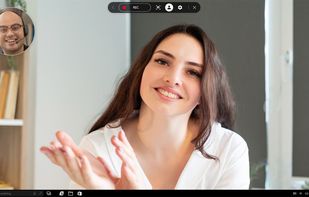
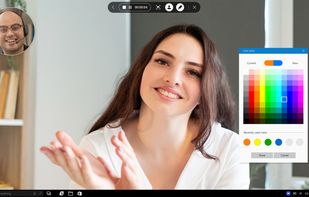

Capptivo is a free, open-source desktop screen recorder and editor. It is a local-first alternative to Screen Studio and Cursorful.
 Morocco
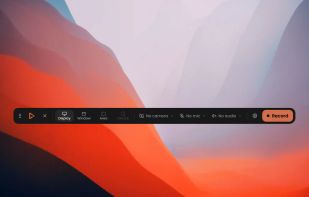
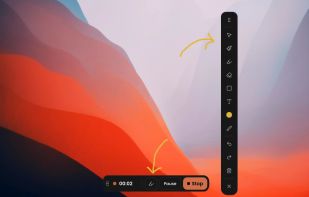
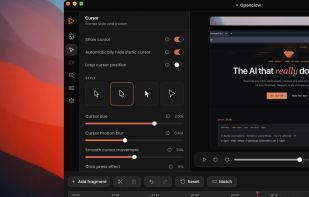
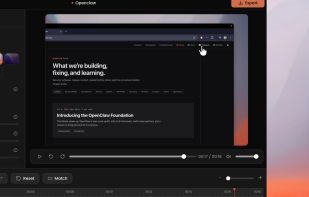


Screencast Capture Lite is a tool to continuously capture the desktop screen, storing this information in video files. The application supports recording from the primary screen, from a chosen window or from a fixed region.
 Brazil
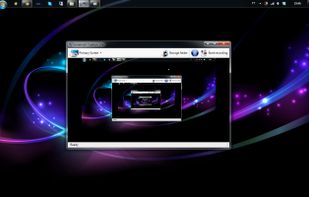


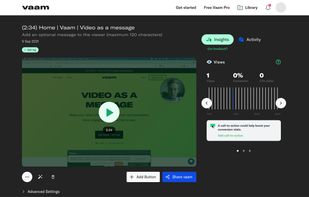
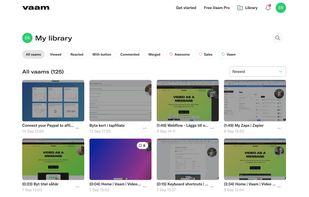
Vaam, video as a message, lets users create and access a shareable video in seconds, with the click of a button. It's a fun and beautiful experience where every company can have their own branding.


TinyTake is a free screen capture software for Microsoft Windows. With TinyTake, you can capture images and videos of your computer screen, add comments and share them with others in minutes. TinyTake is built by MangoApps and is available for free.
United States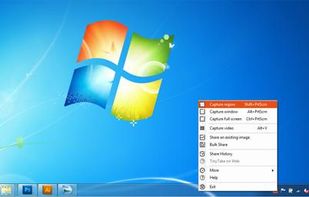

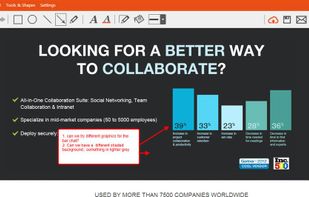
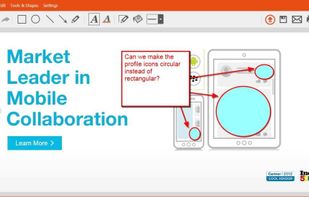


Free screenshot and screen recording tool featuring instant capture, advanced editor with annotation, blur, pixelation, history for re-editing, hotkeys, dark mode, multiple capture types, OCR, GIF/video export, multi-monitor support, and offline use.
 Russia