

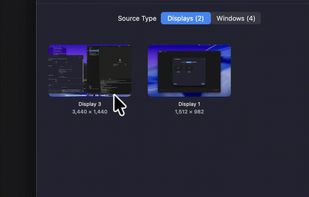
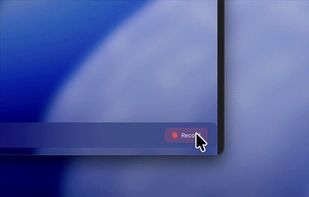
Open-source macOS screen recording app with auto-zoom, cursor effects, and timeline editing — Screen Studio alternative.
Cost / License
- Free
- Open Source (Apache-2.0)
Application type
Platforms
- Mac
 South Korea



+7
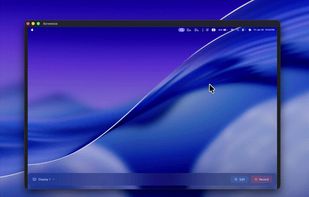


Apps similar to ScreenArc include OpenScreen, which is free and open source. Other options are Recordly, Screenity, Cap and CleanShot X. There's no shortage of Screen Recorders like ScreenArc, with more than 50 alternatives for Mac, Windows, the web, Linux and iPhone.
Open-source macOS screen recording app with auto-zoom, cursor effects, and timeline editing — Screen Studio alternative.
South Korea
Kap is an open-source screen recorder built with Electron and designed to be easy to use but extensible.
 Sweden
 EU
EU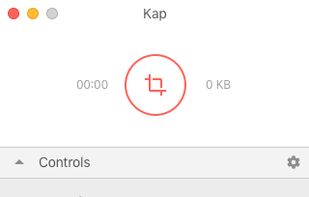


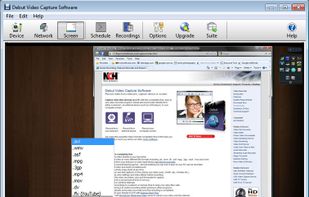
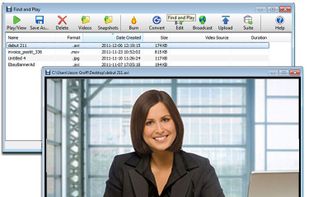
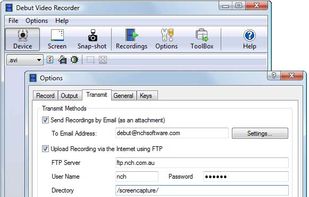
Debut is a screen capture and video recording software that records videos from your screen, webcam or other video devices.
 Australia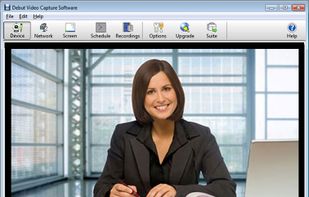


Beautiful screenshots with stunning backgrounds and powerful annotation tools. Create, edit, and share professional-quality screenshots with ease.
 PortugalEU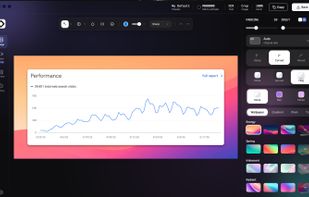


ScreenMix - Screen Recorder provides an easy, uncomplicated way of recording your desktop's screen and webcam sessions. Excellent for games and video stream recording, product demos, tutorials, webcam chats, and more!.
 Ukraine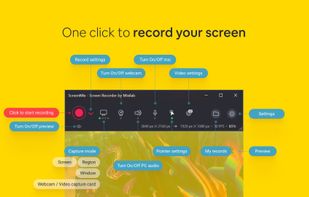
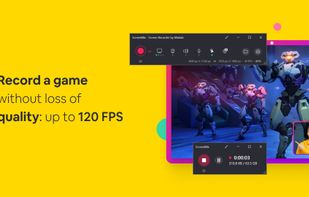
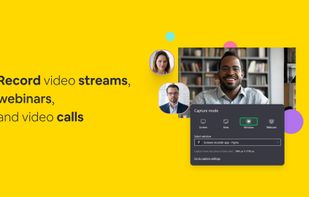
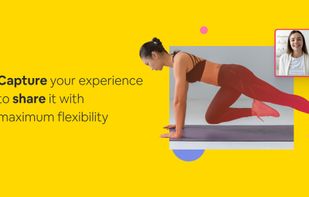


Record full screen or customized areas with webcam options. Annotate in real time, highlight cursor actions, and record both system and voiceover audio. Ideal for creating instructional videos, webinars, and presentations. Free for personal use, compatible with PCs.
 CyprusEU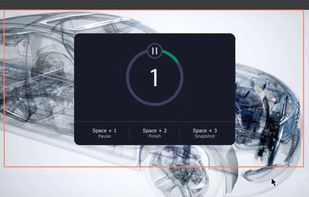
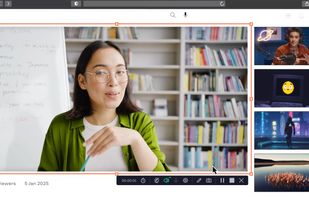


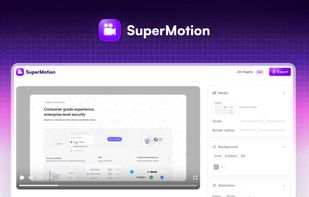
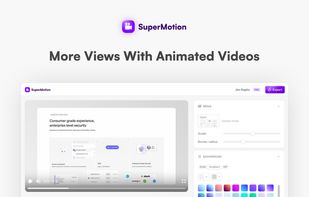
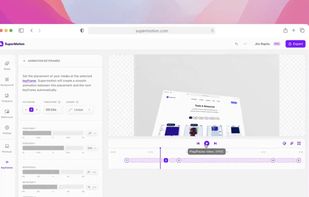
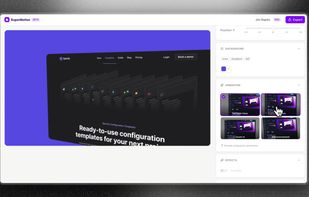
Turn static images or a boring video into captivating animated clips that really capture attention. Ideal for Dribbble shots, Twitter videos, landing page videos, feature announements.


Comprehensive tool supporting all video creation stages with a doc-style editor, separate scene recording, auto-sync, customizable layout, and transcript-based editing.
 ItalyEU

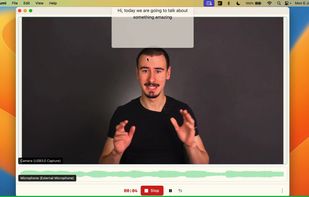
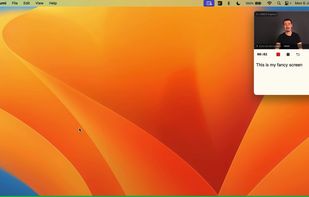


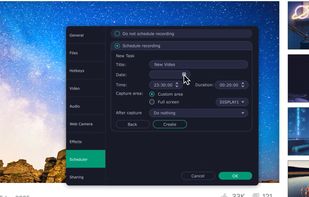
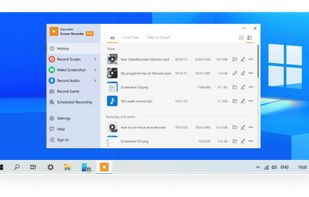
Enables screen video, audio, and webcam capture with support for system sounds, microphone input, annotation tools, zoom, custom watermarks, automated scheduling, screenshot upload, adjustable quality, region selection, and support for over 45 languages.
CyprusEU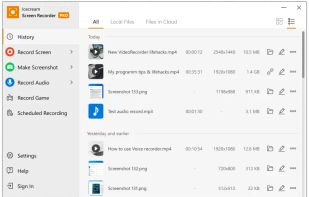
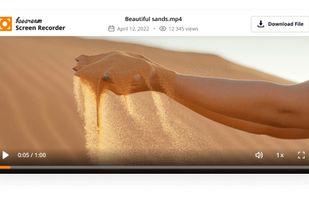


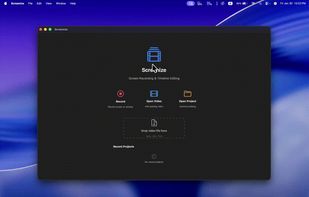
macOS tool for detailed screen recording, timeline-based video editing, customizable cursor animations, camera and audio capture, background editing, and easy sharing. Suitable for tutorials, presentations, or social media creation with a user-friendly workflow.
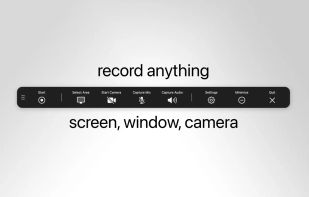
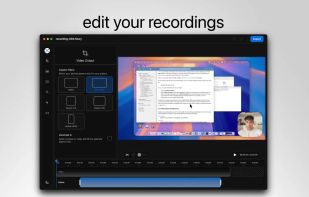
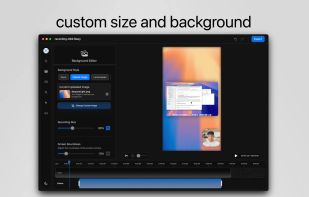
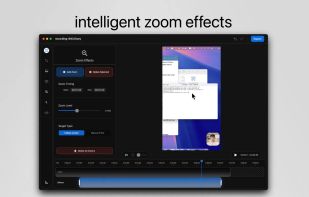


Record Go: Screen Recorder is a user-friendly and practical application for screen capture. No matter whether it is to record tutorials, courses, demonstrations, meetings, games, film/TV series, or videos, Record Go: Screen Recorder could always save your time and offer great...
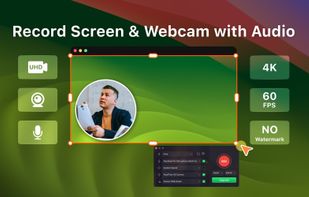
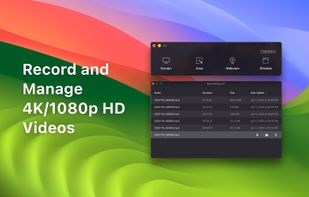
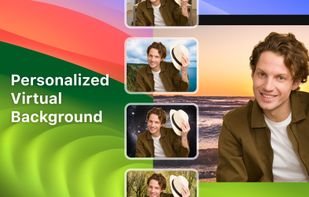
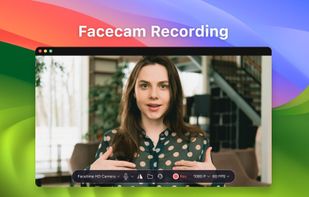


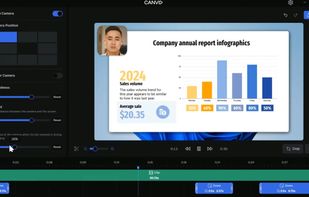
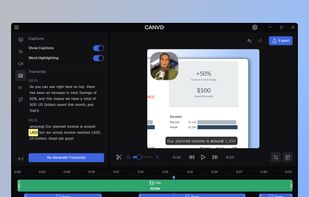
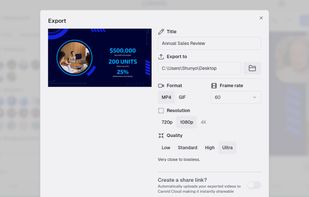
AI-powered Canvid offers easy recording and exporting in formats like MP4 and GIF, with features including zoom, enhanced audio, and automatic captions, making it perfect for tutorials, demos, and professional presentations, supporting up to 4K resolution with intuitive design.
 United States