

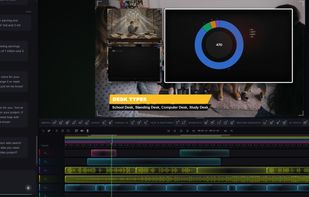
Envizion AI replaces the video editing timeline & video production pipelines with a AI Agentic eco-system you talk to. Type what you want. It scripts, sources, styles, and exports — in minutes.
Cost / License
- Freemium
- Proprietary
Platforms
- Online


Apps similar to Screen Studio include OBS Studio, which is free and open source. Other options are OpenScreen, Recordly, SimpleScreenRecorder and ScreenArc. Screen Recorders like Screen Studio are a crowded field, with more than 100 alternatives for Mac, Windows, the web, Linux and Android.
Envizion AI replaces the video editing timeline & video production pipelines with a AI Agentic eco-system you talk to. Type what you want. It scripts, sources, styles, and exports — in minutes.

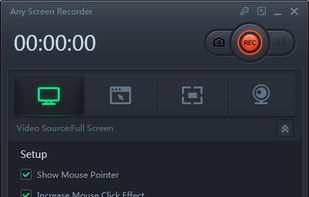
Any Screen Recorder can complete all the video and audio recording work for you, including gameplay, webcam, online video conference, Video lectures, online video tutorial, web seminar, online teaching, online video, online music, desktop activities, microphone, audio and any...




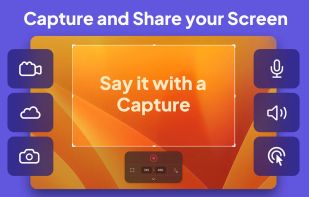
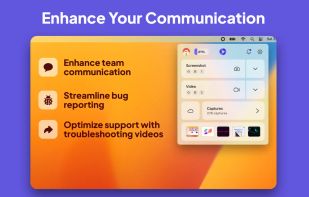
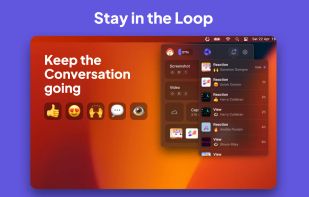
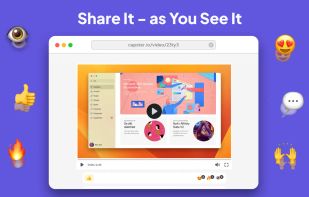
Capster helps you enhance your asynchronous communication with captures of your screen. Record your screen as you demonstrate a feature, idea, or bug, or take a screenshot and annotate it to better convey your point - and instantly share it through the cloud.


Zipline Android Client Application for a Diced/Zipline v4 ShareX Server to Upload, Download and Manage Files and Short URLs.


Aiseesoft Screen Recorder is used to record your computer screen. You can use this screen recording software to record video and audio on your computer. It is currently the easiest but most convenient screen recording software.
 Hong Kong SAR China

A macOS video editor for tutorials, courses, demos, and talking-head recordings. It captures screen, camera, and microphone input; uses transcript-based edits and AI cleanup for retakes, filler words, and pauses; then exports video or XML timelines to major editors.
 Canada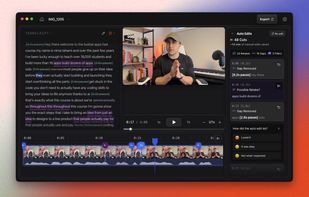
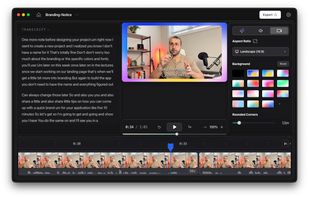
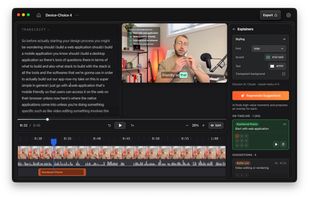


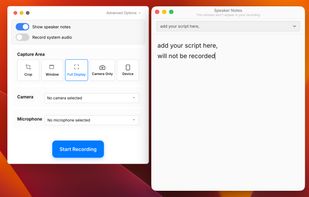
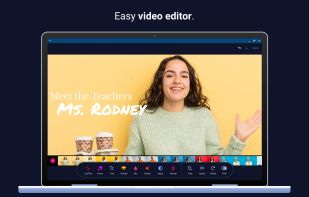
A screen recorder and video editor for creating studio-quality product demos and tutorials in minutes. Runs entirely in browser, cross-platform. Simple Record ? Edit ? Export workflow all in one place, without juggling multiple tools.
 United Kingdom


Free screen recorder with face cam and audio + video editor – unlimited recording time, ad-free and no watermarks!
 United States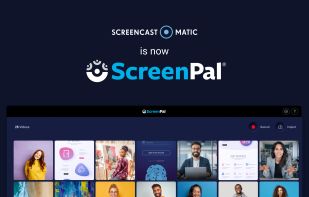
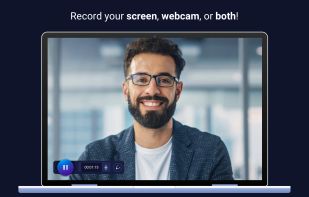
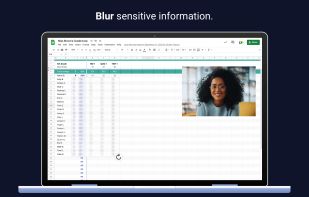


Tipard Screen Capture is able to capture any video/audio. This software allows you to record any video like webcam video, streaming video or other video tutorials on PC. Besides, it allows you to adjust the size of your screen.
Hong Kong SAR China


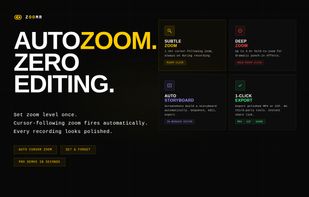
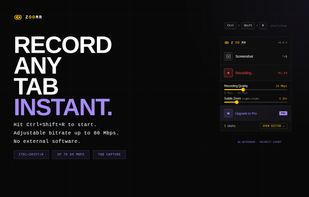
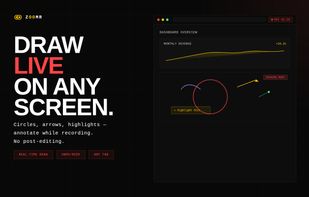
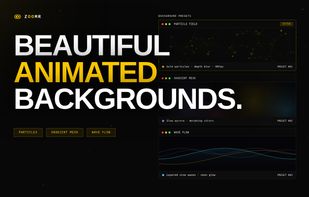
Lightweight Chrome screen recorder for SaaS demos. Zoom in live while recording, annotate on screen, export MP4 with no editing.

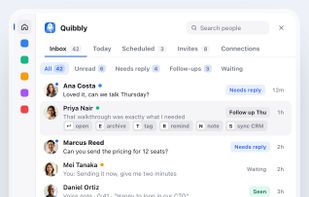
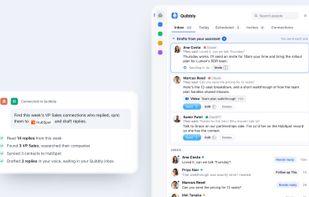
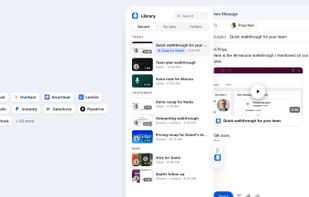
Quibbly is a Loom alternative for recording videos, screen shares and voice notes, with native delivery inside LinkedIn messages, engagement tracking and inbox follow-ups.


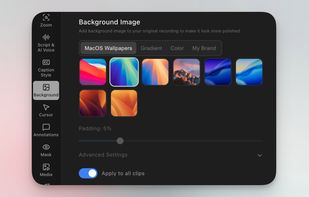
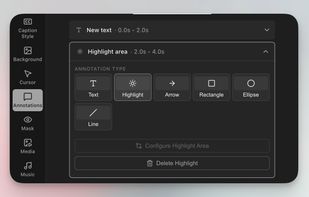
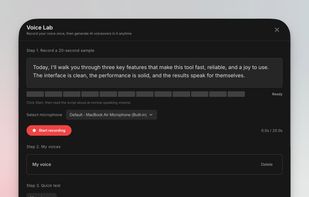
Free Screen Studio alternative for Mac that turns rough recordings into polished demos with smooth zooms, fluid cursors, captions, annotations, and voiceover.