Website offers online and desktop screen recorder for computer for capturing video with audio and webcam.
Cost / License
- Free
- Proprietary
Application type
 Cyprus
Platforms
- Windows
- Online


Apps similar to Apowersoft Screen Recorder include OBS Studio, which is free and open source. Other options are GPU Screen Recorder, SimpleScreenRecorder, MSI Afterburner and Bandicam. You're spoiled for choice with Screen Recorders like Apowersoft Screen Recorder: we list more than 100 alternatives for Windows, Mac, Linux, the web and Android.
Website offers online and desktop screen recorder for computer for capturing video with audio and webcam.

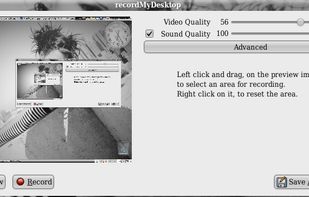
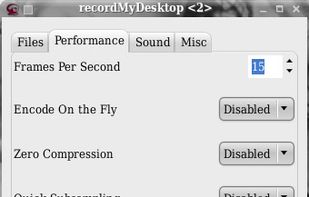
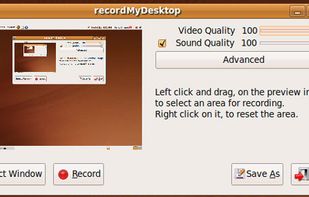
recordMyDesktop is a desktop session recorder for GNU / Linux that attemps to be easy to use, yet also effective at it's primary task. As such, the program is separated in two parts; a simple command line tool that performs the basic tasks of capturing and encoding and an...


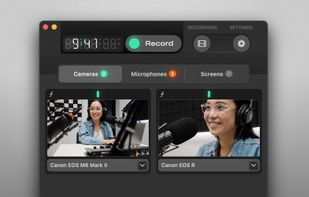
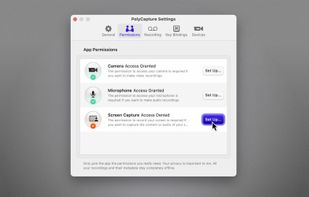
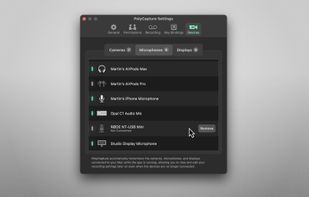
PolyCapture allows you to record cameras, microphones, screens, and apps — individually or multiple at once.
 Germany
 EU
EU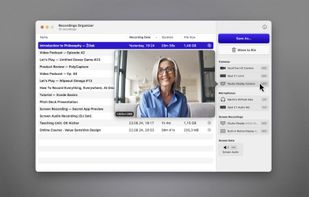


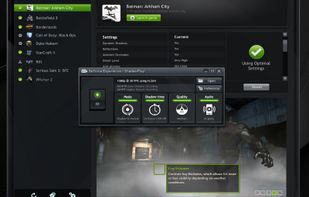
ShadowPlay is a graphics-accelerated overlay to record and share high-quality gameplay videos, screenshots, and livestreams.
 United States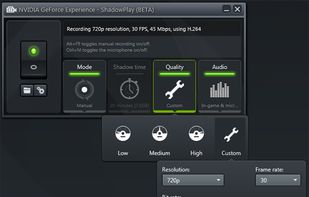


Designed for content creators, Elgato Game Capture is a professional videogame recording and live-streaming software for Windows.
GermanyEU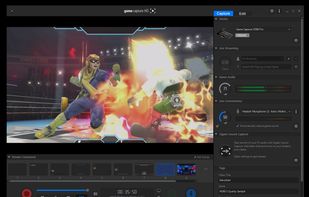


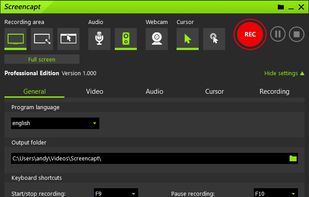
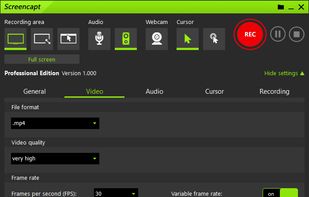
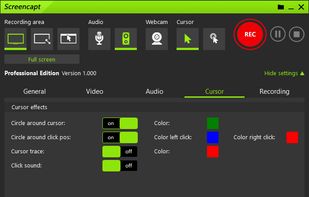
Powerful Windows software for screen recording that allows you to accurately and easily record any activity on your screen.
GermanyEU


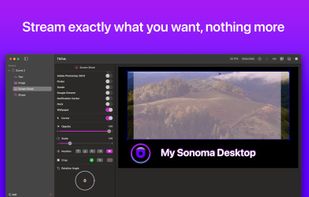
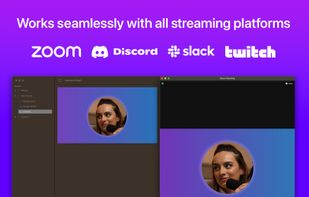
Enhance Mac live streams and recordings with over 200 filters, 80 triggers, green screen, overlays, multi-cam input, drag-and-drop layers, MIDI, browser overlays, RTMP streaming, 4K 120fps capture, CoreML preview, vertical video, interactive shopping, and scene switching.
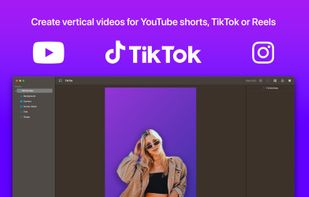
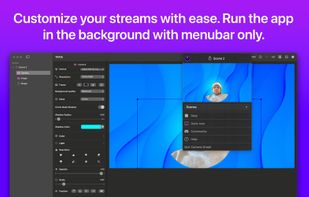


Record Go: Screen Recorder is a user-friendly and practical application for screen capture. No matter whether it is to record tutorials, courses, demonstrations, meetings, games, film/TV series, or videos, Record Go: Screen Recorder could always save your time and offer great...
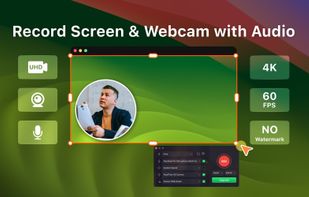
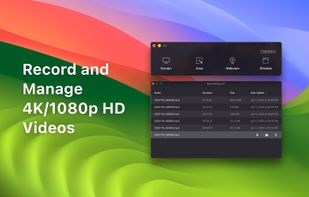

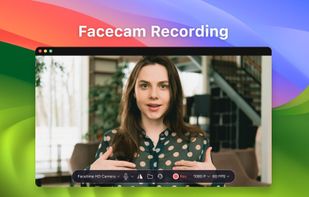


Fast, flexible, and easy-to-use screen recorder for gameplay, tutorials, product demos, and more. Record your screen, system audio, microphone, and camera in high-quality HD or 4K with smooth performance.
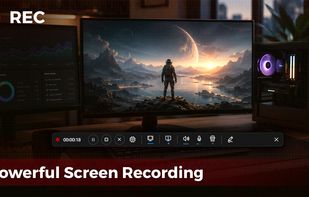
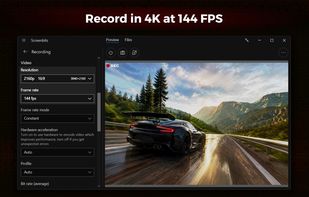


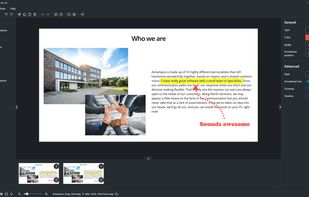
Capture screenshots or record videos with Ashampoo Snap’s efficient tools. Enjoy easy editing, multi-display support, OCR for 180 languages, and instant sharing capabilities. Revamp your projects with video cutting, annotations, and custom capture options.
GermanyEU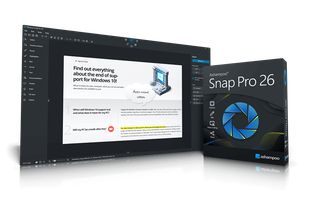


Free Cam is free screen recording software for Windows that lets you easily capture all or part of your screen, record your voice & mouse clicks, then edit your video and save it to your computer or share it instantly on YouTube.
United States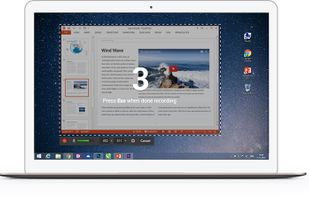

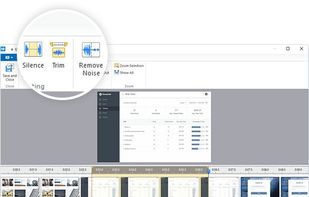


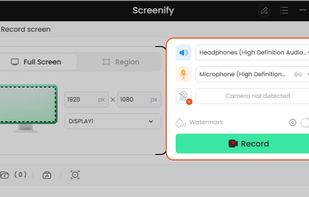
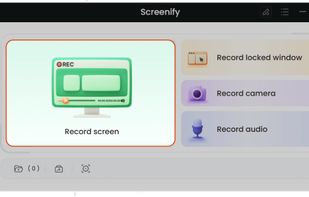
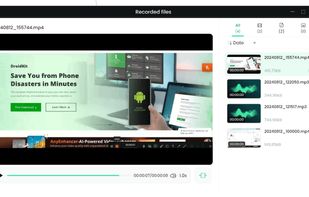
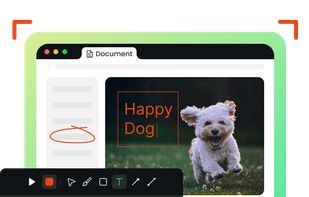
Screenify is free software for capturing screen, audio, webcam, and mic on Windows and Mac. It supports 4K at 60fps, offers noise reduction, and customizable settings. Export in various formats including MP4, GIF, MOV. No limits on duration or ads, ensuring professional videos.
 China
China