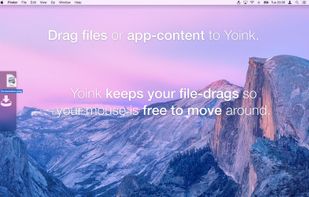
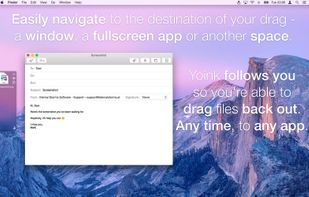
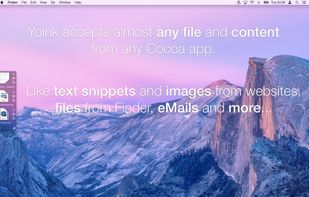
Yoink simplifies drag and drop between windows, apps, spaces and fullscreen apps.
 Austria
 EU




Apps similar to Screen Folders include Tokri, which is free and open source. Other options are Fences, Portals: Desktop Organization, Desktop Frames + and OpenShelf. You can choose from more than 10 Desktop Customization Tools like Screen Folders for Mac, Windows, Linux, iPhone and iPad.
Yoink simplifies drag and drop between windows, apps, spaces and fullscreen apps.
AustriaEU
Offers instant access on Mac to files and folders via the notch, with customizable workspaces, drag-and-drop, window pinning, previews, AirDrop, sorting, multi-monitor support, and seamless switching between directories without losing your place.
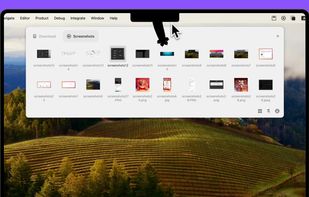
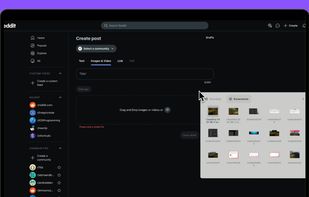
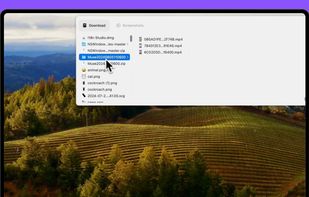
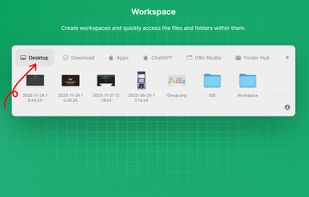

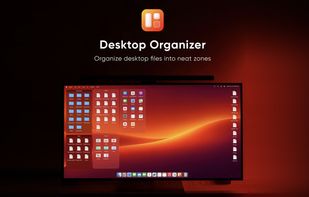
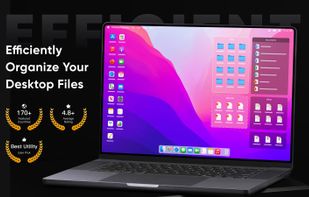
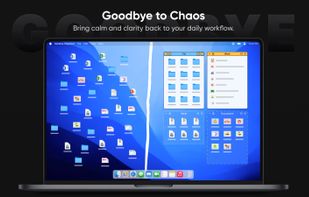
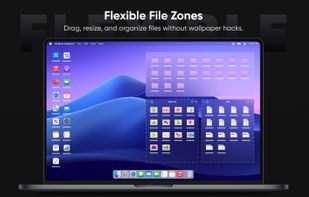
Creates resizable Mac desktop zones that group files and folders, including drag-and-drop access to items outside the Desktop folder. Separate app zones launch frequently used software, while tabs, grid or list views, themes, and widgets customize layouts.
 China


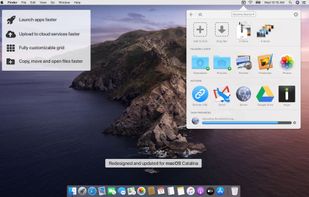
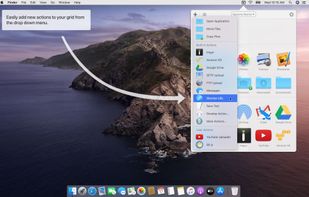
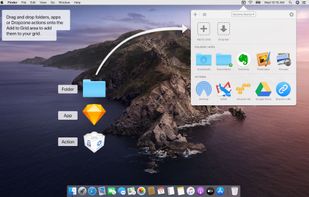
Dropzone is a productivity app for the Mac that makes it faster and easier to move and copy files, launch applications, upload to many different services, and more.
 New Zealand
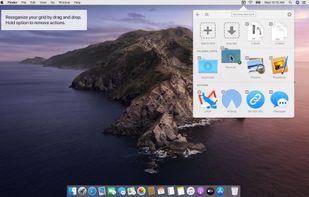


Automatically organize your desktop shortcuts icons and running tasks.


Create custom containers on Mac desktop, group icons, files, folders, and applications, display photo slideshows or static images, customize appearance, snap to grid, integrate with Finder, choose icon sizes, and enjoy an uncluttered, personalized workspace.
 Thailand


A floating shelf for Mac that aligns with Finder, allowing you to instantly collect, pin, and move files.


Folderview Screenlet is a Linux alternative to Fences (which is for Windows).
 PortugalEU
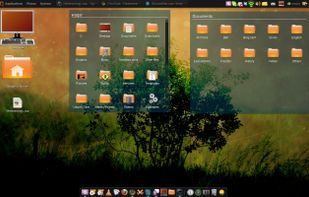
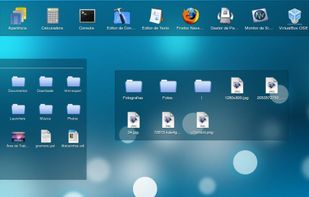

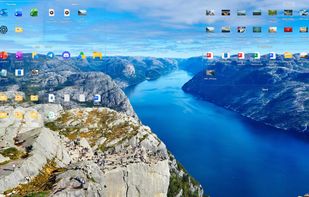
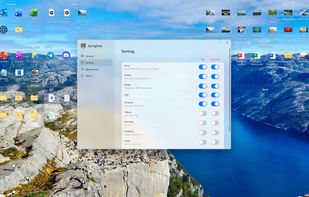
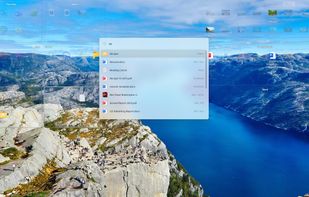
The desktop organizer made for Windows 11: clear glass boxes for your icons, new files that put themselves away, Space to look inside and typing to find anything. Buy once, no subscription.


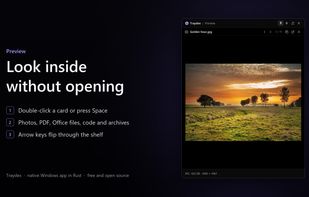
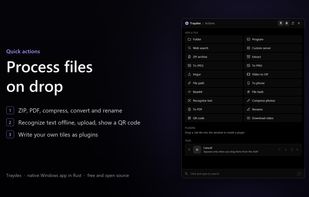
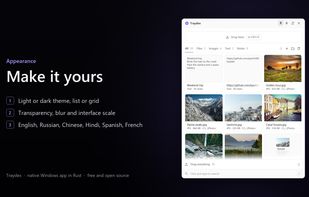
Traydex is a drop shelf for Windows that opens as soon as you start dragging something. Drop files, folders, images, text or links on it to keep them for later, then drag them out into any folder or app, one by one or all at once.
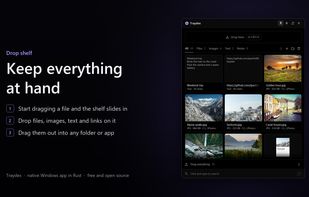


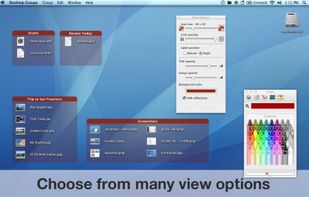
The app lets you create groups of related files on your desktop. You can freely move groups of files around on your desktop and add or remove files via drag & drop.
 GermanyEU