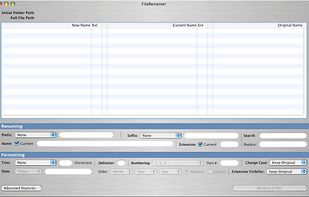
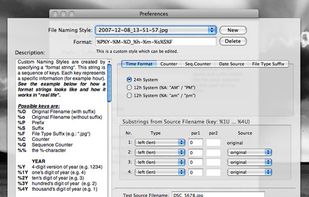
FileWrangler's speed is back to the gold old days; 2.5 GB of data, composed of 11,000 files nested 8 subfolders deep can be renamed in under 30 seconds on a PowerBook.
Cost / License
- Paid
- Proprietary
Application type
Platforms
- Mac


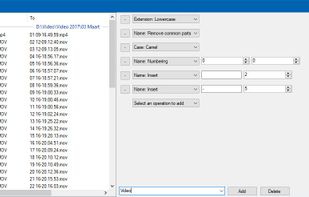
Apps similar to ReNamer include Bulk Rename Utility, which is free for personal use. Other options are Ant Renamer, Advanced Renamer, Rename Master and KRename. File Renamers like ReNamer are a crowded field, with more than 50 alternatives for Windows, Mac, Linux and the web.
FileWrangler's speed is back to the gold old days; 2.5 GB of data, composed of 11,000 files nested 8 subfolders deep can be renamed in under 30 seconds on a PowerBook.

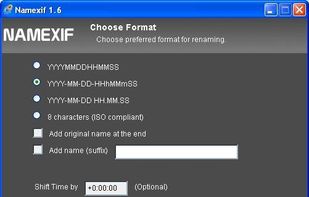
Namexif is a free software to rename photos by date and time based on EXIF.


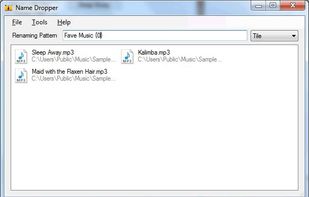
Name Dropper makes multiple file renaming easy by allowing text from documents or browsers to be dragged onto files for automatic rename.


The program allows to rename photos by their embedded date+time information in a much more usable way. Most downloaded pictures are named like "pic0001.jpg" or other cryptic names.
 Germany
 EU
EU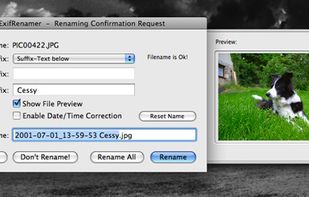


Run Renamer.exe to add a shortcut to the SendTo menu. Then select a set of files to be renamed in Windows Explorer, right click, select SendTo menu, and select Renamer to rename all these files.


 South Korea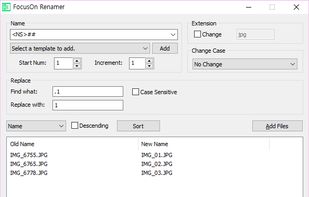


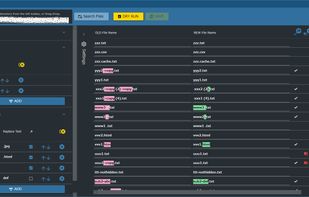
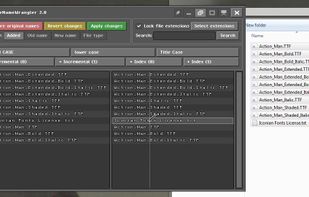
A File Renamer App featuring a difference display before and after the change for Windows, available on Microsoft Store.


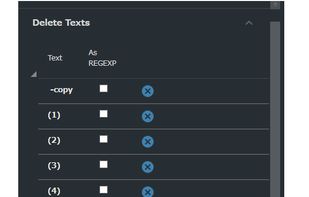


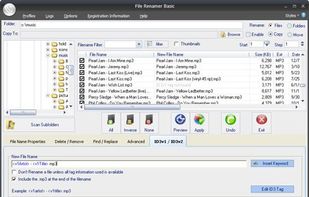
File Renamer - Rename Files. Free utility to rename files easily. Now includes Thumbnail support. Use this utility to preview your pictures before renaming




File Renamer Online is a free online application that allows you to batch rename local files in browser.
 United States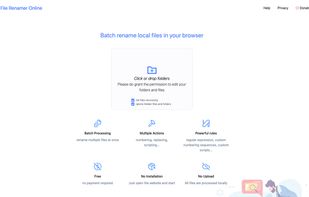
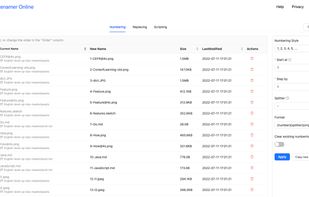
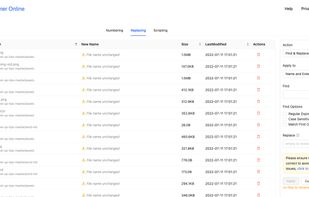


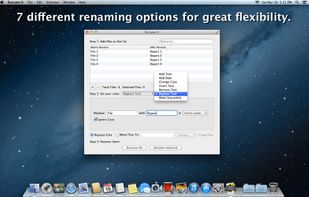
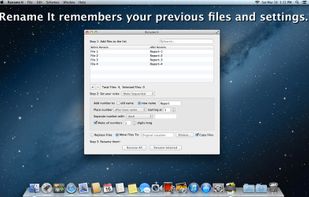
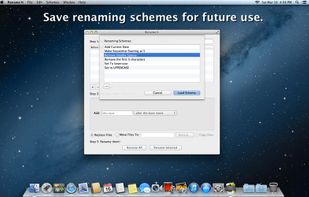


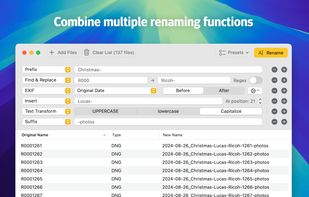
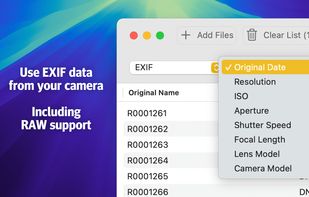
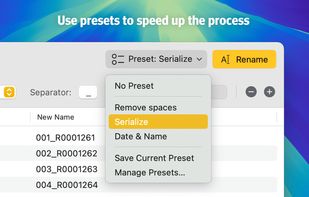
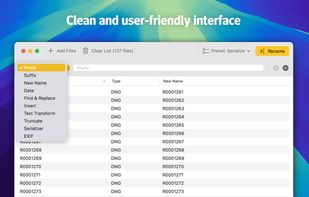
Batch rename your files. Add a prefix, a suffix, replace some characters, truncate, or capitalize the words. Or put some EXIF data in your file names. You name it!.
 NetherlandsEU