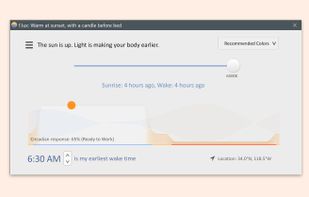
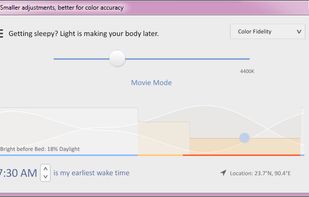
Software that makes the color of your computer's display adapt to the time of day, warm at night and like sunlight during the day.
Cost / License
- Free
- Proprietary
Application typeApplication types
Platforms
- Mac
- Windows
 United States



+6
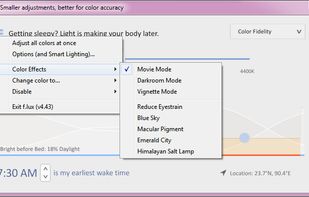


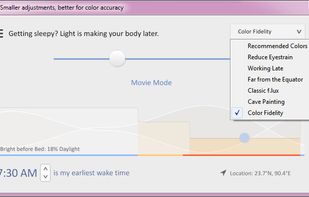
The best Screen Dimmer alternative to Redshift is f.lux, which is free. If that doesn't suit you, our users have ranked more than 50 alternatives to Redshift and many of them are Screen Dimmers so hopefully you can find a suitable replacement. Other interesting Screen Dimmer alternatives to Redshift are LightBulb, Solace, Red Moon and Iris.
Software that makes the color of your computer's display adapt to the time of day, warm at night and like sunlight during the day.
United States
Background application that adjusts screen gamma, making the colors appear warmer at night, reducing strain on your eyes.
 Ukraine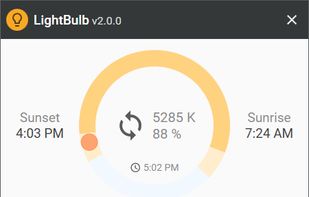

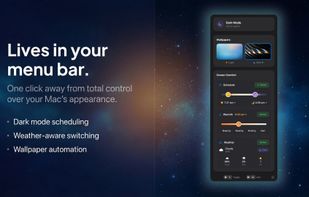
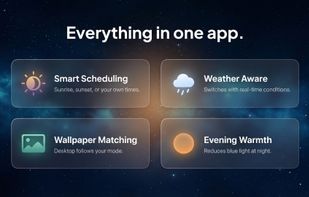
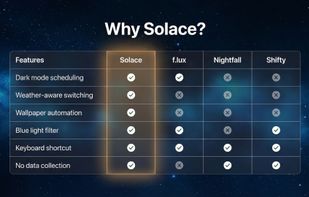
Automatically changes Mac appearance using real-time weather, sunlight, and time data for light and dark modes, dynamic wallpapers, and color temperature, with on-device privacy, menu bar access, no subscriptions, and no analytics for seamless daily comfort.
 United Kingdom


The app is free on F-Droid and on GitHub but you can buy it on the Google Play Store to support the developer.
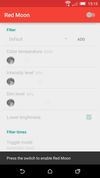
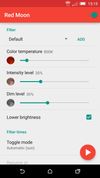
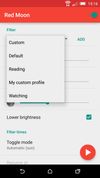


Reduces blue light and flicker for eye comfort, supports auto color temperature adjustment based on time, customizable modes, overlays, color and font options, docking station support, and accessible part-screen filtering for diverse needs.
 Bulgaria
 EU
EU


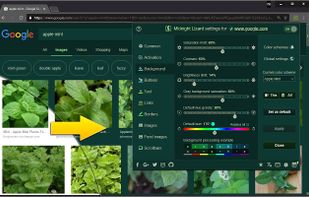
Midnight Lizard web-extension for Google Chrome™ and Mozilla Firefox™ provides custom color schemes for all websites.
 Russia


It makes the color of your computer's display adapt to the time of day, warm at night and like sunlight during the day.
 Brazil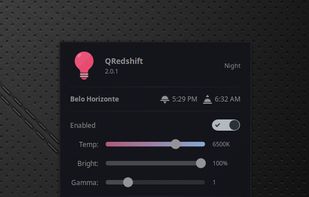


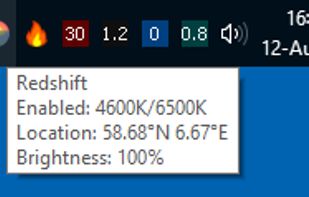
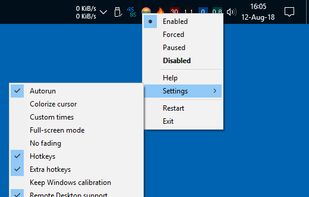
Redshift Tray is a no-frills GUI for the screen temperature adjustment tool Redshift.


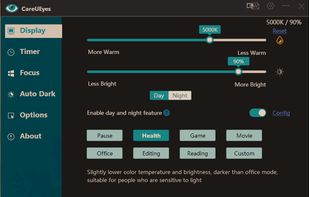
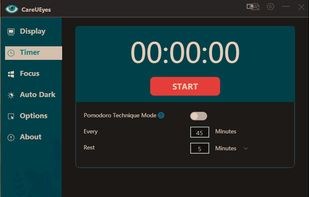
CareUEyes is a very simple but useful program when it is about your eye care. The program comes with a very simple and clean interface and needs to technical knowledge. Even a novice computer user can download and use it easily.


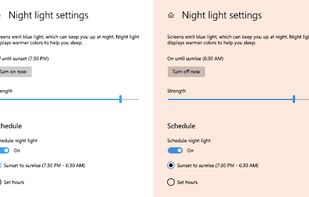
To schedule Night Light so it turns on automatically, select Start > Settings > System > Display > Night light > Night light settings.


 PortugalEU


Free software for eye protection and more! It protects your eyes while you are working on the computer. Eye Saver has three main functions: blue light filter; eliminates the invisible flickering of the display backlight; reminds you to take breaks;
United Kingdom