Redact Pro AlternativesVideo Editors and other similar apps like Redact Pro

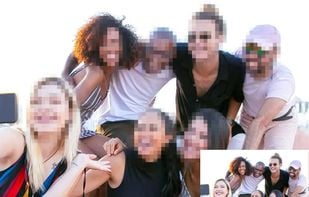
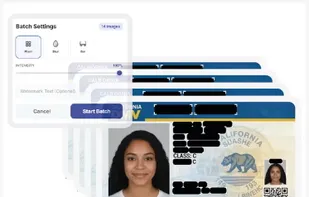
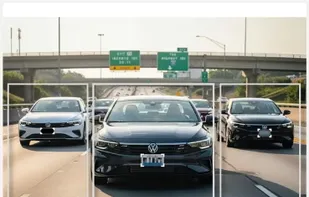
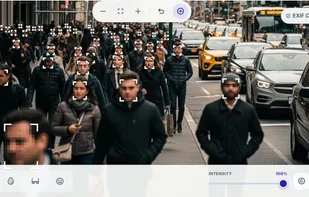
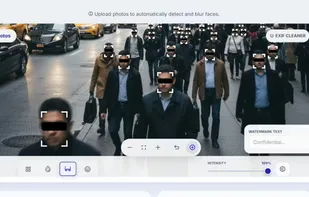
Redact Pro is described as 'Secure, cloud-based platform that automatically removes faces from videos. It uses advanced computer vision to detect and track identities accurately, even in complex scenes. The system is designed for personal, legal, investigative, and professional use, with' and is a Video Editor in the photos & graphics category. There are more than 10 alternatives to Redact Pro, not only websites but also apps for a variety of platforms, including Android, iPhone, Android Tablet and iPad apps. The best Redact Pro alternative is Adobe Photoshop. It's not free, so if you're looking for a free alternative, you could try CapCut or YouTube Studio. Other great sites and apps similar to Redact Pro are Adobe Premiere Pro, Face Blur, AVCLabs Video Blur AI and ObscuraCam.

Copy a direct link to this comment to your clipboard
Redact Pro alternatives page was last updated

Alternatives list

  1. Adobe Photoshop icon
     2421 likes

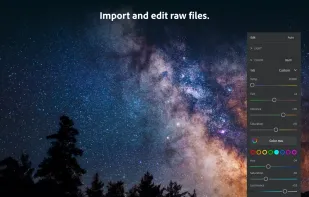
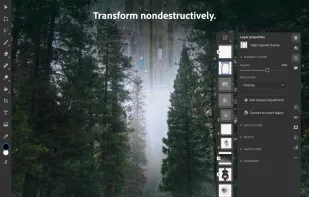
    Comprehensive raster graphics editor offering advanced photo and image editing features. Supports multiple layers, masks, alpha compositing, various color models, and has limited vector graphics, 3D, and video capabilities. Extensible via plug-ins.

    225 Adobe Photoshop alternatives

    Cost / License

    • Paid
    • Proprietary

    Platforms

    • Mac
    • Windows
    • Online
    • Android
    • iPhone
    • Android Tablet
    • iPad
    • Wine
    • ReactOS
    • Google Chrome
     
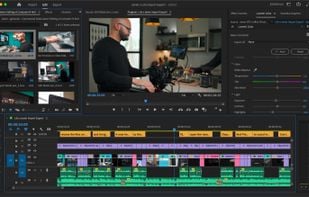
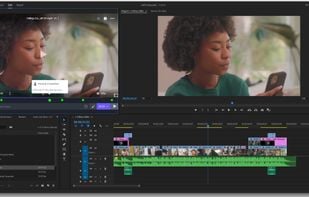
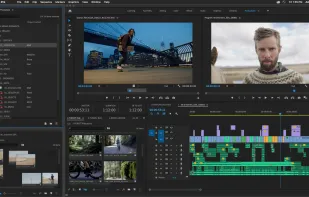
  2. Advanced video editing tool offering customizable timelines, multi-format import without transcoding, improved media management, and GPU acceleration for faster rendering. Integrates with Creative Cloud to sync settings, allowing you to edit efficiently on any machine anywhere in the world.

    141 Adobe Premiere Pro alternatives

    Cost / License

    • Paid
    • Proprietary

    Application type

    Platforms

    • Mac
    • Windows
    • iPhone
    • iPad
     
  3. CapCut icon
     69 likes

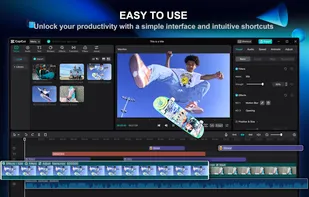
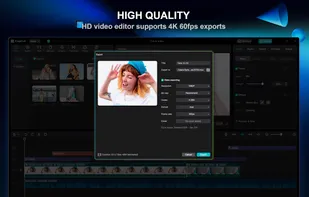
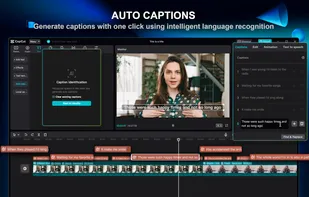
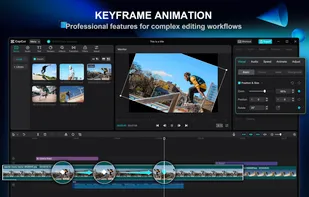
    This free video editing app offers features like cutting, speed adjustments, advanced filters, chroma key, and a vast music library. Enjoy non-destructive editing, keyframe animation, transitions, and 4K support across multiple devices without ads or registration.

    166 CapCut alternatives

    Cost / License

    • Freemium
    • Proprietary

    Application type

    Platforms

    • Mac
    • Windows
    • Online
    • Android
    • iPhone
    • Android Tablet
    • iPad
     
  4. Face Blur icon
     3 likes

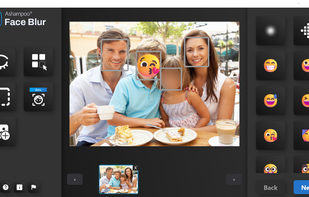
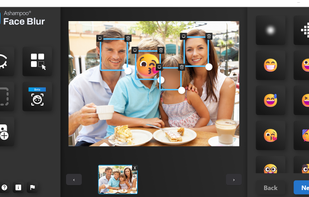
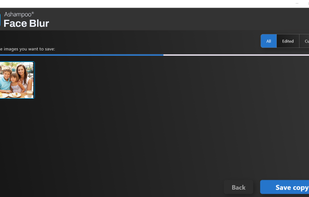
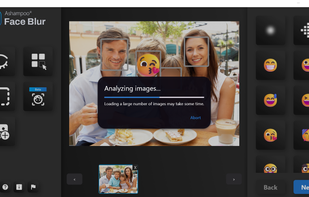
    Automatically detects and anonymizes faces in digital images using blur, pixelation, or emoticon, aiding privacy in corporate, social media, and educational photos. Features batch processing, customizable effects, and a user-friendly interface for quick editing.

    16 Face Blur alternatives

    Cost / License

    • Paid
    • Proprietary

    Platforms

    • Windows
     
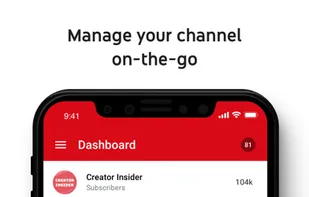
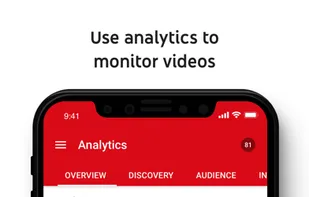
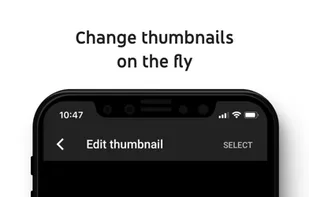
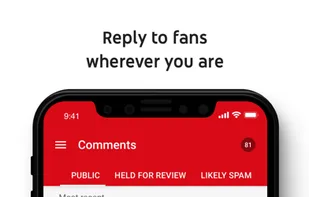
  5. As a creator, YouTube Studio allows you to see video performance highlights, channel analytics, YouTube news and ideas for you all in one place.

    159 YouTube Studio alternatives

    Cost / License

    • Free
    • Proprietary

    Application type

    Platforms

    • Online
    • Android
    • iPhone
    • Android Tablet
    • iPad
     
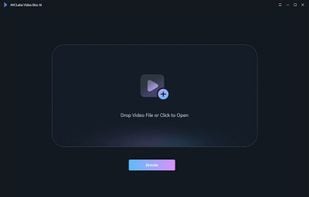
  6. This app provides AI-powered video blurring with four modes: face, custom, background, and foreground blurring. It uses deep-learning and adversarial networks for anonymization, making it a perfect tool for users wanting efficient editing and robust privacy protection.

    10 AVCLabs Video Blur AI alternatives

    Cost / License

    • Freemium
    • Proprietary

    Platforms

    • Mac
    • Windows
     
  7. ObscuraCam icon
     3 likes

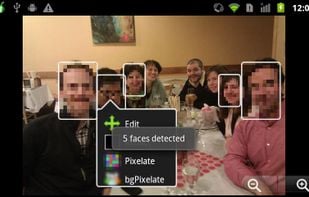
    Automatically detects faces in photos and videos, offers privacy modes like pixelation, blurring, or masking, removes identifying metadata including GPS, lets users take photos or import media, and enables secure sharing to social platforms or local storage.

    19 ObscuraCam alternatives

    Cost / License

    Alerts

    • Discontinued

    Platforms

    • Android
    • F-Droid
     
  8. Point Blur icon
     1 like

    Apply customizable blur, mosaic, or pixelation to entire images or specific traced areas with adjustable strength, using three brush types, an eraser, and cropping tools for privacy protection and quick social media-ready edits on Android.

    Cost / License

    • Freemium
    • Proprietary

    Platforms

    • Android
    • Android Tablet
     
  9. HideFaces icon
     1 like

    Browser-based AI tool for automatic face, license plate, and text redaction provides local processing, EXIF data removal, batch anonymization, multiple masking modes, OCR detection, fast performance, maintained visual quality, and privacy-focused secure sharing.

    12 HideFaces alternatives

    Cost / License

    • Free
    • Proprietary

    Platforms

    • Online
     
  10. FaceBlurify icon
     1 like

    AI privacy tool to automatically blur, pixelate, or black out faces and bodies in images and short videos. Free & No sign-up! Images are processed in your browser; videos are processed server-side and auto-deleted after processing.

    16 FaceBlurify alternatives

    Cost / License

    • Free
    • Proprietary

    Application type

    Platforms

    • Online
     
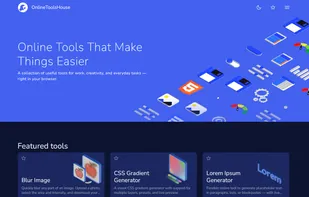
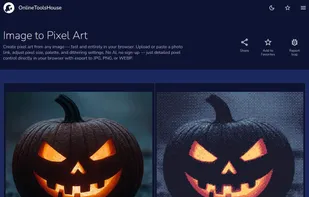
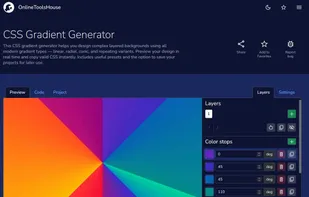
  11. Online Tools House is a collection of free browser-based tools designed to simplify everyday digital tasks across multiple categories, including image editing, web design, and text processing.

    56 Online Tools House alternatives

    Cost / License

    • Free
    • Proprietary

    Platforms

    • Online
     
  12. Pixit icon
     Like

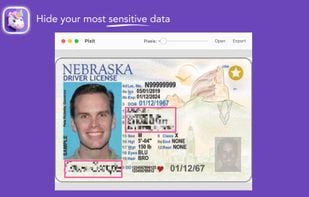
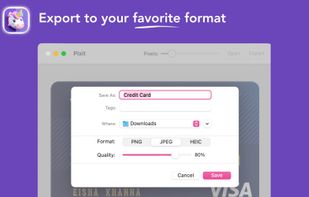
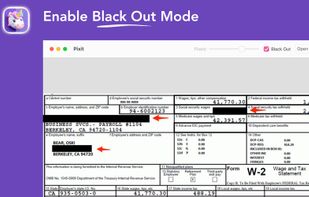
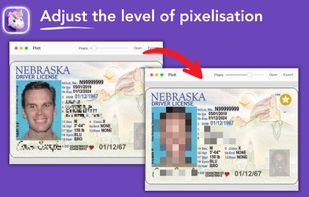
    Pixit simplifies image privacy by allowing you to blur sensitive information effortlessly. Just draw rectangles over any confidential details, adjust the blur intensity as needed, and instantly export your protected images in PNG, JPEG, or HEIC format.

    Cost / License

    • Free
    • Proprietary

    Platforms

    • Mac
     
12 of 16 Redact Pro alternatives