


A simple way to organize your tasks. Drag tasks between columns, take notes, sync across devices. Free, private, works offline.
Cost / License
- Free
- Open Source (MIT)
Application typeApplication types
Platforms
- Windows
- Mac
- Linux
 Argentina
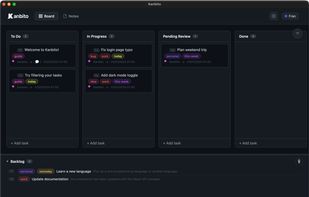


A simple way to organize your tasks. Drag tasks between columns, take notes, sync across devices. Free, private, works offline.
Argentina
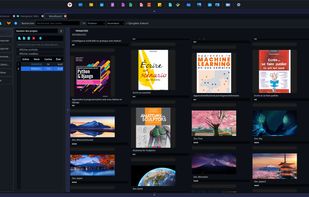
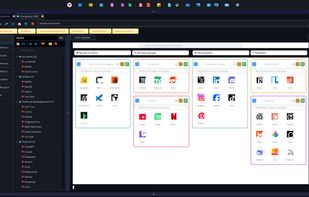
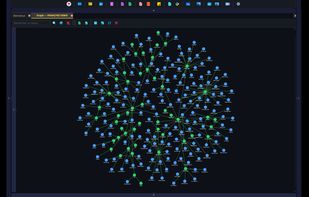
PANACHES is a local-first desktop workspace for makers, writers, developers and multidisciplinary creators.
 France
 EU
EU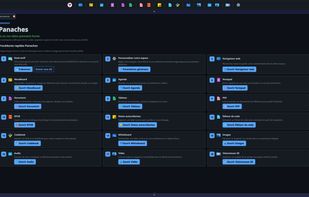


 United States


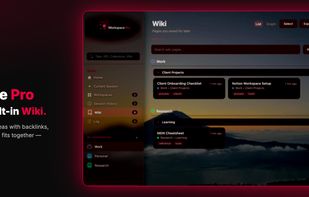
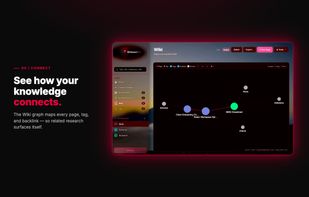
Browser tabs and research rarely stay organized across sessions. Workspace Pro keeps both in one local-first Chrome extension: project workspaces for tabs, a personal Wiki for pages you want to keep, and optional AI when you need it.


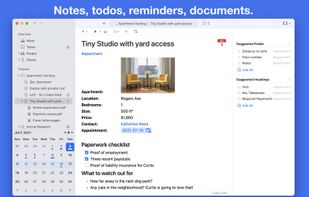
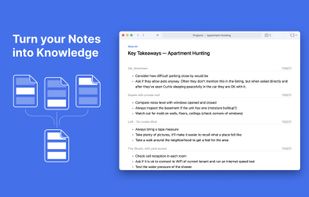
Noteship is a personal information manager that combines notes, todos, and reminders and is based on simple files and folders.
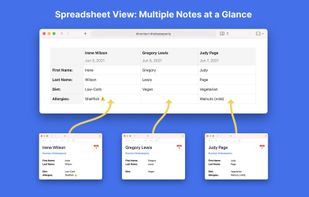


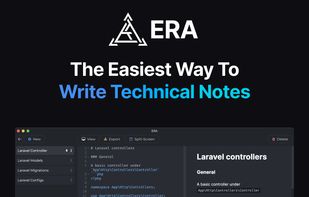
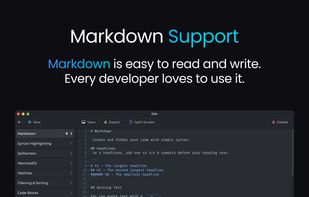
ERA is your go-to solution for streamlined note-taking and knowledge management. ERA makes it easier for you to write notes and documentation for your great projects. It was created to simplify your daily work.
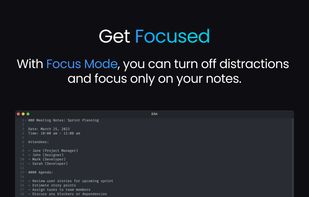
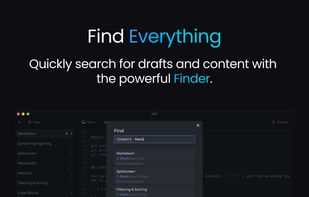


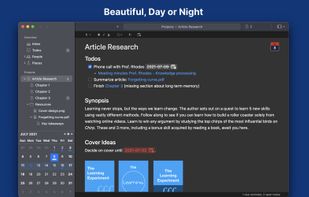
A note-taking application and a to-do management system that is ridiculously simple, yet very advanced.
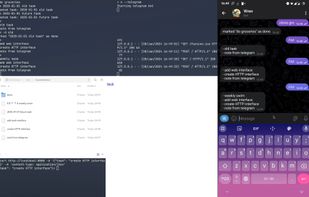


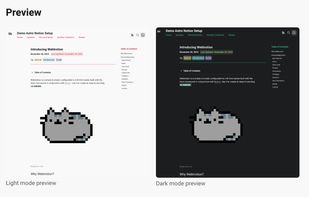
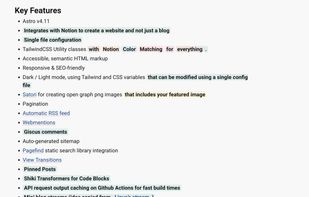
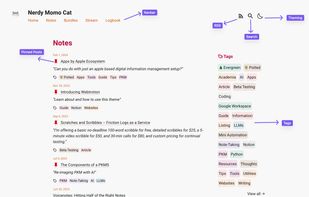
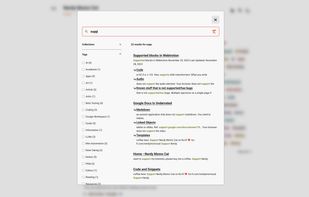
Webtrotion is a highly configurable and easy-to-install website builder, crafted with the Astro framework and Notion. Use it to effortlessly create a blog or website.


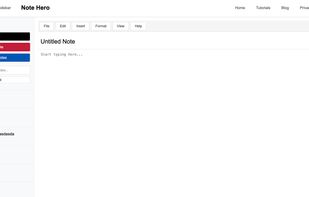
A free online notepad with auto-save, formatting, and sharing features. Create, edit and save notes directly in your browser without login.


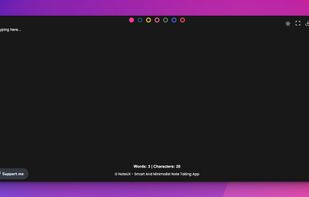
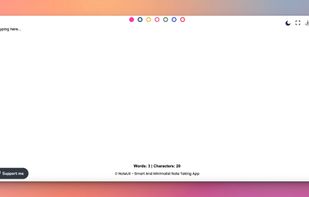
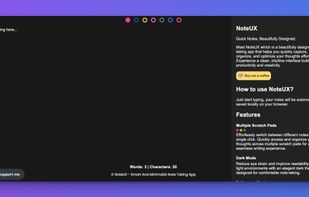
Meet NoteUX which is a beautifully designed note-taking app that helps you quickly capture, organize, and optimize your thoughts effortlessly.

"SimpleNotes" lets you create, edit and organize all your notes anytime, anywhere. Easy switching between Desktop and Mobile. You can share your notes with everyone you want. The Website is free to use and a Desktop and Mobile APP is also available.


