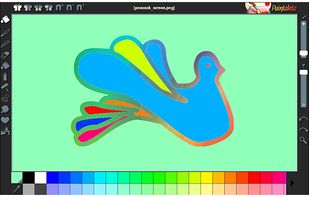
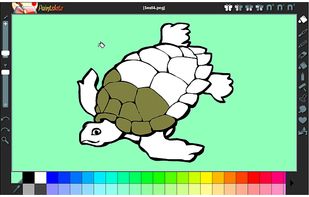
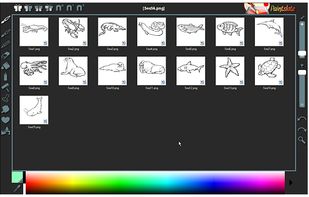
Paintslate: the easy to use and fun new painting program for users aged 5 to 55!
Cost / License
- Paid
- Proprietary
Application type
Platforms
- Windows




Apps similar to Pixelitor include GIMP, which is free and open source. Other options are Krita, Adobe Photoshop, Paint.NET and Sly. There's no shortage of Image Editors like Pixelitor, with more than 100 alternatives for Windows, Mac, the web, Linux and Android.
Paintslate: the easy to use and fun new painting program for users aged 5 to 55!

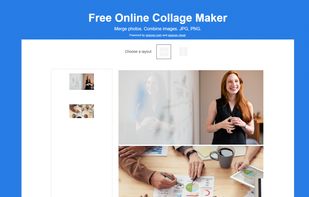
Aspose Collage Maker is a free online app for creating collages and merging pictures. It provides a collage template that shows how your photos are merged into a single image.
 United States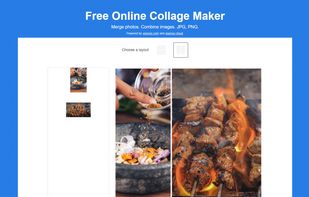


Everyday drawing There are hundreds of painting and drawing apps on the App Store. This one is a bit different. It doesn’t want to grow up to be Photoshop, Illustrator, or Draw Anything the Next Generation. It’s not intended for professional artists.
United States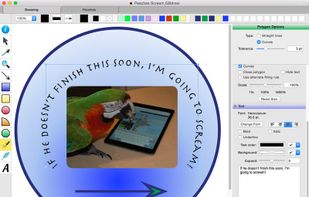

A free, open-source desktop editor for AI inpainting: select part of a picture, describe what should be there, and the result comes back as an editable, colour-matched layer.
 Germany
 EU
EU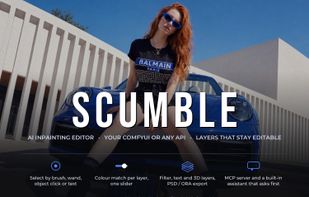
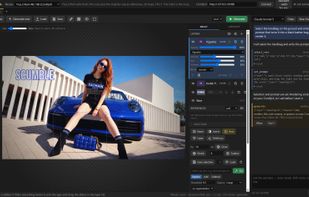
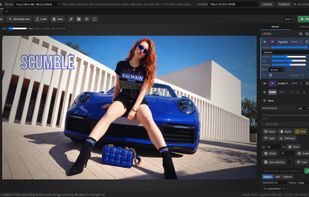
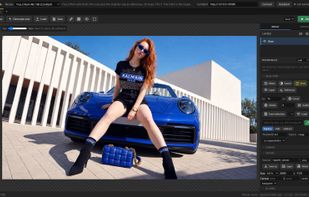


ImgEdit.ai is an advanced AI-powered photo editor that simplifies image enhancement, retouching, and creative transformations with intuitive tools and stunning results in seconds.
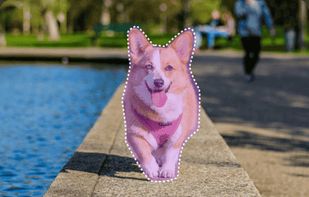


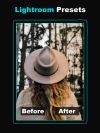
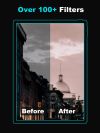
Presets and filters for Lightroom to enhance your photos. Make stunning photos easily in just few clicks.

Non-destructive editing with layers, blend modes, advanced tablet-responsive brushes, curated brush sets, multi-document interface, OpenRaster native save, broad image format support including EXIF, modern UI with dark mode, one-time licence, and cross-platform.
 United Kingdom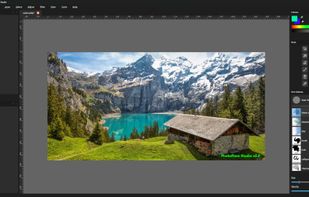

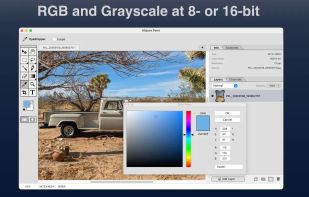
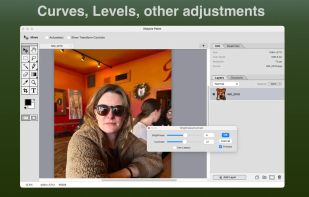
A new macOS image editor with familiar key bindings and a somewhat retro aesthetic. Keeping the dream of the '90s alive!.
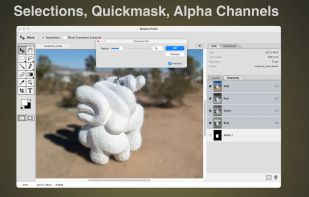
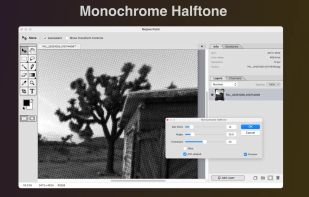


Capy Canvas is a cross-platform app for sketching, illustration, and photography, with a powerful GPU-accelerated painting engine.
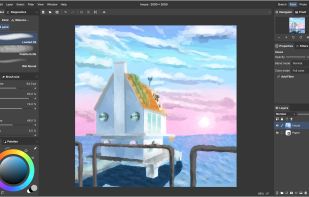
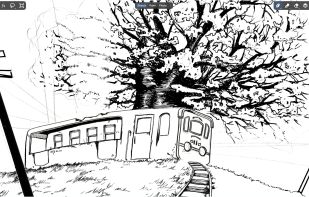
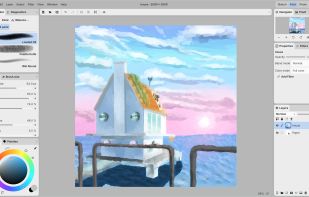
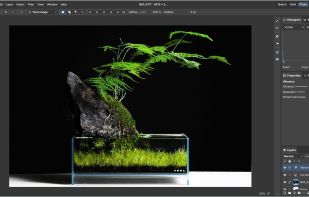

A native Android digital painting app powered by the Krita image engine and Jetpack Compose.
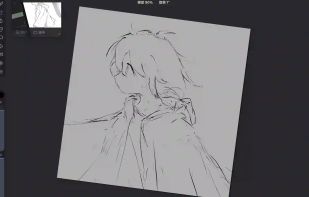
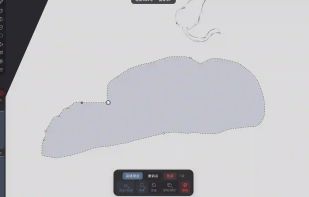
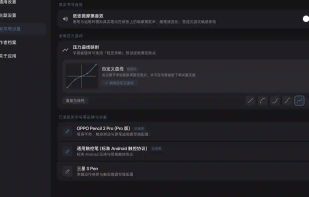
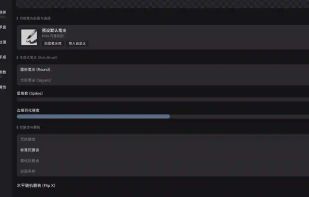
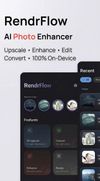
RendrFlow enhances images entirely on-device with AI. Features include fast super-resolution, colorization, multiple upscale options (2×, 4×), CPU/GPU modes, and high-quality models.




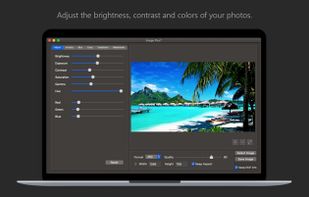
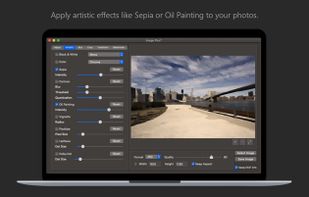
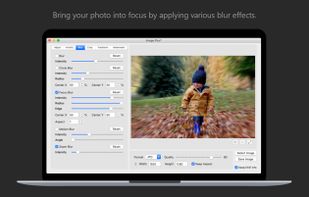
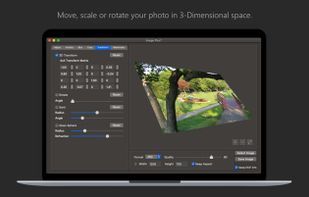
Fine-tune, watermark, resize, rotate, crop, convert and apply artistic effects to your photos using Image Plus. If you have photos on your Mac that need to be adjusted and watermarked then you are in luck.
 ItalyEU