Pinta Alternatives for Linux

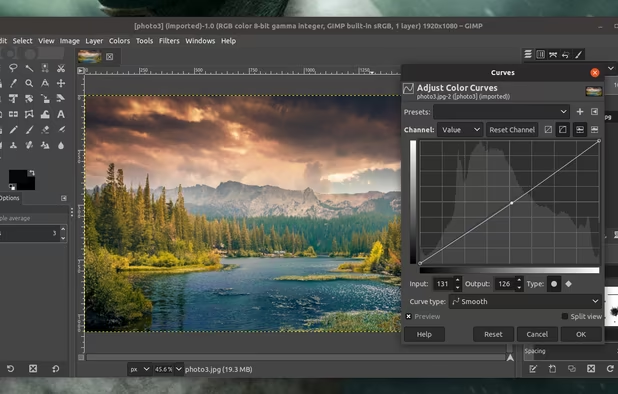
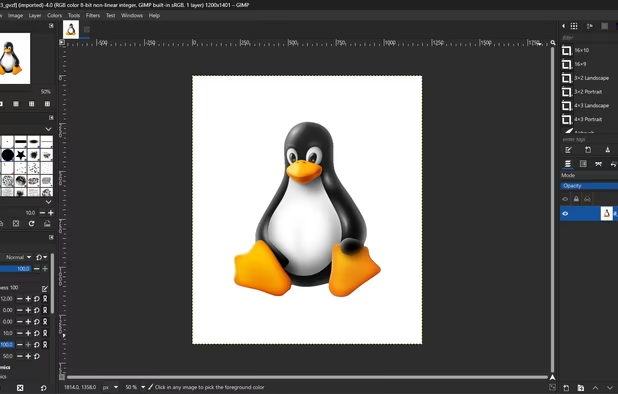
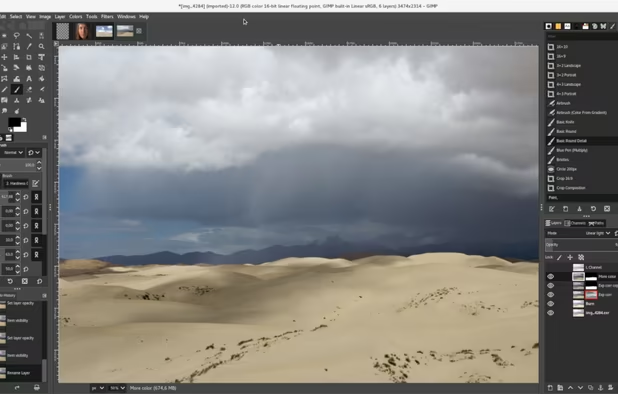
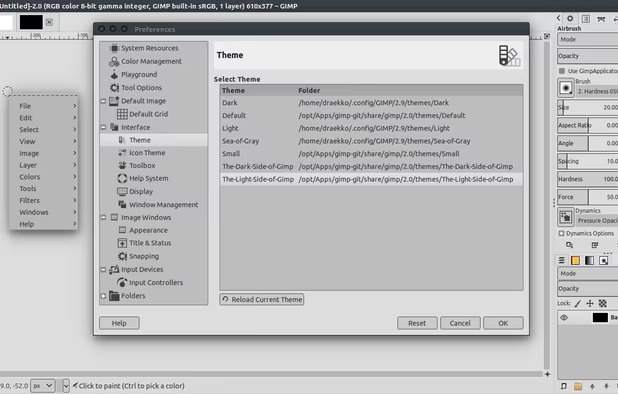
There are many alternatives to Pinta for Linux if you are looking for a replacement. The best Linux alternative is GIMP, which is both free and Open Source. If that doesn't suit you, our users have ranked more than 100 alternatives to Pinta and many of them are available for Linux so hopefully you can find a suitable replacement. Other interesting Linux alternatives to Pinta are Krita, MyPaint, FireAlpaca and AzPainter.

Copy a direct link to this comment to your clipboard
Pinta alternatives page was last updated

Alternatives list

  1. GIMP icon
     4817 likes

    Free open-source suite offering advanced photo retouching, image composition, original artwork creation, batch processing, plugin support, custom scripting, mass image format conversion, and integration with free publishing tools for comprehensive editing solutions.

    209 GIMP alternatives

    Cost / License

    Platforms

    • Mac
    • Windows
    • Linux
    • BSD
    • Snapcraft
    • Flathub
    • PortableApps.com
    • Haiku
    • Flatpak
    • AmigaOS
    • AppImage
     
    |
    1
    GIMP vs Pinta Comments
    Guest
    Positive
    0

    GIMP is a very well featured image editor for both simple and complex editing. It can be pretty hard to starters to get used to simple tasks but it's worth trying.

    • GIMP is Free and Open SourcePinta is also Free and Open Source
    • GIMP is CustomizablePinta is not according to our users
  2. Krita icon
     1485 likes

    Free, open-source painting software designed by artists for artists. Offers customizable UI, 9 brush engines, color management, tablet support, non-destructive editing, and privacy features. Portable and available on major platforms, supporting seamless texture creation.

    152 Krita alternatives

    Cost / License

    • Free
    • Open Source

    Application type

    Platforms

    • Mac
    • Windows
    • Linux
    • Android Tablet
    • KDE Plasma
    • Epic Games Store
    • PortableApps.com
    • F-Droid
    • Steam
    • AppImage
     
    |
    1
    Krita vs Pinta Comments
    KennethWilhelmsson
    Positive
    0

    Crashes regularly, not helping.

    • Krita is Free and Open SourcePinta is also Free and Open Source
    • Krita is a Digital Painting Pinta is an Image Editor
    • Krita is CustomizablePinta is not according to our users
  3. MyPaint icon
     397 likes

    MyPaint is a fast, distraction-free, and easy painting tool for digital artists. It supports graphics tablets made by Wacom, and many similar devices.

    137 MyPaint alternatives

    Cost / License

    Application type

    Platforms

    • Mac
    • Windows
    • Linux
    • PortableApps.com
     
  4. FireAlpaca icon
     90 likes

    FireAlpaca is the image editor that can be used readily and easily. We made it possible to provide the completely free download, in order for our products to be experienced by more users from all over the world. It is available for both Mac and Windows users!

    130 FireAlpaca alternatives

    Cost / License

    • Free
    • Proprietary

    Platforms

    • Mac
    • Windows
    • Linux
     
    |
    1
    FireAlpaca vs Pinta Comments
    Guest
    Positive
    0

    good tools , pen (fade in/out) mirror tool brush edit not too many photo edit tools

    • FireAlpaca is Free and ProprietaryPinta is Free and Open Source
    • FireAlpaca is a Digital Painting Pinta is an Image Editor
  5. AzPainter icon
     22 likes

    AzPainter is a full color painting program for Linux. It's a lightweight tool with tablet pressure support, and provides basic functions such as selection, layers, filters. you can use it for painting, image editing, or pixel art making.

    Cost / License

    Platforms

    • Linux
    • AppImage
     
  6. Pixelitor icon
     28 likes

    Open source image editor with non-destructive editing, 110+ filters, adjustment and text layers, support for smart objects and adjustment layers, cross-platform compatibility, and layer-based editing for flexible image composition.

    Cost / License

    Platforms

    • Mac
    • Windows
    • Linux
     
  7. Tux Paint icon
     24 likes

    Tux Paint is a free, award-winning drawing program for children ages 3 to 12 (for example, preschool and K-6). Tux Paint is used in schools around the world as a computer literacy drawing activity. It combines an easy-to-use interface, fun sound effects, and an encouraging...

    41 Tux Paint alternatives

    Cost / License

    • Free
    • Open Source

    Application type

    Platforms

    • Mac
    • Windows
    • Linux
    • Android
    • BSD
    • Haiku
    • Linux Mobile
     
  8. AliveColors icon
     3 likes

    AliveColors is comprehensive graphics and photo editing software for Windows and Mac. It comes in Free, Home, and Pro versions, with differing levels of functionality.

    Cost / License

    • Freemium
    • Proprietary

    Platforms

    • Mac
    • Windows
    • Linux
     
  9. KolourPaint icon
     43 likes

    KolourPaint is a simple painting program to quickly create raster images. It is useful as a touch-up tool and for simple image editing tasks.

    42 KolourPaint alternatives

    Cost / License

    • Free
    • Open Source

    Platforms

    • Linux
    • KDE Plasma
    • Snapcraft
    • Flathub
    • Mac
     
    |
    1
    KolourPaint vs Pinta Comments
    algorkaspatov
    Positive
    0

    Doesn't support layers. However it is way less buggy

    • KolourPaint is Free and Open SourcePinta is also Free and Open Source
    • KolourPaint is a Digital Painting Pinta is an Image Editor
  10. PaintFE icon
     4 likes

    A fast, lightweight raster image editor for Windows. Features layers, blend modes, GPU-accelerated filters, gradients, mesh warp, brushes, selection tools, adjustments, animated GIF/APNG support, and a built-in Rhai scripting engine. Single portable executable, no install required.

    15 PaintFE alternatives

    Cost / License

    • Free
    • Open Source (MIT)

    Platforms

    • Windows
    • Linux
     
12 of 20 Pinta alternatives