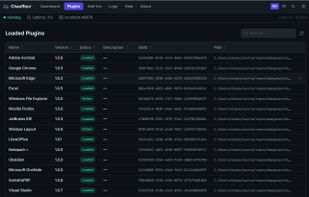
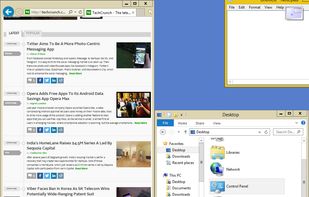
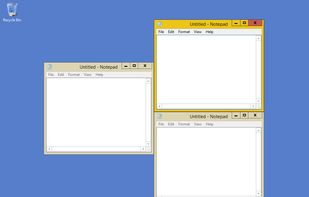
Optimize your desktop environment with this management tool offering window docking, snapping, multi-monitor support, and keyboard shortcuts for enhanced productivity.
Platforms
- Windows
- PortableApps.com
 France
 EU



+9
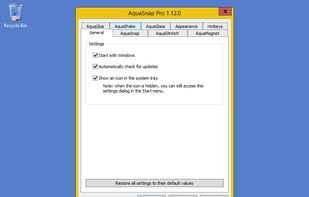


Apps similar to PinLayout include Rectangle, which is open source with a free version. Other options are DisplayFusion, Loop - Window Management, Magnet and AquaSnap. You can choose from more than 10 Window Managers like PinLayout for Mac and Windows.
Optimize your desktop environment with this management tool offering window docking, snapping, multi-monitor support, and keyboard shortcuts for enhanced productivity.
FranceEU
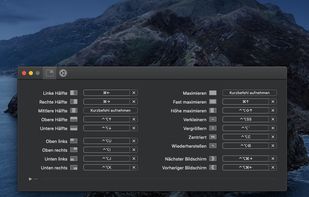
Move and resize windows on macOS with keyboard shortcuts. Rectangle is a window management app based on Spectacle Wndow Manager, written in Swift (programming language).
 United States


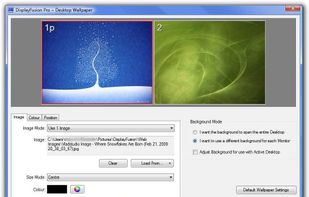
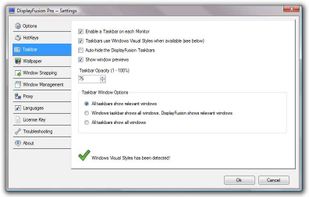
Enables multi-monitor taskbars with advanced wallpaper management, scripted macros, remote access, screen savers, and desktop profile features; offers window snapping, customizable hotkeys, logon backgrounds, and multi-language support for home or business use.
 Canada


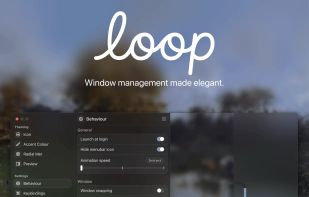
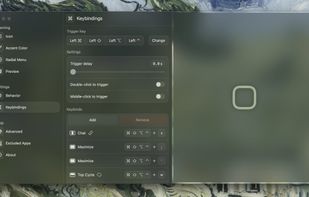
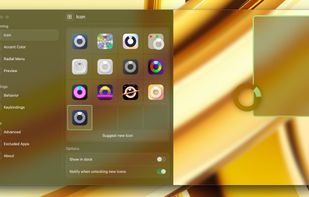
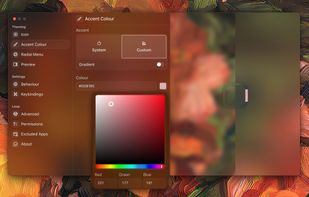
Loop is a macOS app that simplifies window management for you! You can effortlessly choose your window direction using a radial menu triggered by a simple key press, and customize it according to your preferences with personalized colors and settings.


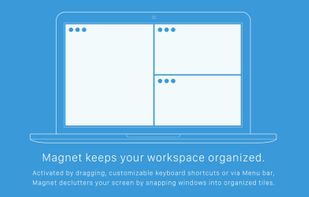
Every time you multitask with many apps open, you need all the windows arranged accordingly. Magnet makes this process swift and easy.
 CzechiaEU

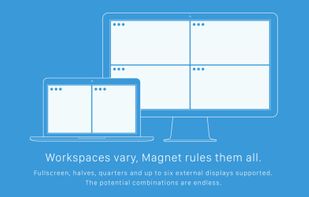


Organize windows with ease using SnapZones. Enjoy magnetic snapping, predefined and custom layouts, multiple display configuration, and seamless transitioning between workspaces. SnapZones auto-starts at login, ensuring streamlined productivity for macOS users in any environment.
 AustriaEU
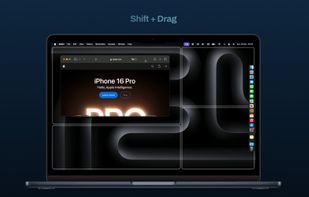
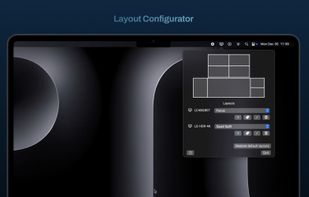


Moom makes window management as easy as clicking a mouse button—or using a keyboard shortcut, if you're one of those types of people.
AustriaEU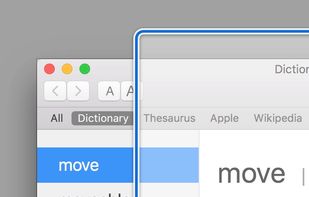
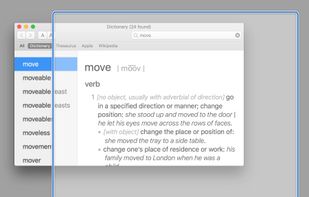
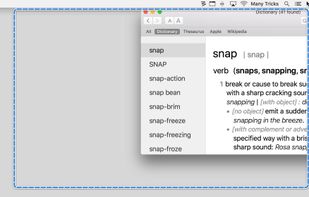
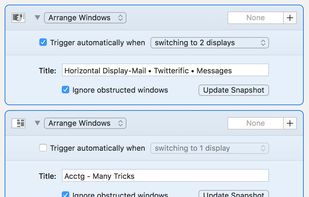


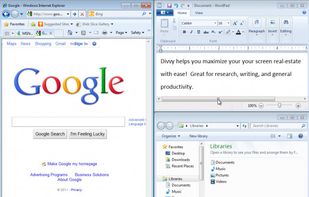
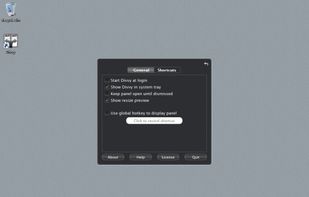
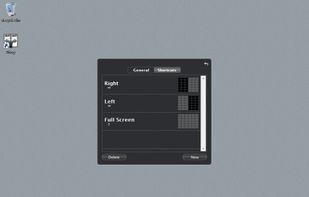
Divvy is an entirely new way of managing your workspace. It allows you to quickly and efficiently "divvy up" your screen into exact portions.
United States


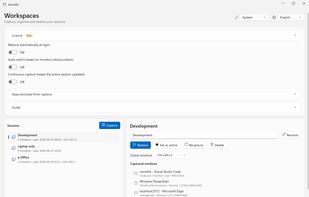
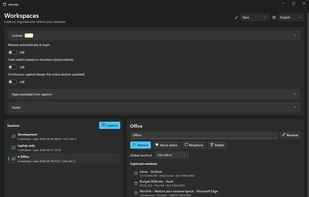
Windows tray utility that saves sessions with each app window’s position and monitor, then restores them when displays are docked, removed or changed. It reuses open windows to avoid duplicates; Pro adds monitor-based session switching, hotkeys and continuous capture.


Mac workspace manager: save each project's apps, browser tabs and window layout, and bring them back with a shortcut.



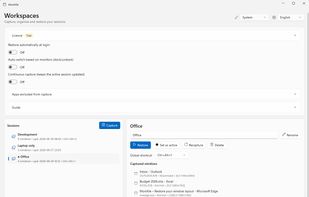
Save and restore your Windows workspace, including browser tabs, documents, editor projects and PDF pages. Context data stays on your device. A free tier is available without an account.