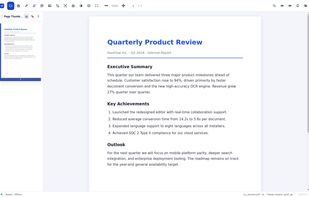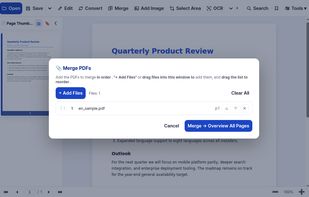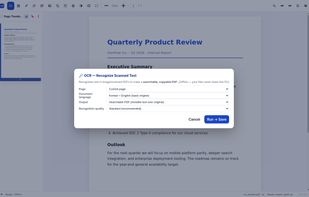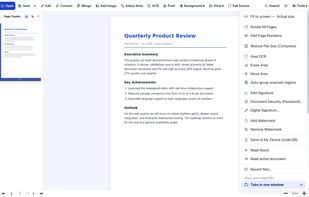


ExplorePDF is a free PDF reader and editor for Mac, Windows, iPhone, iPad and Android, with on-device OCR, forms, signatures and booklet printing.
 United States




The best PDF Editor alternative to PDF-XChange Editor is PdfCraft, which is both free and Open Source. If that doesn't suit you, our users have ranked more than 100 alternatives to PDF-XChange Editor and loads of them are PDF Editors so hopefully you can find a suitable replacement. Other interesting PDF Editor alternatives to PDF-XChange Editor are PDF Arranger, PDFgear, PDF24 Creator and PDFsam.
ExplorePDF is a free PDF reader and editor for Mac, Windows, iPhone, iPad and Android, with on-device OCR, forms, signatures and booklet printing.
United States
PII Blackout is offline document redaction software for Windows and macOS. It automatically finds and permanently blackouts personally identifiable information in PDF, Word (.docx), and Excel (.xlsx) files on your computer.
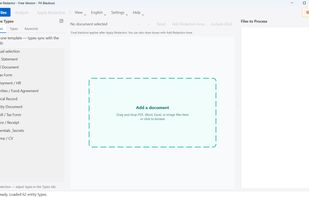
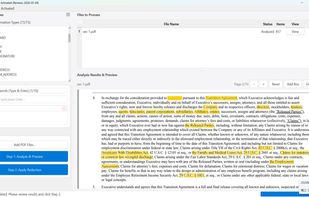
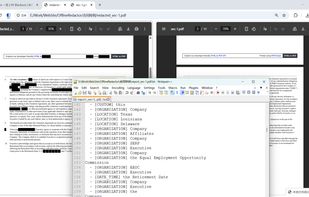
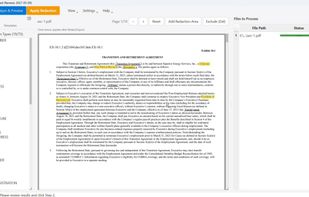

FormForge turns any PDF into a fillable AcroForm in your browser. 7 field types, AI field detection, signatures, CSV batch. Free, no account, nothing uploaded.
 Germany
 EU
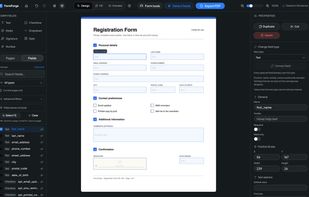
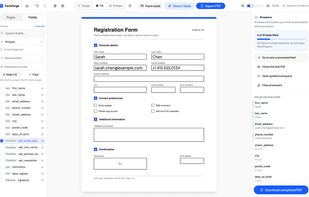

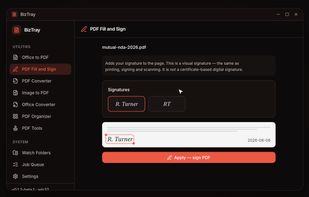
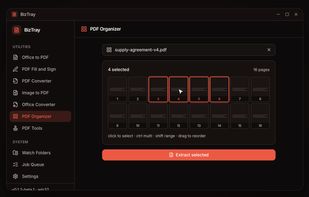
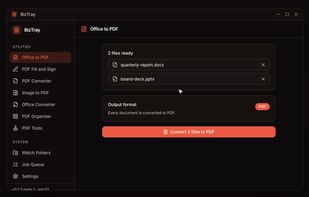
BizTray is a Windows document utility belt that brings every essential file tool into one lightweight desktop app without the upload.
United States


Free, open-source desktop PDF editor that works entirely offline: edit text, annotate, sign, convert, OCR and encrypt — no cloud, no account, no telemetry.
 FranceEU
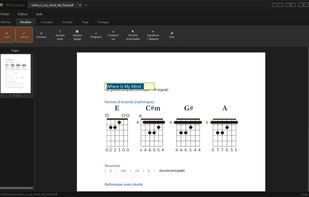
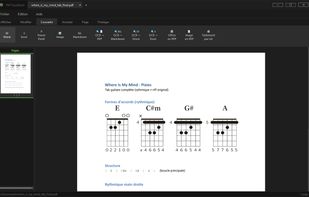
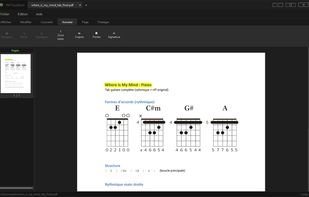

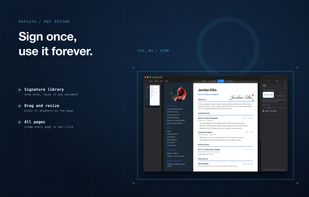
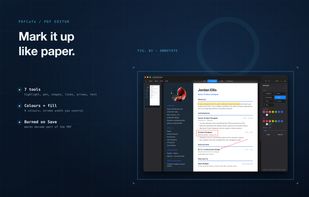
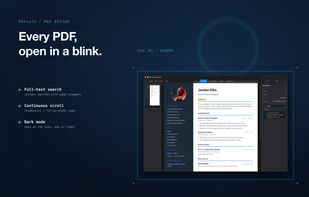
PDFCafe is a native PDF editor for Mac and Windows. Read, annotate, sign, and even fix typos inside the body text, then save — all offline with no subscription. PDFCafe is included in every getapps.cafe subscription.
United States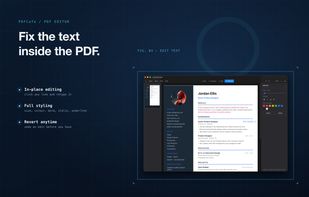

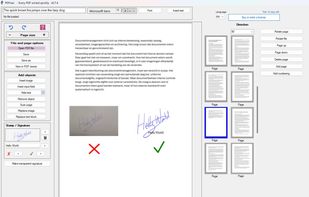
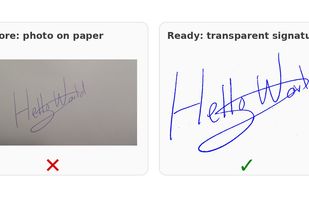
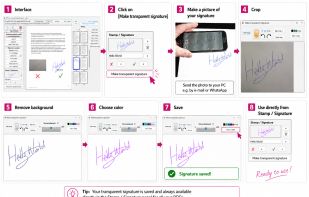
Local Windows tool for adding clean handwritten signatures, stamps, text and quick page fixes to PDF files without cloud upload.
 NetherlandsEU

KeptPDF is a set of PDF tools that run in the browser. Files are processed on your own device, so a sensitive document is not uploaded to a server to be edited.
United States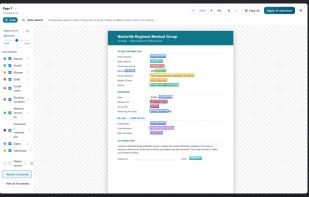
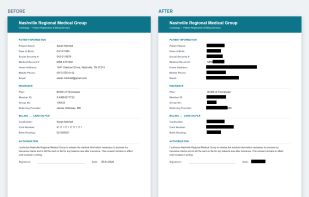
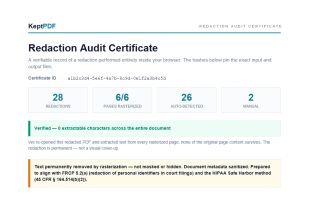

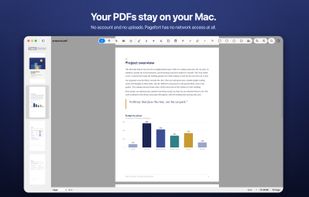
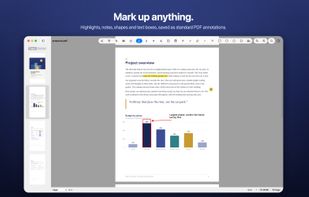
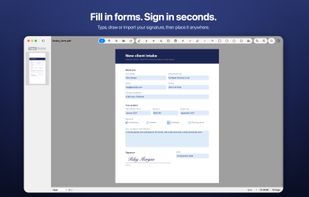
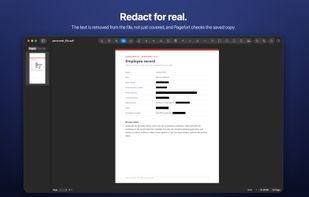
Pagefort reads, marks up, fills in, signs, redacts and organises PDFs on your Mac or Windows PC, and your documents stay there. There is no account and nothing to upload, and Pagefort never connects to the internet.

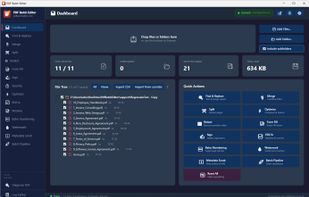
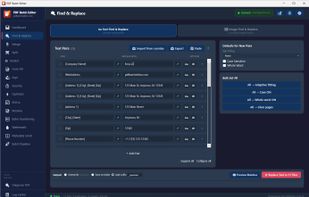
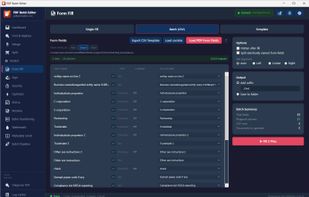
Batch-process hundreds of PDFs at once — find & replace text, Bates numbering, form fill, watermark, and redact — entirely on your own computer with no cloud uploads.


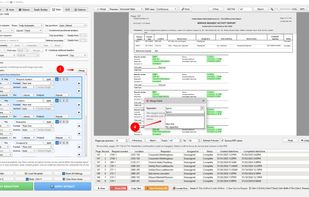
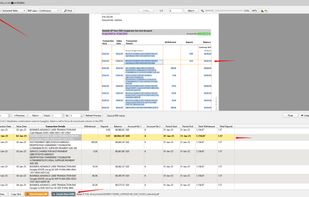
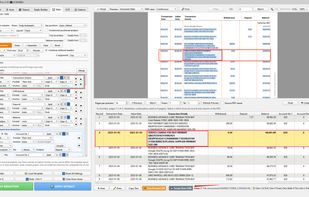
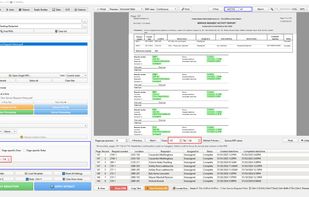
Offline Windows software for permanently redacting sensitive information from PDFs and extracting structured data to Excel.


HanFlow PDF puts everyday PDF work in one compact app: read, highlight, add text, merge, compress and convert. Its in-house engine converts PDFs to Word and PowerPoint and recognizes text in scanned pages (OCR).
 South Korea