





ExplorePDF
Like
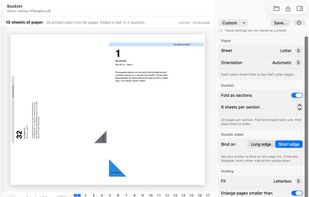
ExplorePDF is a free PDF reader and editor for Mac, Windows, iPhone, iPad and Android, with on-device OCR, forms, signatures and booklet printing.

Cost / License
- Free
- Proprietary
Platforms
- Mac
- Windows
- iPhone
- iPad
- Android
- Android Tablet


Features
ExplorePDF News & Activities
Highlights All activities
Recent activities
- Varun Borawake added ExplorePDF
 Varun Borawake added ExplorePDF as alternative to Adobe Acrobat DC, PDFgear, PDF-XChange Editor, PDF24 Creator and 3 more
ExplorePDF information
Developed by
 AvanSaber Inc.
 Licensing
Proprietary and Free product.Alternatives
7 alternatives listedBadge
Get an embeddable badge for ExplorePDFSupported Languages



No comments or reviews, maybe you want to be first?