OBS Studio Alternatives for Mac

There are many alternatives to OBS Studio for Mac if you are looking for a replacement. The best Mac alternative is OpenScreen, which is both free and Open Source. If that doesn't suit you, our users have ranked more than 100 alternatives to OBS Studio and loads of them are available for Mac so hopefully you can find a suitable replacement. Other interesting Mac alternatives to OBS Studio are Streamlabs Desktop, Camtasia, Screen Studio and Cap.

filter to find the best alternatives

OBS Studio alternatives are mainly Screen Recorders, but if you're looking for Screenshot Capture Tools or Screen Casting Tools you can filter on that. Other popular filters include Android, Linux, iPad, Windows, Free, Screen Recording and Mac. These are just examples - use the filter bar below to find more specific alternatives to OBS Studio.
Copy a direct link to this comment to your clipboard
OBS Studio alternatives page was last updated

Alternatives list

  1. ViewedIt icon
     Like

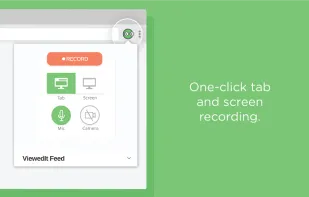
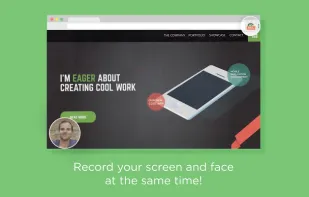
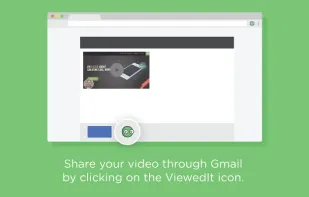
    ViewedIt provides a super simple way to record your PC desktop through a Chrome extension. More than that, lets you share your creations then get notified when people watch them.

    Cost / License

    • Freemium
    • Proprietary

    Application type

    Platforms

    • Mac
    • Windows
    • Linux
    • Google Chrome
     
  2. Tape.sh icon
     1 like

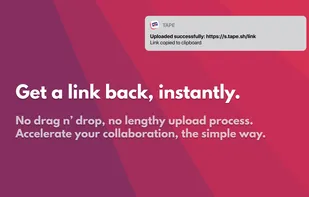
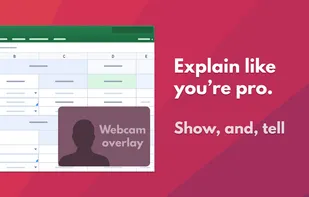
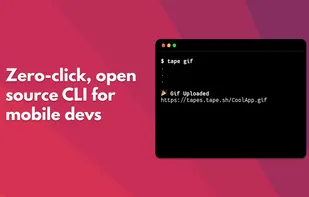
    Screen recording & collaboration tool for software teams.

    Cost / License

    • Freemium
    • Proprietary

    Application type

    Platforms

    • Mac
     
  3. VidGrid icon
     Like

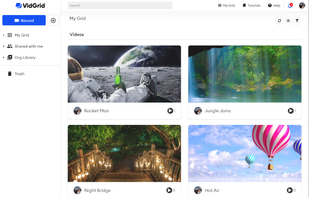
    Video capture, screen recording, in-video questions, call to actions, video management, sharing, LMS integrations, hosting, analytics, and closed captioning inside one app.

    Cost / License

    • Paid
    • Proprietary

    Platforms

    • Mac
    • Windows
    • Online
    • Android
    • iPhone
    • Android Tablet
    • iPad
    • Software as a Service (SaaS)
     
  4. Vaam icon
     Like

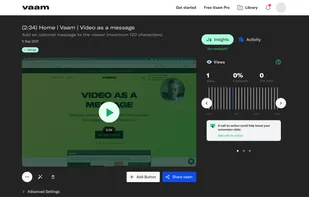
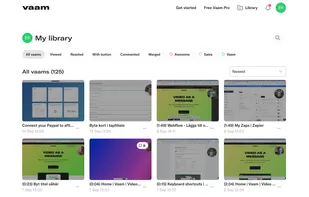
    Vaam, video as a message, lets users create and access a shareable video in seconds, with the click of a button. It's a fun and beautiful experience where every company can have their own branding.

    Cost / License

    • Freemium
    • Proprietary

    Application type

    Platforms

    • Mac
    • Windows
    • Linux
    • Online
    • Google Chrome
    • Software as a Service (SaaS)
     
  5. Screenium icon
     6 likes

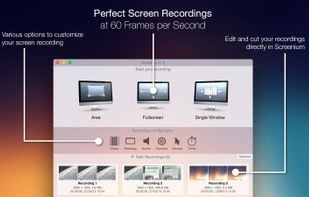
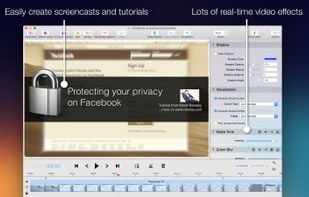
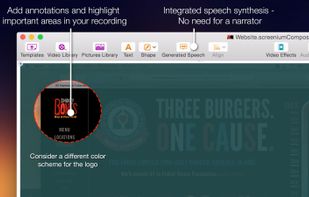
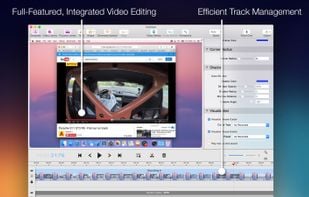
    Record exactly what you see on the screen and turn it into a screencast in next to no time. Screenium lets you record at 60 frames per second, offering optimum performance for your tutorials, gameplay recordings or any other screen content you wish to record.

    Cost / License

    • Paid
    • Proprietary

    Platforms

    • Mac
     
  6. NDI Tools icon
     1 like

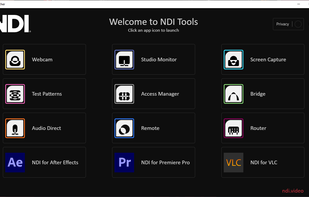
    NDI Tools by NewTek streamlines video production with its suite of software. Transmitting high-quality video over Ethernet, it includes Studio Monitor for real-time viewing, Scan Converter for screen capture, Virtual Input for software integration, and VLC Plugin for media player support.

    Cost / License

    • Free
    • Proprietary

    Application type

    Platforms

    • Mac
    • Windows
    • Online
     
  7. Claquette icon
     2 likes

    Seamlessly record your Mac's screen, microphone and camera. Edit your recordings and share them as movie or animated GIF/PNG.

    Cost / License

    • Freemium
    • Proprietary

    Application type

    Platforms

    • Mac
     
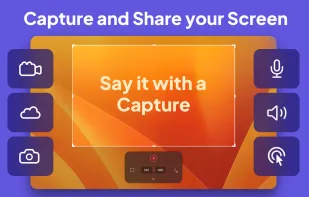
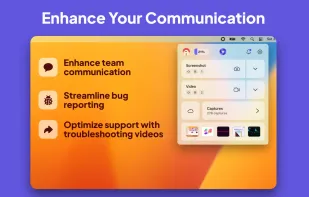
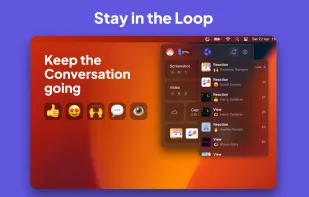
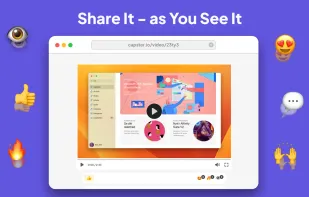
  8. Capster helps you enhance your asynchronous communication with captures of your screen. Record your screen as you demonstrate a feature, idea, or bug, or take a screenshot and annotate it to better convey your point - and instantly share it through the cloud.

    Cost / License

    • Freemium
    • Proprietary

    Platforms

    • Mac
     
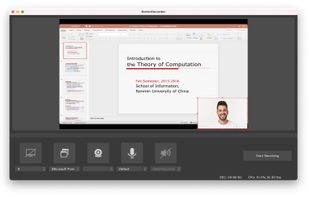
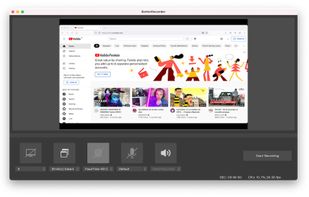
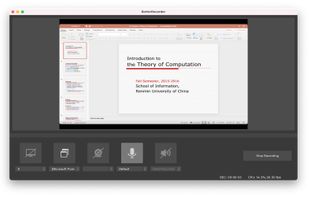
  9. BetterRecorder is a screen recorder for mac, it can record screen with desktop internal audio, webcam video and microphone audio.

    Cost / License

    • Free
    • Proprietary

    Platforms

    • Mac
     
  10. Captures high-quality video from your PC with smooth recording up to 50 frames per second, unique Background Mode for uninterrupted capture when videos are hidden, customizable settings, and compatibility with streaming sources and scheduled sessions.

    Cost / License

    • Paid
    • Proprietary

    Platforms

    • Mac
    • Windows
     
  11. Snapz Pro X icon
     13 likes

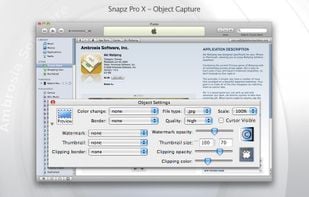
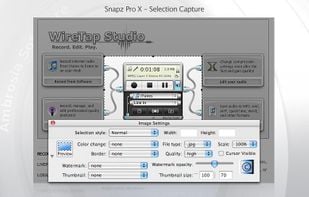
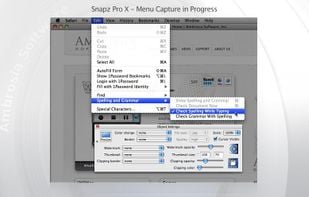
    Snapz Pro X allows you to effortlessly record anything on your screen, saving it as a QuickTime® movie or screenshot that can be e-mailed, put up on the web, or passed around however you want.

    Cost / License

    • Paid
    • Proprietary

    Platforms

    • Mac
     
You are at page 5 of OBS Studio alternatives