
LibreCuts is a free, open-source video editor for Android that prioritizes simplicity and efficiency.
Cost / License
- Free
- Open Source (MIT)
Application type
Platforms
- Android
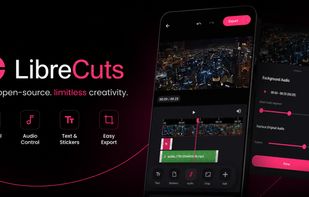




+2




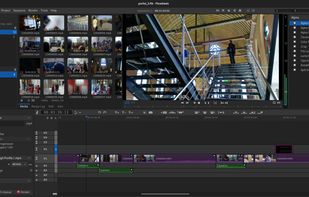
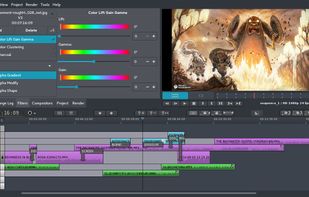
Olive Video Editor has been discontinued. Similar apps include Kdenlive, which is free and open source. Other options are Shotcut, Avidemux, OpenShot and DaVinci Resolve. Video Editors like Olive Video Editor are a crowded field, with more than 100 alternatives for Windows, Mac, iPhone, the web and Android.
LibreCuts is a free, open-source video editor for Android that prioritizes simplicity and efficiency.

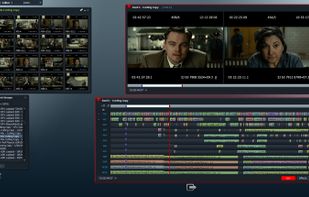
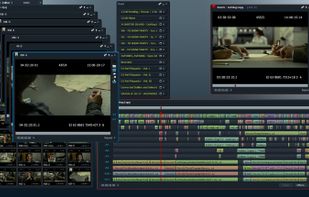
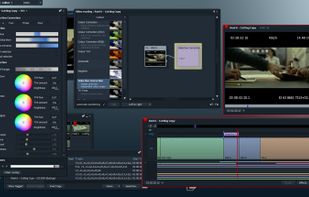
Lightworks is an editing powerhouse, delivering unparalleled speed and flexibility, fully integrated with the other members of the Complete Collaboration family.
 United States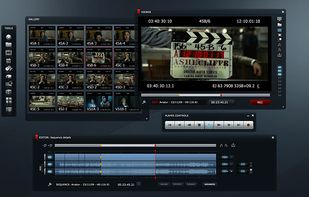


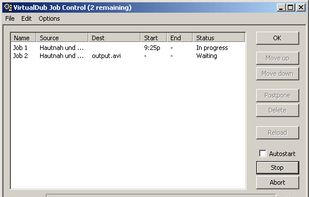
VirtualDub is a video capture/processing utility for 32-bit and 64-bit Windows platforms (98/ME/NT4/2000/XP/Vista/7), licensed under the GNU General Public License (GPL). It lacks the editing power of a general-purpose editor such as Adobe Premiere, but is streamlined for fast...
United States



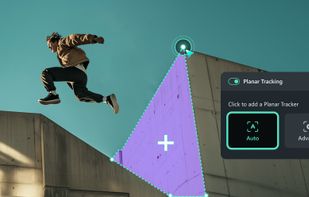
Easy video editor designed for beginners and content creators, featuring a drag-and-drop timeline, 4K/8K support, built-in effects, transitions, titles, AI-driven tools for background removal, screen recording, Instant Mode templates, stabilization, and direct online sharing.
 China
China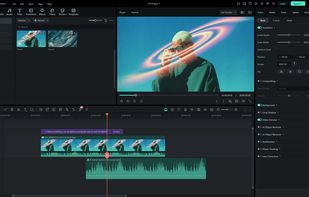





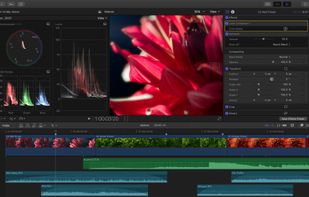
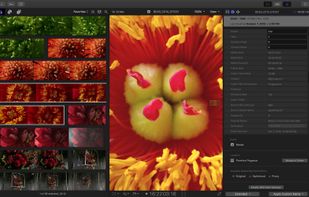
Final Cut Pro provides non-linear, non-destructive editing of any QuickTime-compatible video format including DV, HDV, P2 MXF (DVCProHD), XDCAM (via plug-in), and 2K film formats. It supports a number of simultaneously composited video tracks (limited mainly by video format and...
United States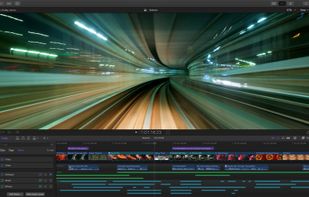
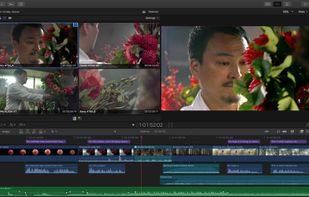


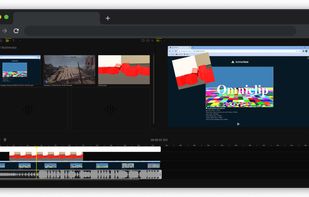
If you are tired of paying to use all the features of existing video editing applications, then you might have found a gem! Turns out Omniclip is fully free and on top of that it's open source. Everything works inside browser, there's no private data being used...



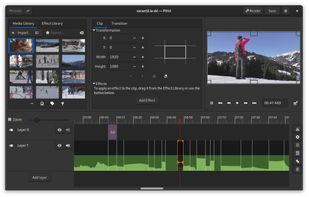
Free video editor with a beautiful and intuitive user interface, a clean codebase and a fantastic community.


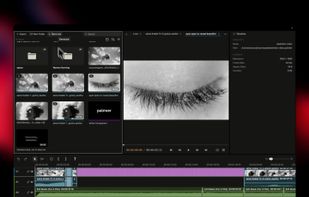
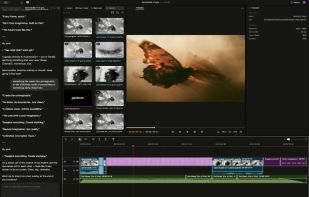
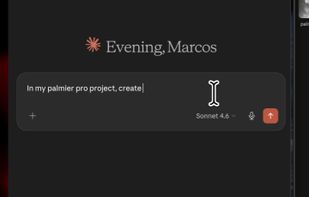
Palmier Pro is the video editor built for AI. Let AI tools like Claude and Codex directly read and edit your multi-track timeline. Generate images and videos inline using the latest models.
United States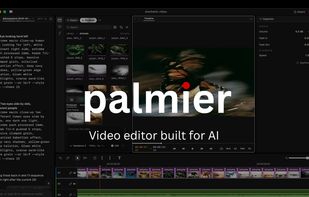


VSDC Free Video Editor allows you to add quick changes to a video file as well as create a more complex project involving advanced post-production techniques.
United States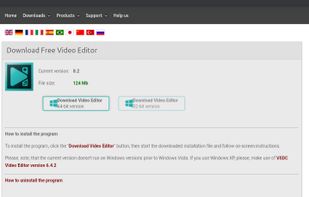

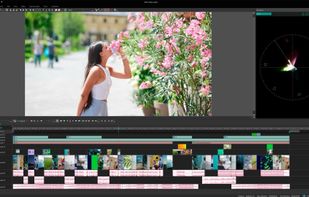


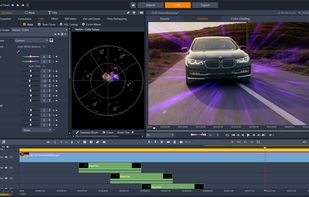
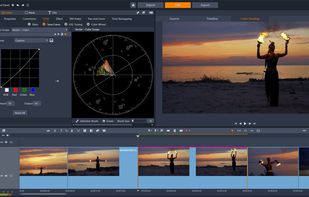
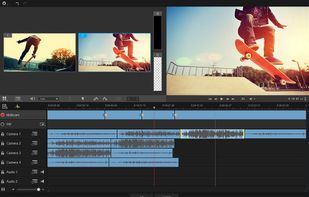
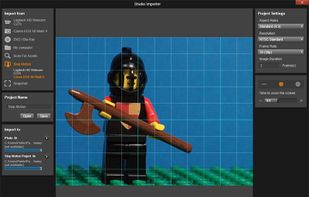
Non-linear editor for Windows supporting HD, 4K, and 360 video, unlimited tracks, advanced effects, multi-camera editing, screen recording, stop motion, enhanced keyframe controls, audio layering, split screen, selective color, and disc or web export.
United States