OLED Burn-In Protection Alternatives
Apps similar to OLED Burn-In Protection include Twinkle Tray, which is free and open source. Other options are Crisp - Monitor Control, Dimly, MonitorControl and Monitorian. You can choose from more than 10 Screen Dimmers like OLED Burn-In Protection for Mac, Windows and Linux.
Alternatives list

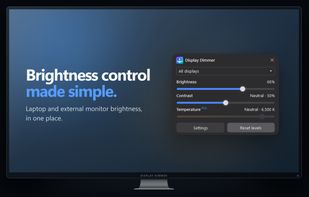
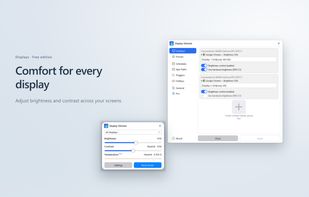
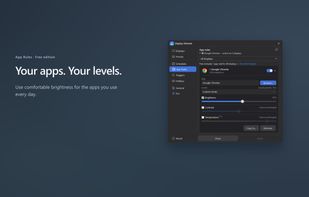
Control brightness and contrast across multiple Windows displays with hardware and software dimming, schedules, app rules, hotkeys, and automatic triggers.
Cost / License
- Freemium
- Proprietary
Application type
Platforms
- Windows
 Canada
 +4
+4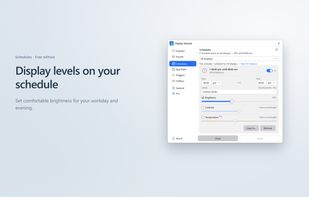


 38 DispCtrl alternatives
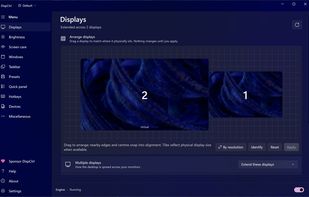
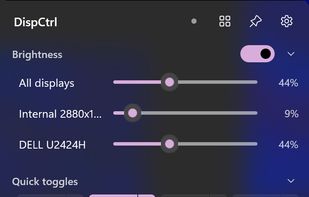
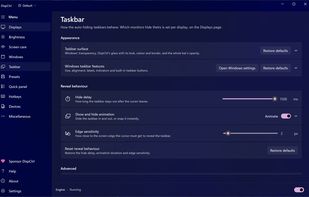
Free, open-source display control for Windows 11: one brightness slider for every monitor (DDC/CI and laptop panels), night light, focus mode, keep awake, per-monitor taskbar hiding and glass, OLED care, your monitor's own settings, hotkeys and a CLI.
Cost / License
- Free
- Open Source (MIT)
Platforms
- Windows
 India
India

 38 LiteBright alternatives
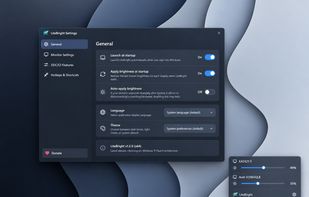
LiteBright is a lightweight native brightness controller for Windows 10 and 11. It lets you control brightness across multiple monitors from the system tray, adjust displays independently or together, and use global keyboard shortcuts for quick changes.
Cost / License
- Free
- Open Source (MIT)
Platforms
- Windows