


Notepad 4
5 likes
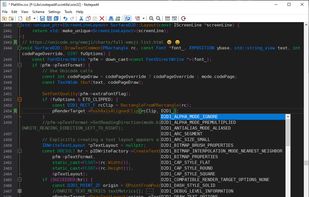
A lightweight Scintilla based text editor with syntax highlighting, code folding, auto-completion and API list for many programming languages and documents, bundled with file browser plugin matepath.

Cost / License
- Free
- Open Source
Application typeApplication types
Platforms
- Windows

Features
Highlights All activities
Notepad 4 News & Activities
Recent activities
 Alireza Noori added Notepad 4 as alternative to Textwright
 James Cupps added Notepad 4 as alternative to Slate Text Editor
- Nam Pham liked Notepad 4
- stevexu added Notepad 4 as alternative to notePad++++
 Koner added Notepad 4 as alternative to Iskra Text Editor
 NGLCZR added Notepad 4 as alternative to LightNote for Windows
 jadervasque added Notepad 4 as alternative to PlainForge






Developed by
Zufu LiuLicensing
Open Source and Free product.Written in
Alternatives
63 alternatives listedBadge
Get an embeddable badge for Notepad 4Supported Languages

AlternativeTo Categories
Development, Office & ProductivityGitHub repository
- 5,043 Stars
- 324 Forks
- 223 Open Issues
- Updated


Editors
A list with 35 apps by namdx1987 without a description.


Windows apps
A list with 97 apps by namdx1987 without a description.
Comments and Reviews
i mean yeah, but there is a glued opencandy right when you try to install it over the setup (i think it's the opera gx pup). the developers are fishy asf. i'd recommend notepad3 instead. trust.