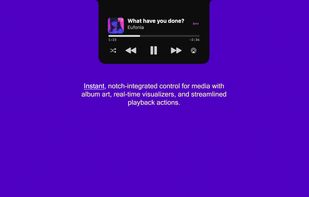
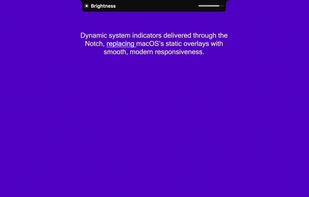
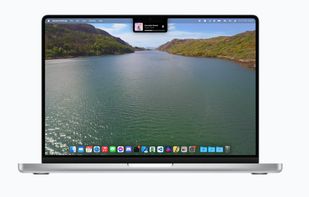
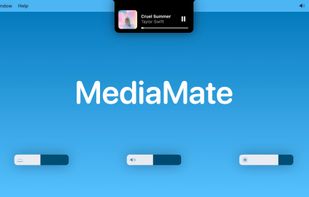
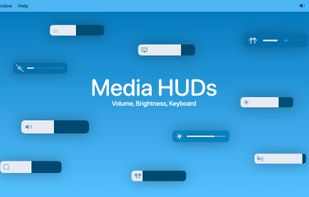
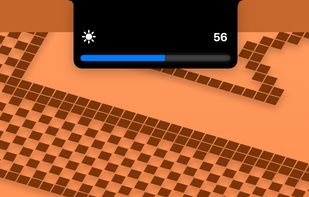
New, fresh visuals for changing your volume, brightness and now playing media throughout the Notch from your MacBook Pro.
Cost / License
- Freemium
- Proprietary
Application type
Platforms
- Mac



+4
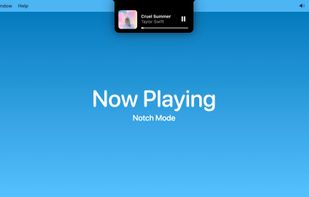


New, fresh visuals for changing your volume, brightness and now playing media throughout the Notch from your MacBook Pro.

"It’s a really useful app that I think I’ll be using a lot, especially now that I’m on a lot more video calls…" — Jay Peters, The Verge
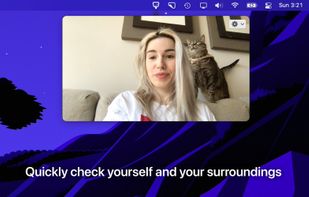
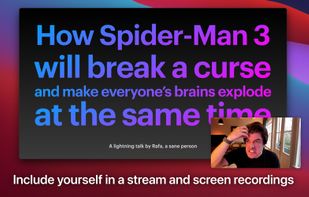



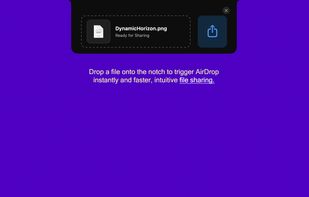
Extends MacBook notch by centralizing live music controls, battery details, calendar events, notifications, weather, file sharing, and quick system adjustments, while enabling developers to create custom SwiftUI modules using a JavaScript SDK, all without native compilation.
 India
India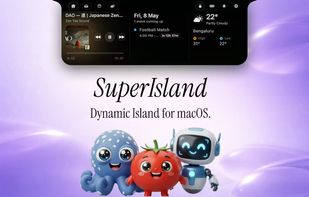
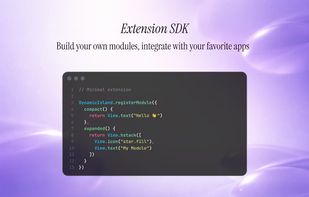
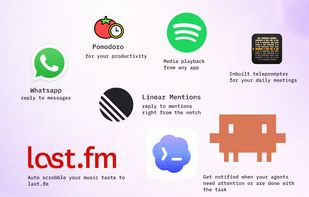

DynamicNotch treats the MacBook notch like a compact native surface instead of a static cutout. It stays close to the hardware shape until something important happens, then expands with queue-driven presentation, gesture support, and system-aware feature routing.
 Belarus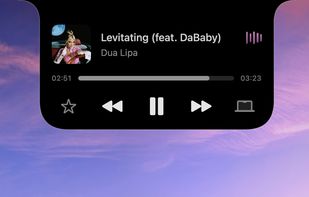
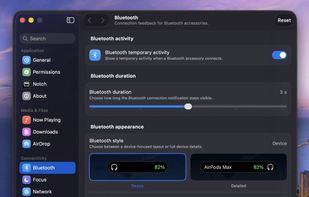


Turns your MacBook’s notch into a customizable HUD with widgets, AI chat, music, brightness, volume controls, and more ? Built for macOS 14+ with Swift.
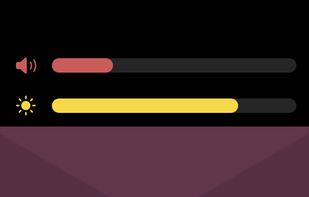


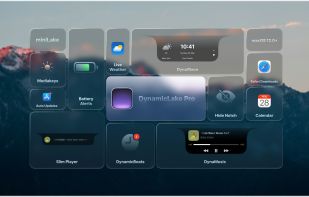
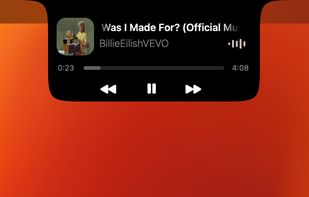
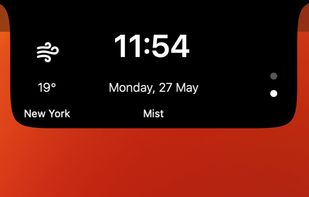
DynamicLake: Effortlessly control essential system functions such as volume, brightness, and keyboard backlight with a simple and intuitive interface.


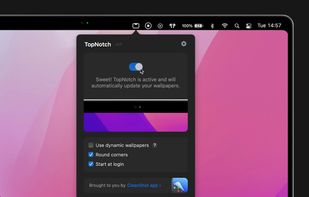
TopNotch is a little macOS app that makes your menu bar black and hides the notch.
 Sweden
 EU
EU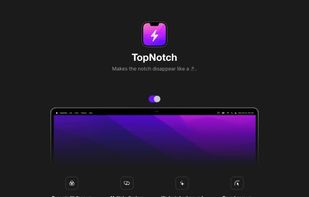

 India
India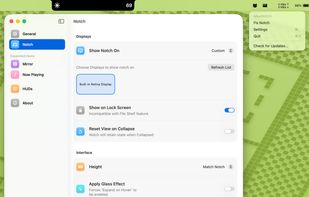

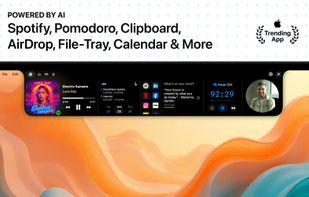
NotchNest is the #1 feature-rich notch enhancement app for Mac. Seamlessly integrate essential productivity tools right into your Mac's notch, keeping everything you need within easy reach, now enhanced with intelligent AI features.
• AI Clipboard Manager Nev.
India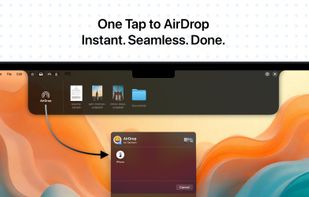

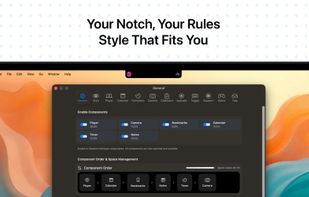


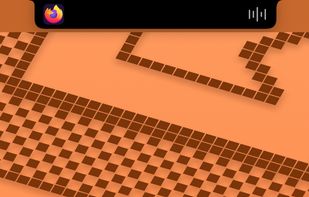
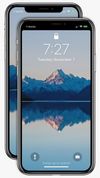
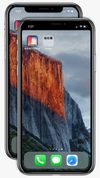
Notch Remover lets you remove the notch from the status bar! Notch Remover modifies your wallpaper to adjust for the notch. Check out some of the amazing results in the screenshots!


A tactile control layer for your Mac. Sliders, dials, and your Dock overflow - hidden at the edges of your screen, revealed only when you reach for them.
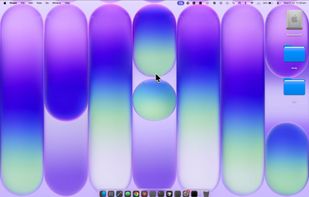
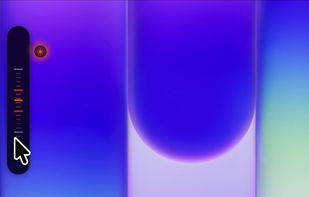
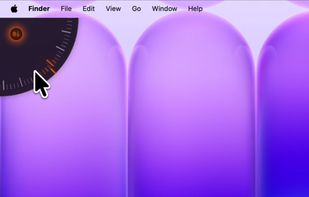


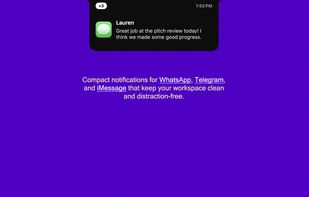
A premium macOS utility that transforms the notch into an interactive, functional space. Unify your media controls, system indicators, notifications, and lock-screen widgets into one smooth, fully native interface.
 Brazil