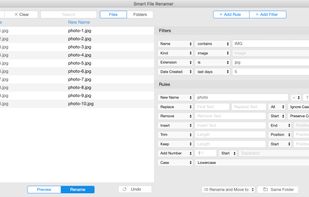


Rename 1000+ files by just talking to AI. Supports PDF/Word/Excel content extraction, OCR for scanned documents, and high-speed batch processing.
Cost / License
- Freemium
- Proprietary
Application typeApplication types
Platforms
- Mac
- Windows
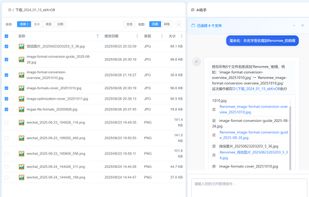


Apps similar to NameQuick include Bulk Rename Utility, which is free for personal use. Other options are DropIt, Ant Renamer, ReNamer and Floxtop. File Renamers like NameQuick are a crowded field, with more than 50 alternatives for Windows, Mac, Linux and the web.
Rename 1000+ files by just talking to AI. Supports PDF/Word/Excel content extraction, OCR for scanned documents, and high-speed batch processing.

With Rename Expert you can quickly and easily rename files and folders. The program offers a variety of useful features to create meaningful names. For instance, you can automatically rename files using metadata (e.g.
 Germany
 EU
EU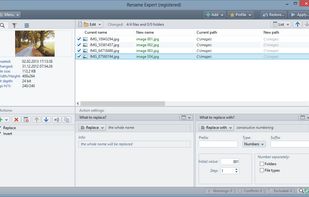
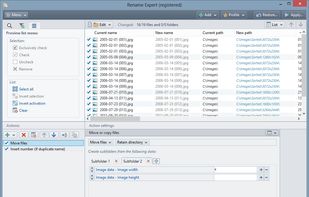
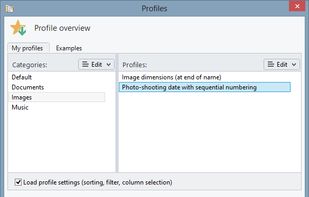
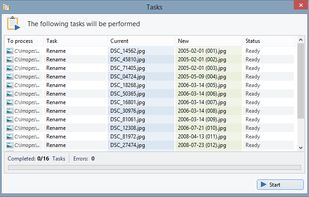


EXIF ReName is a program to name the pictures after the date and time the picture was taken.
 SwedenEU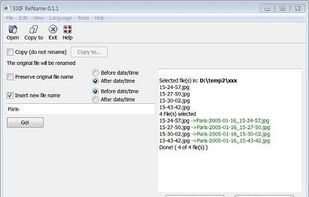
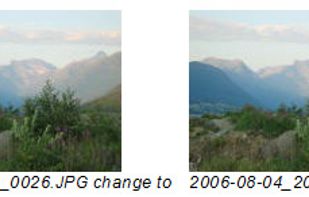


Better File Rename for Windows is the most versatile and easiest file renaming application on the market.
 LuxembourgEU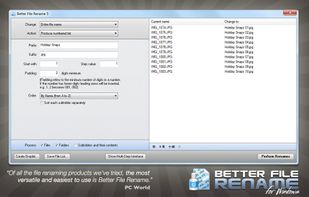


Ken Rename is a multi-file rename utility.
Features:


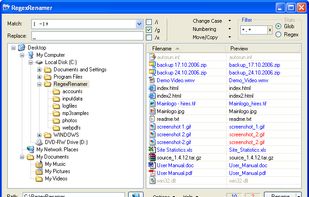
RegexRenamer is a powerful but simple user-friendly graphical tool used to batch rename files using regular expressions. A regular expression (or regex) is simply text that contains special characters that together defines a pattern that can be used to match text, in this case...


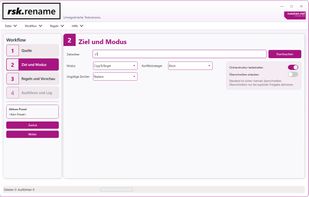
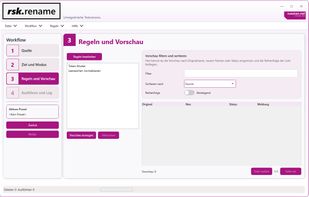
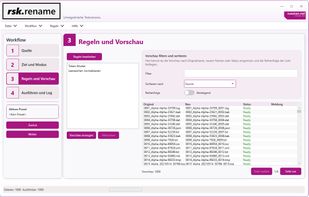
rsk.rename is a flexible Windows bulk renaming tool with live preview, rule-based workflows, presets, undo, logging and CLI support.
GermanyEU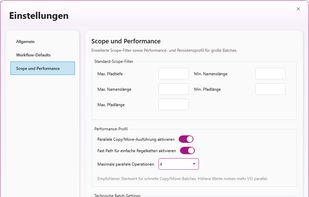


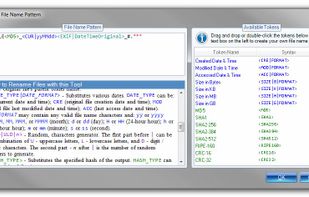
Rename multiple files according to a pattern you specify. Modify original file name by removing/copying its parts, replacing text, or changing letter case. Use dynamic elements like file properties, hashes, MP3 ID3 and EXIF tags, random characters.
 United States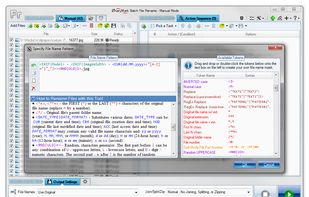
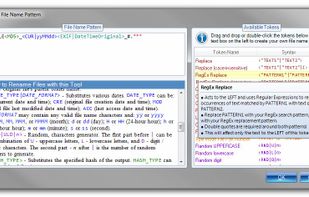
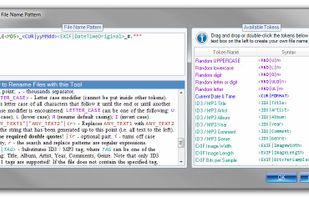


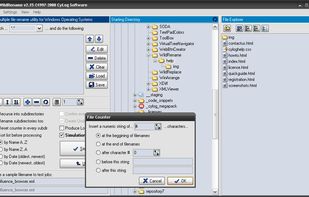
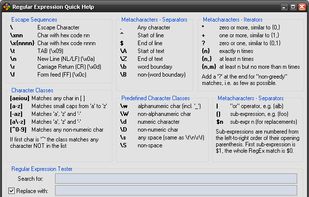
WildRename is a multi-file renaming application with simple user interface helps you build and perform many file renaming operations one-by-one or in batches.
 GreeceEU


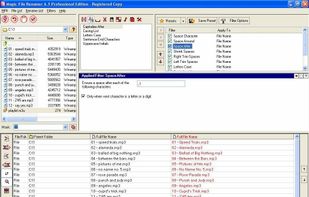
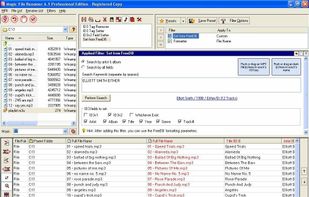
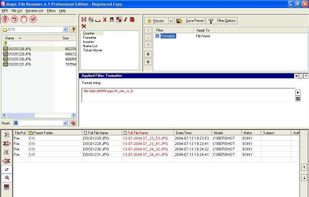
Magic File Renamer (MFR) is a powerful multiple file renamer and ID3 tag setter. With MFR you can change names, dates and attributes for files and folders instantly. MFR also let you change text files contents and ID3v1 / ID3v2 tags for MP3 files.


Batch rename files and folders on Windows, Mac and Linux.
 CyprusEU