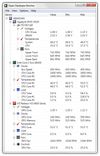
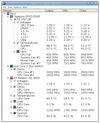
The Open Hardware Monitor is a free open source software that monitors temperature sensors, fan speeds, voltages, load and clock speeds of a computer.
Platforms
- Windows
- Mono
 Germany
 EU
EU



The best System Information alternative to MSI Afterburner is Open Hardware Monitor, which is both free and Open Source. If that doesn't suit you, our users have ranked more than 50 alternatives to MSI Afterburner and 19 are System Information Utilities so hopefully you can find a suitable replacement. Other interesting System Information Utility alternatives to MSI Afterburner are MangoHUD, LACT, Rivatuner Statistics Server (RTSS) and iStat Menus.
The Open Hardware Monitor is a free open source software that monitors temperature sensors, fan speeds, voltages, load and clock speeds of a computer.
GermanyEU
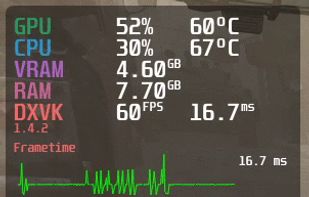
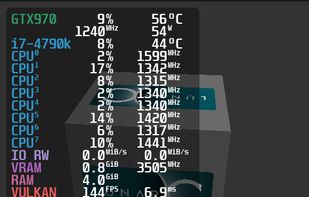
A Vulkan and OpenGL overlay for monitoring FPS, temperatures, CPU/GPU load and more. Discord: https://discordapp.com/invite/Gj5YmBb - flightlessmango/MangoHud


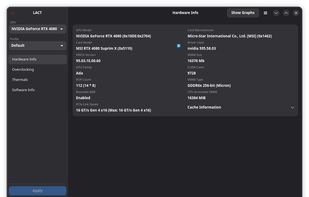
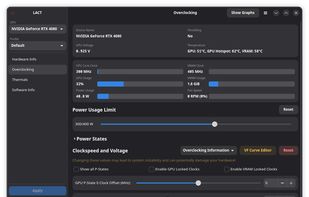
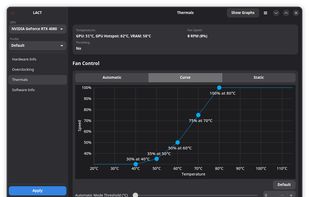
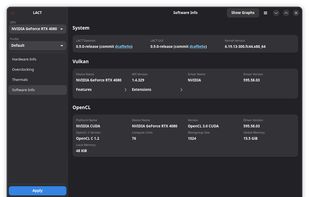
Controls AMD GPUs on Linux, offering power and thermal data monitoring, fan curve adjustments, overclocking for GPU and VRAM clockspeed, voltage tuning, power state configuration, and in-depth hardware information for advanced management and optimization.


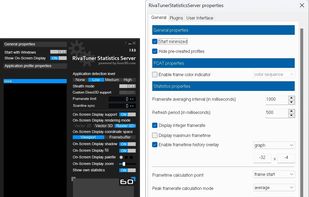
RivaTuner is a complete powerful tweaking environment, providing you everything you may need to tune NVIDIA GPU based display adapters. The widest driver-level Direct3D / OpenGL and system tuning options, flexible profiling system allowing to make custom settings on...
 Russia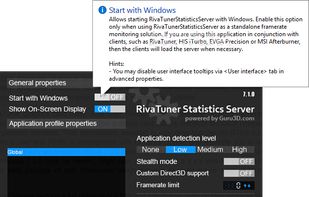


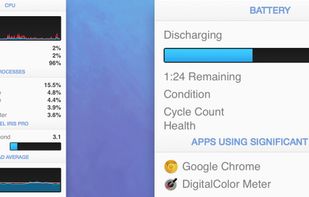
Advanced Mac utility with menubar monitoring for CPU, GPU, memory, disks, network, and sensors, including fan control, S.M.A.R.T status, Bluetooth battery tracking, weather, notifications, and deep customization. Combines multiple stats in a single view while prioritizing privacy.
 Australia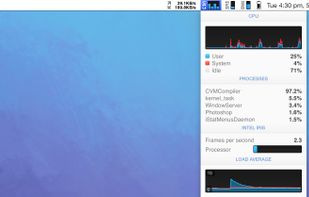


GWE is a GTK system utility designed to provide information, control the fans and overclock your NVIDIA video card and graphics processor.
 ItalyEU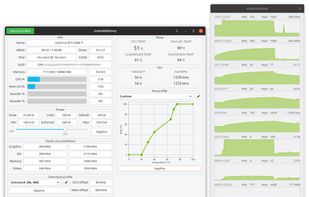


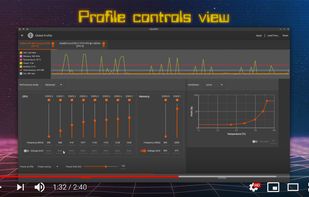
CoreCtrl is a Free and Open Source GNU/Linux application that allows you to control with ease your computer hardware using application profiles.


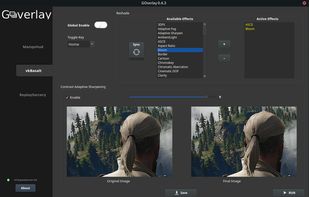
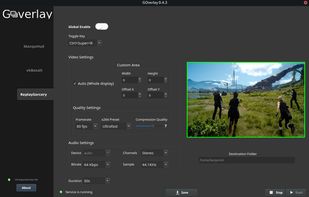
Goverlay is an easy graphical interface to configure MangoHud, vkBasalt, and OptiScaler. Goverlay helps Linux gamers get the most out of their systems by providing an easy-to-use graphical interface to configure MangoHud, vkBasalt, and OptiScaler.
 PortugalEU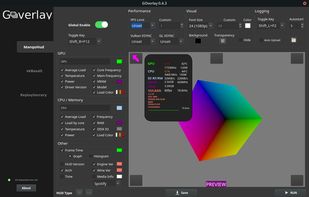


ASUS GPU Tweak III is currently open beta testing so try it out, if you feel it is missing something crucial give ASUS your feedback & they may be able to add it while still in beta. So far ASUS has been very accommodating with all useful feedback..
 Taiwan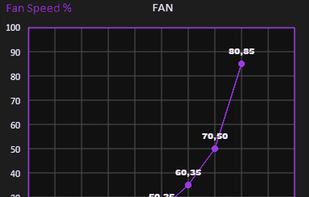
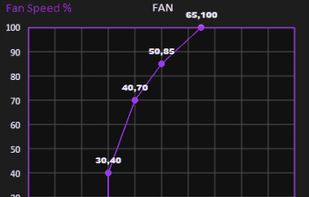
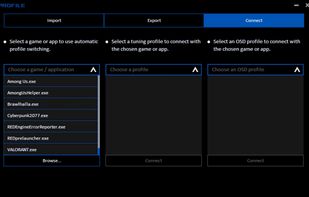


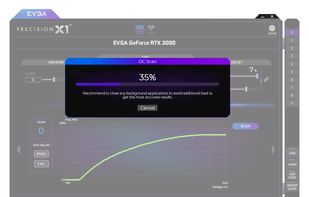
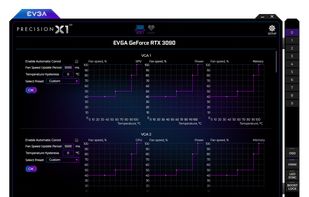
EVGA Precision X1 allows you to fine tune your EVGA graphics card for the maximum performance possible, with Core/Shader/Memory clock tuning, real time monitoring support including in-game and compatibility with almost all EVGA graphics cards.
 United States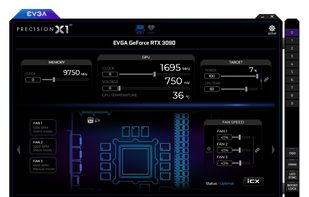



Lightweight macOS and Windows menu bar system monitor for Apple Silicon. Shows CPU, temperature, network, and benchmarks. Compiles from source on your Mac. No telemetry, no subscriptions.
 Canada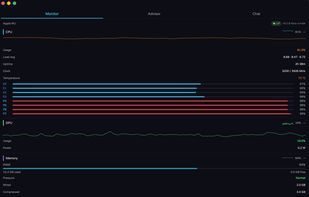


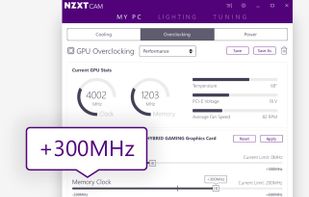
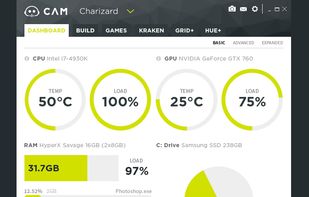
Manage performance, temperatures, and devices all from a single application. NZXT CAM is fast, efficient, and easy-to-use, allowing you to control every aspect of your computer.
United States